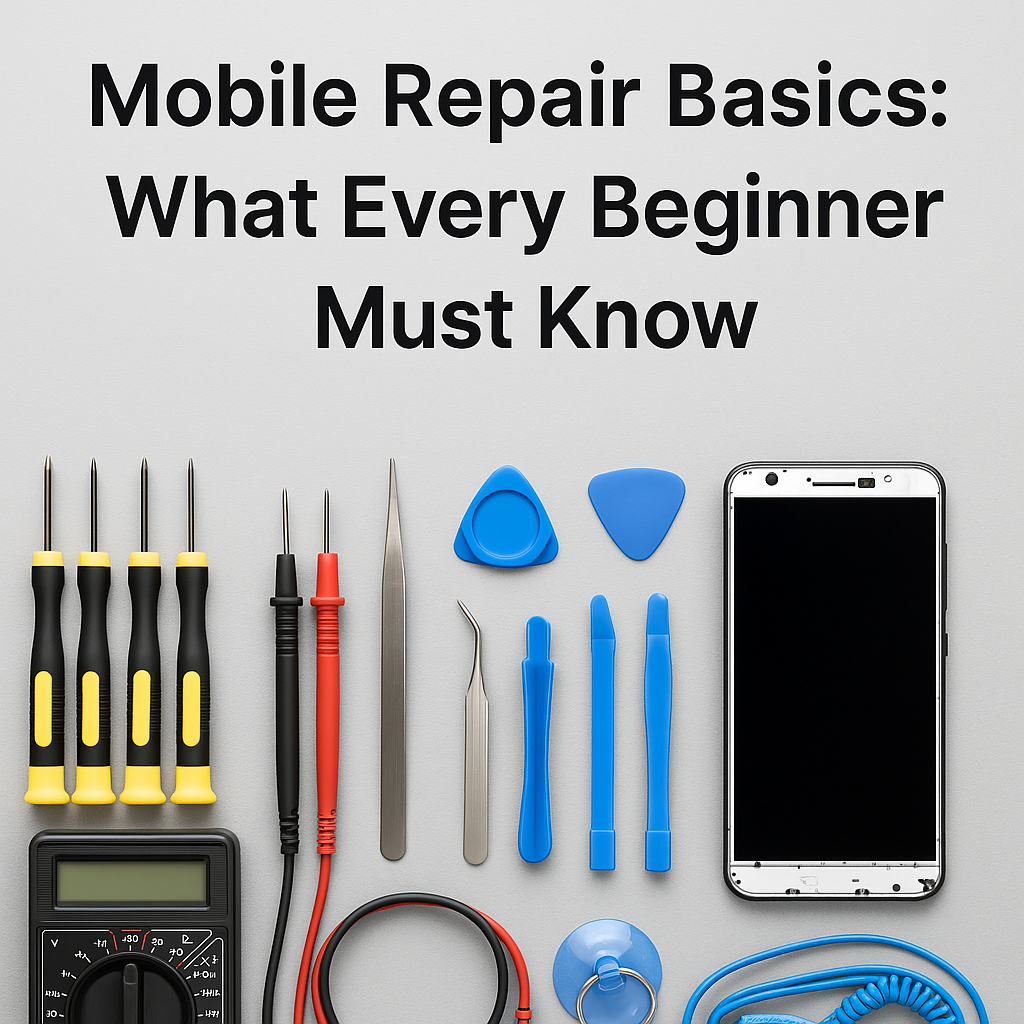
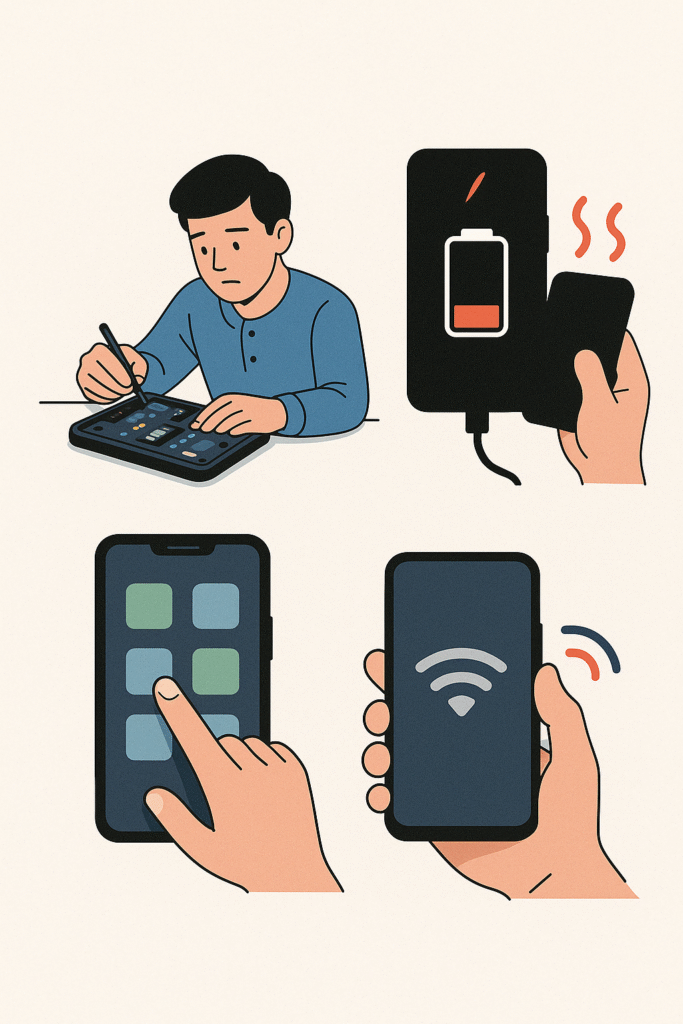
🛠️ Top 5 Mobile Repair Issues in 2025 and How to Fix Them Like a Pro
In 2025, smartphones have become more powerful than ever—offering advanced features, AI capabilities, and ultra-fast processors. But despite these innovations, they still suffer from some of the most common mobile repair issues that frustrate users daily. Whether you’re a professional mobile technician, a student learning mobile servicing, or simply a phone user looking to understand what’s going wrong with your device, staying informed about these smartphone problems is essential.
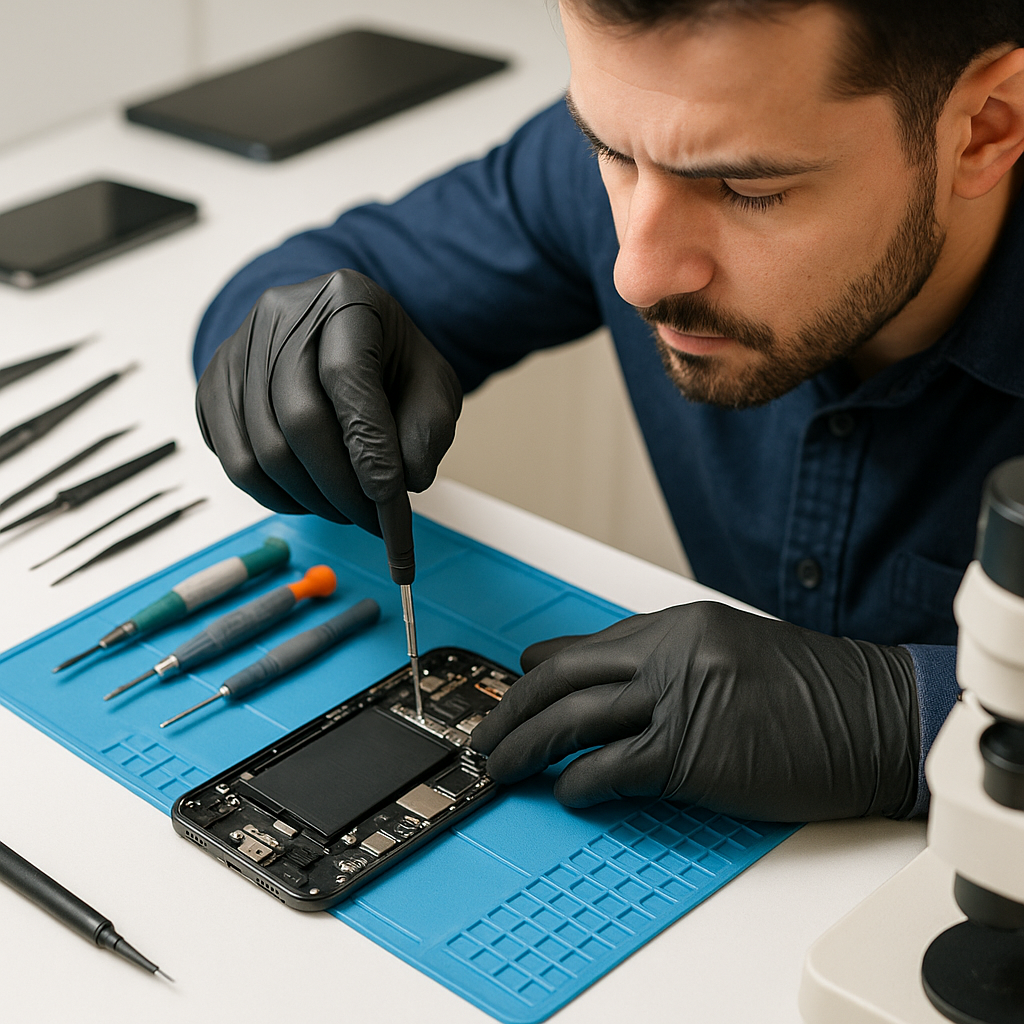
From battery draining quickly to phone not charging, and from ghost touch screen issues to phones stuck on boot logo, the list of mobile faults keeps growing—especially with newer software and hardware combinations mobile repair issues 2025.
In this blog, we’ll cover the top mobile repair issues 2025, explain why they happen, and show you how to fix them step-by-step using proven methods trusted by service experts across the industry mobile repair issues 2025.
So whether you’re running a mobile service center or you’re just trying to fix your own phone at home, this guide will help you save time, avoid costly mistakes, and stay ahead in today’s mobile world mobile repair issues 2025.
🔋 1. Battery Draining Fast mobile repair issues 2025
🧩 Issue:
Many users in 2025 are complaining that their phones lose charge within just a few hours, even with minimal usage. This is one of the most common smartphone problems reported in service centers today mobile repair issues 2025.
🚫 Causes:
- Background apps running continuously (e.g., location, sync, social media)
- Degraded battery health after 300–500 charging cycles
- Latest OS updates not optimized for older hardware
- High screen brightness and always-on display features
- Malware or hidden apps consuming CPU and battery
- Faulty charging IC or power management chip (for technicians)
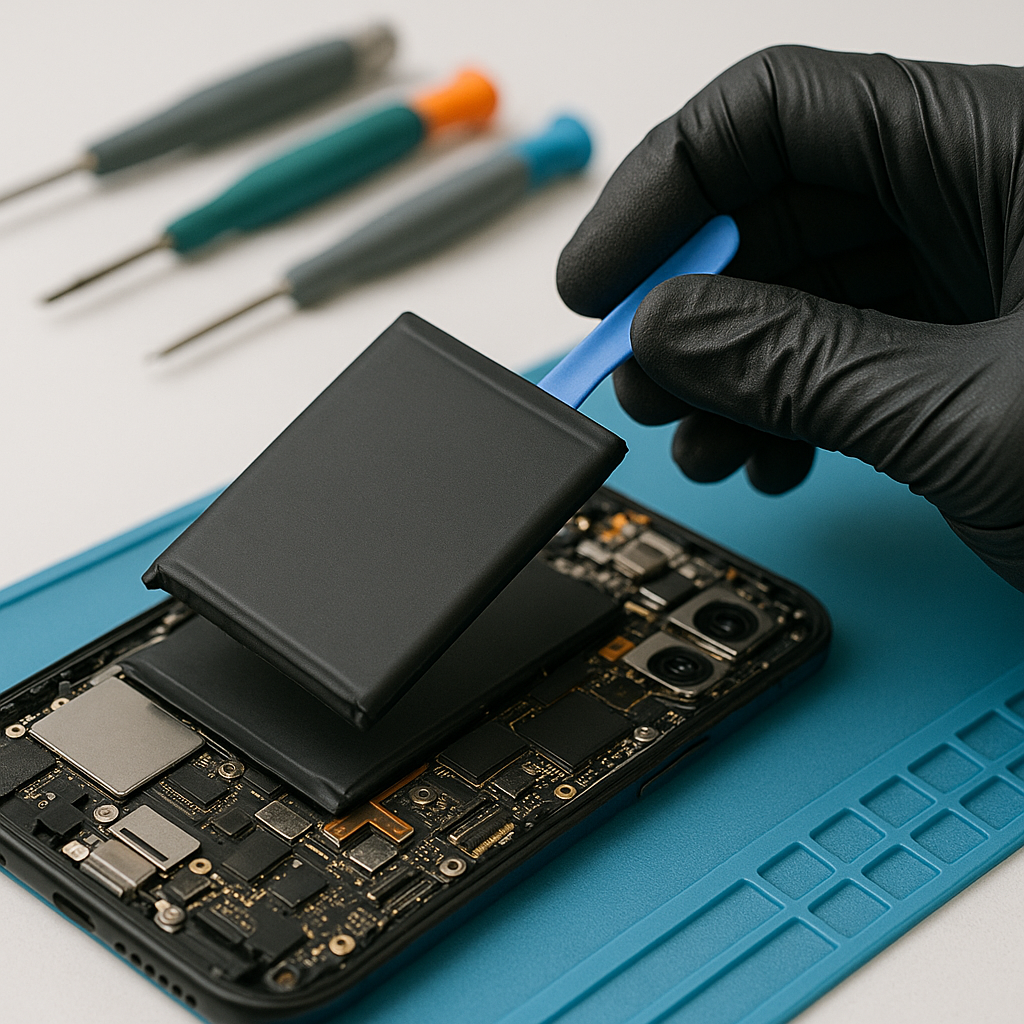
🛠️ Fix:
✅ For Users:
- Go to Settings > Battery > Battery Usage and check for draining apps.
- Uninstall or restrict background activity for unused apps.
- Enable Battery Saver Mode.
- Turn off Bluetooth, GPS, Hotspot, and 5G when not needed.
- Reduce screen brightness and timeout.
- Check battery health (Settings > About Phone > Battery Health) – if it’s below 80%, consider replacing.
- Use certified fast chargers only – avoid cheap third-party chargers.
🧑🔧 For Mobile Technicians:
- Use tools like AccuBattery, Ampere, or CoconutBattery (for iOS) to test real battery capacity.
- Open the phone and visually inspect for swollen or bulging battery.
- Recommend original or high-quality battery replacement (OEM preferred).
- Clean charging port and test charging current using USB power meters.
- If battery drains quickly after full charge and heat is present, test PMIC (Power Management IC) or charging IC on the motherboard.
- Perform software reflash or downgrade if problem started after an update.
🧠 Pro Tip:
Battery calibration can sometimes help. Drain the phone to 0%, charge it to 100% without interruption, and restart. This helps reset the battery usage meter in many Android phones mobile repair issues 2025.
📱 2. Display Flickering or Ghost Touch mobile repair issues 2025
🧩 Issue:
One of the most frustrating smartphone problems in 2025 is display flickering or ghost touch, where the screen responds on its own or blinks rapidly. These issues are often misunderstood but very common—especially in devices that have been accidentally dropped, water-exposed, or repaired previously mobile repair issues 2025.
🚫 Causes:
- Loose or damaged display connector (FPC cable) inside the phone
- Moisture or corrosion near display contacts (common in rainy/humid climates)
- Use of low-quality aftermarket screens during previous repairs
- Software bugs or driver mismatch (especially after firmware updates or rooting)
- Faulty touch IC (integrated circuit) on the motherboard
- Electrostatic interference or grounding issues
🛠️ Fix:
✅ For Users:
- Restart the phone in Safe Mode to check if any third-party apps are causing interference.
- Check for OS updates – manufacturers sometimes patch touchscreen bugs via OTA updates.
- If issue persists after app removal or update, consult a technician. Avoid DIY teardown if you’re not experienced.
🧑🔧 For Mobile Technicians:
- Open the device carefully and reseat the display flex cable. Clean contacts with isopropyl alcohol.
- Check for corrosion or rust near the display and motherboard.
- Replace screen with OEM or high-grade compatible display – low-cost screens are often unstable.
- Test touch response using diagnostic apps (e.g., MultiTouch Tester or Device Info HW).
- If touch still malfunctions, examine or replace the touch IC using hot air rework station (for chip-level experts).
- Use ESD protection while working – ghost touches can be triggered by electrostatic discharge.
💡 Pro Tip:
When changing the screen, always test before sealing the device. Flickering often appears only when pressure is applied to the screen frame. Testing in open state helps catch it early mobile repair issues 2025.
🔌 3. Phone Not Charging or Slow Charging mobile repair issues 2025
🧩 Issue:
A major issue in mobile servicing today is when a phone doesn’t charge at all or charges extremely slowly. In 2025, with fast charging and Type-C becoming the norm, any delay in charging frustrates users and could indicate hardware-level faults mobile repair issues 2025.
🚫 Causes:
- Dust or lint clogged inside the charging port
- Damaged or loose charging cable or adapter
- Faulty or degraded battery
- Malfunctioning charging IC or USB port
- Overuse of low-quality third-party chargers
- Power fluctuations or poor-quality electricity sources
- Software glitches or recent firmware updates
- Moisture detection sensor disabling charge (especially in water-resistant phones)
🛠️ Fix:
✅ For Users:
- Inspect the charging port using a flashlight – gently remove dust with a toothpick or soft brush (never use metal pins).
- Test charging with a different cable and adapter (preferably original or certified fast chargers).
- Restart the phone or charge in Airplane Mode to reduce background drain.
- For phones showing “moisture detected,” leave the phone switched off and upright for a few hours in a dry place.
- Check if fast charging is enabled in Settings (some phones allow toggling it).
🧑🔧 For Technicians:
- Use a USB digital power meter to measure current and voltage draw—check if it’s below 1A.
- Clean port using isopropyl alcohol and a nylon brush.
- Open the phone and inspect USB port solder joints; reflow or replace the port if loose.
- If current draw is very low (e.g., 0.02A or 0.06A), suspect a damaged charging IC.
- Use schematic diagram to check voltage lines on the charging section.
- Replace battery if it overheats during charging or shows bloated appearance.
- In some advanced cases, test and replace PMIC or USB controller IC using hot air rework.
💡 Pro Tip:
Always advise users to avoid charging phones overnight or using cheap car chargers. This can slowly damage the battery and charging circuit, especially in mid-range models mobile repair issues 2025.
Best Language Learning APP LINK :
⚠️ 4. Software Stuck on Boot Logo (Bootloop Issue) mobile repair issues 2025
🧩 **Issue:
Your phone powers on but never fully boots—just shows the brand logo repeatedly or gets stuck during the startup screen. This is called a bootloop and is one of the most serious but common smartphone issues faced in 2025, especially after software updates or failed flashing attempts mobile repair issues 2025.
🚫 Causes:
- Corrupted system or boot partition
- Incomplete or incorrect firmware flash
- Unsupported custom ROMs or rooted devices
- Incompatible app or malware causing system crash
- Sudden power loss during update
- Faulty storage chip (eMMC or UFS) – especially in older models
🛠️ Fix:
✅ For Users:
- Try force restarting the phone (usually Power + Volume Down for 10–15 seconds).
- Boot into recovery mode (Power + Volume Up) and:
- Wipe cache partition
- If that fails, try factory reset (⚠️ This will erase all data!)
- If bootloop started after a new app or setting change, boot into Safe Mode (varies by brand) and uninstall suspicious apps.
- Visit a technician if you’re unfamiliar with flashing firmware.
🧑🔧 For Technicians:
- Connect phone to PC and use tools like:
- SP Flash Tool (for MediaTek)
- Odin (for Samsung)
- Mi Flash Tool (for Xiaomi)
- Fastboot/ADB (for all Android phones)
- Perform Format + Download or Firmware Update with correct ROM files.
- Backup IMEI/NVRAM before flashing if possible.
- If phone still bootloops after flashing:
- Test for eMMC or UFS corruption using eMMC tool or Easy JTAG (chip-level).
- Reball or replace storage chip if faulty (advanced level).
- For Samsung phones stuck in boot due to Knox or FRP lock, use FRP bypass techniques or Samsung flasher tools.
💡 Pro Tip:
Always match the firmware version exactly to the phone’s model number and region (CSC code). Flashing wrong firmware often causes or worsens bootloop issues.
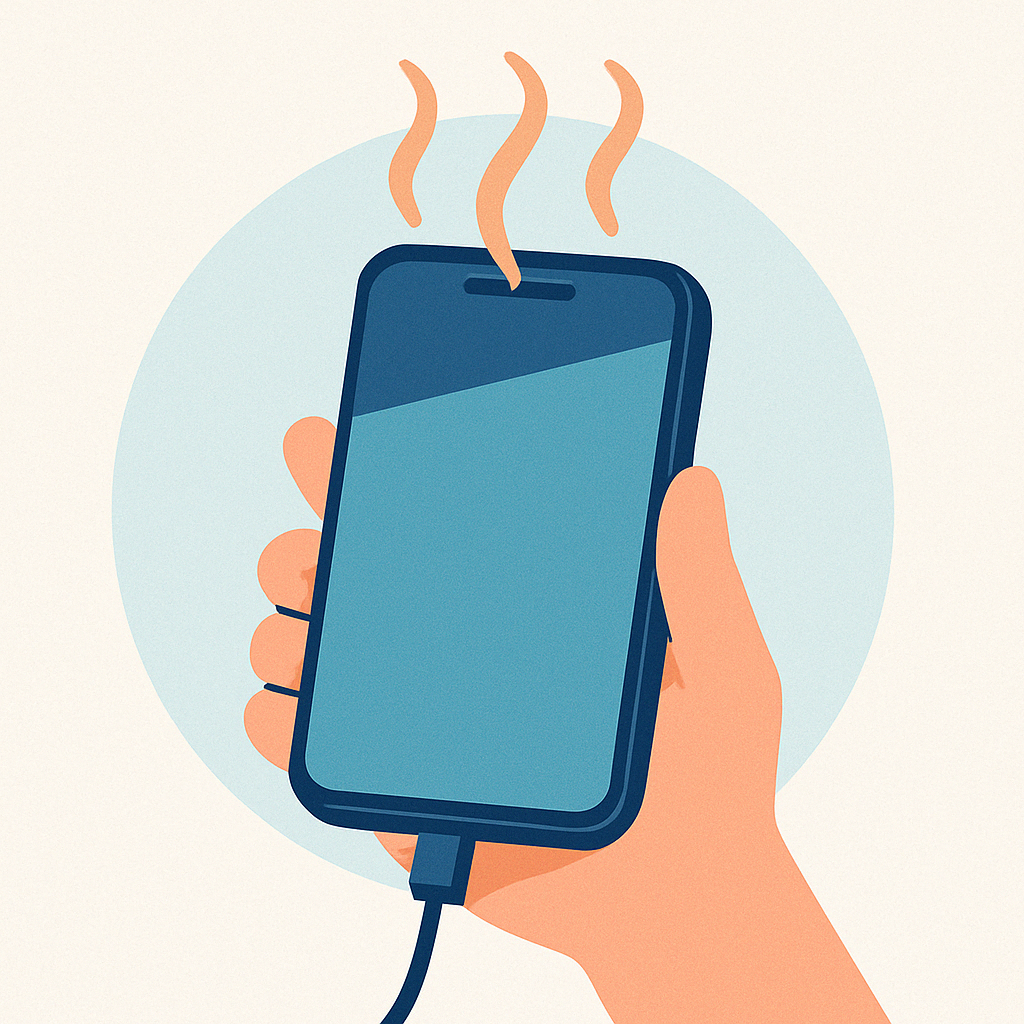
🌡️ 5. Overheating During Use or Charging mobile repair issues 2025
🧩 **Issue:
Is your phone heating up quickly—even with normal use or while charging? This mobile overheating problem is among the top issues in 2025, affecting both high-end and budget smartphones alike. Overheating can damage internal components and reduce battery life over time mobile repair issues 2025.
🚫 Causes:
- Background apps or games consuming high CPU/GPU usage
- Fast charging on degraded or fake batteries
- Phone exposed to direct sunlight or heat
- Poor ventilation during usage (e.g., gaming in closed environments)
- Faulty or aging Power Management IC (PMIC)
- Malware or rogue apps running in the background
- Software bugs or corrupted firmware
- Physical damage to battery or internal board
🛠️ Fix:
✅ For Users:
- Close all background apps and restart your phone.
- Avoid using heavy apps like games or video editors during charging.
- Remove phone cover while charging to allow better heat dissipation.
- Use original charger or a certified third-party charger (avoid low-cost ones).
- Update to latest software – manufacturers release heat management updates.
- Avoid charging on beds, sofas, or inside bags – place on hard flat surfaces.
🧑🔧 For Technicians:
- Inspect battery – if swollen or hot during idle, replace immediately.
- Use thermal camera or infrared thermometer to check hotspots on motherboard.
- Clean internal dust and check for blocked thermal pads or shielding foam.
- Check current draw using USB tester – if current exceeds 2.0A constantly, suspect faulty PMIC.
- Reflash stock firmware if issue appeared after a custom ROM or update.
- For advanced cases, test or replace Power IC, Charging IC, or CPU thermal paste mobile repair issues 2025.
💡 Pro Tip:
Phones with metal or glass backs can retain more heat. Educate users on charging habits and app management to prevent overheating issues from recurring.
🧠 Final Thoughts mobile repair issues 2025
Mobile servicing in 2025 is not just about replacing parts—it’s about understanding the technology behind modern smartphones and staying updated with the latest repair trends. From software-level fixes like bootloop recovery to hardware-level tasks like battery and charging IC replacements, technicians need both skill and strategy to meet the demands of today’s mobile users mobile repair issues 2025.
As smartphones become smarter, so do their problems. By mastering these trending mobile repair issues, you can ensure your mobile service center remains trusted, relevant, and competitive in the fast-moving tech industry mobile repair issues 2025 .
🔧 Whether you’re a seasoned technician or someone just getting started in mobile servicing, staying informed is your greatest tool.
📲 Stay tuned to TamilTechnicians.com for more real-world repair guides, mobile service tips, flash tools, chip-level tricks, and much more—from the field, for the field.
🔌 1. Why is my phone charging slowly even with a fast charger?
This can happen due to a clogged charging port, damaged cable, or battery wear. It could also indicate a problem with the charging IC or background apps consuming power. Use a certified charger and check battery health. If the problem persists, consult a mobile technician for a full diagnostic.
🔋 2. How do I know if my phone battery needs replacement?
If your phone drains quickly, overheats, or turns off at random percentages, it’s likely time for a battery replacement. You can also check battery health in settings (on most Android and iOS devices). If the health is below 80%, it’s advisable to replace the battery.
⚠️ 3. What should I do if my phone is stuck on the boot logo?
A phone stuck on the boot screen (bootloop) may require a factory reset or firmware flash. Start by entering recovery mode and wiping the cache. If that fails, flashing the correct stock firmware with tools like SP Flash Tool or Odin is recommended. If you’re unsure, seek help from a certified service center to avoid further damage.
✅ These FAQs are optimized for keywords like:phone charging slow, battery replacement, boot logo stuck, smartphone repair, and more.
-
Java Program Structure (Class, main, Methods)– Full Beginner Explanation
Java Program Structure (Class, main, Methods) – Beginner Guide | Tamil Technicians TT Tamil Technicians Java Course • Zero to […]
-
Install JDK + VS Code/IntelliJ Setup+ Your First Java Program (Windows)
Install JDK + VS Code/IntelliJ Setup + First Java Program (Windows) | Tamil Technicians TT Tamil Technicians Java Course • […]
-
JDK vs JRE vs JVM – Easy Explanation(Compile & Run Flow for Beginners)
JDK vs JRE vs JVM – Easy Explanation (Beginner Guide) | Tamil Technicians TT Tamil Technicians Java Course • Zero […]
-
Java Introduction & Where Java is Used(Apps, Web, Banking, Android)
Java Introduction & Where Java is Used (Apps, Web, Banking, Android) | Tamil Technicians TT Tamil Technicians Java Course • […]
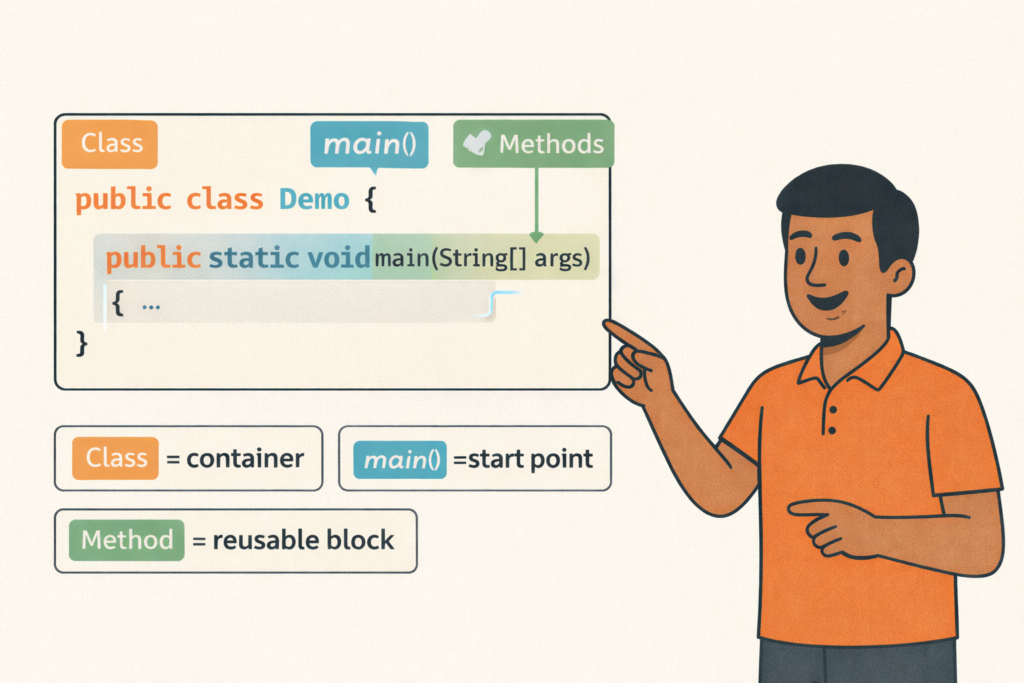
Java Program Structure (Class, main, Methods)– Full Beginner Explanation
Java Program Structure (Class, main, Methods) – Beginner Guide | Tamil Technicians TT Tamil Technicians…

Install JDK + VS Code/IntelliJ Setup+ Your First Java Program (Windows)
Install JDK + VS Code/IntelliJ Setup + First Java Program (Windows) | Tamil Technicians TT…
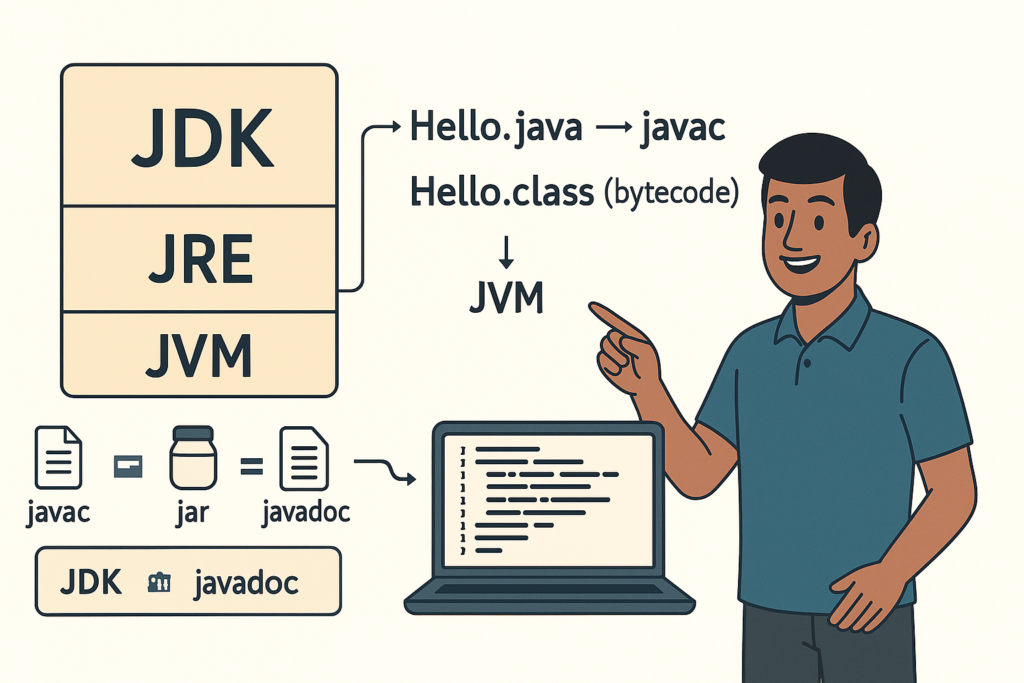
JDK vs JRE vs JVM – Easy Explanation(Compile & Run Flow for Beginners)
JDK vs JRE vs JVM – Easy Explanation (Beginner Guide) | Tamil Technicians TT Tamil…
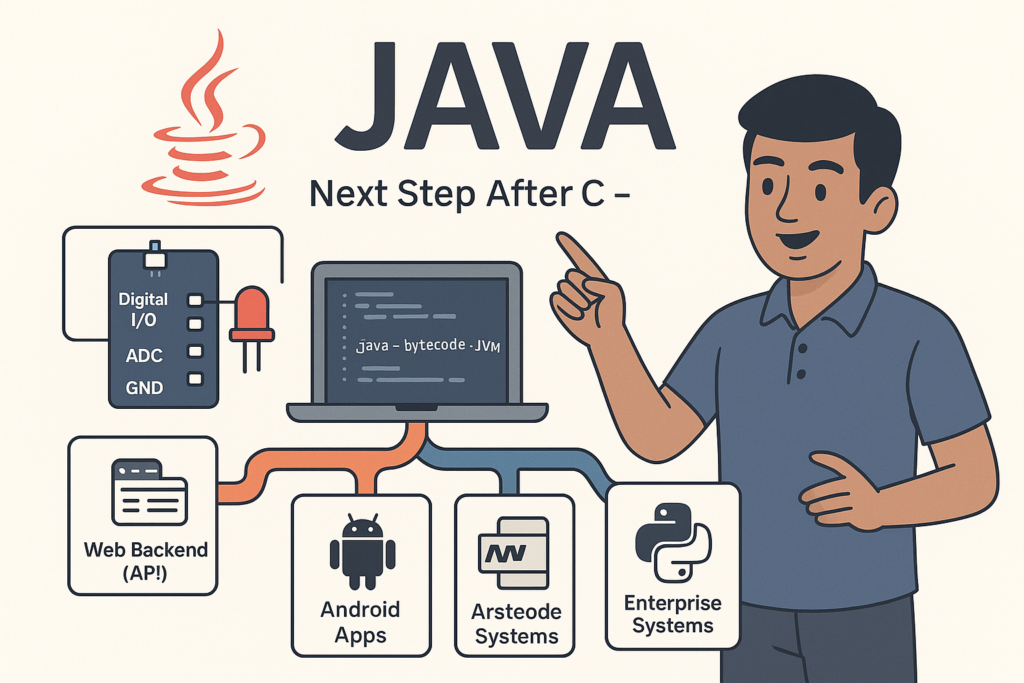
Java Introduction & Where Java is Used(Apps, Web, Banking, Android)
Java Introduction & Where Java is Used (Apps, Web, Banking, Android) | Tamil Technicians TT…
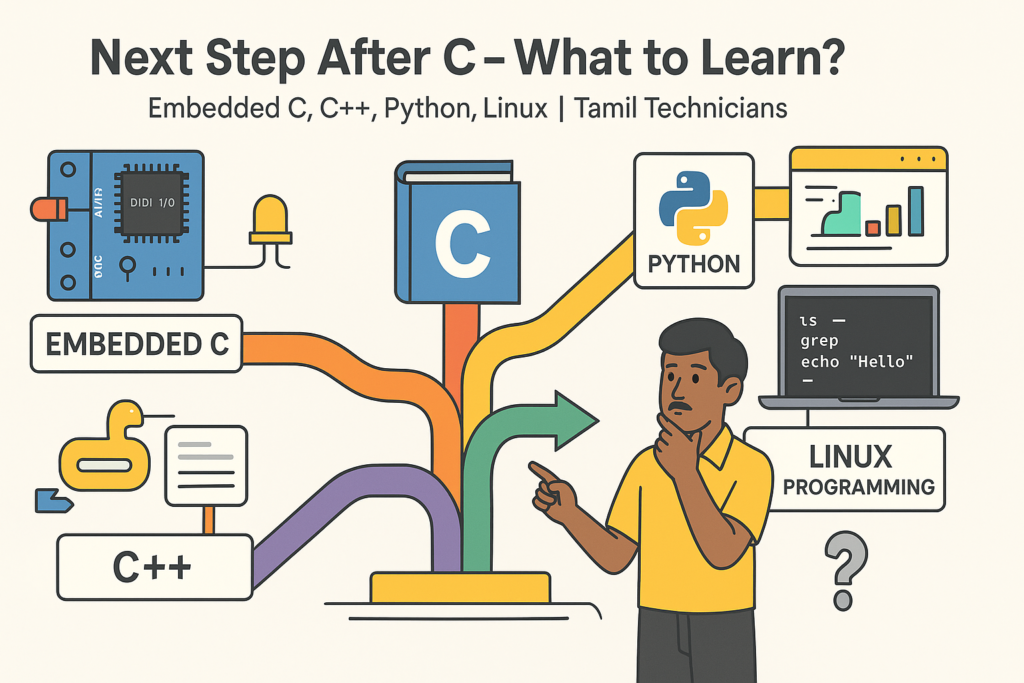
Next Step After C – What to Learn? (Embedded C, C++, Python, Linux Programming)
Next Step After C – What to Learn? (Embedded C, C++, Python, Linux Programming) |…
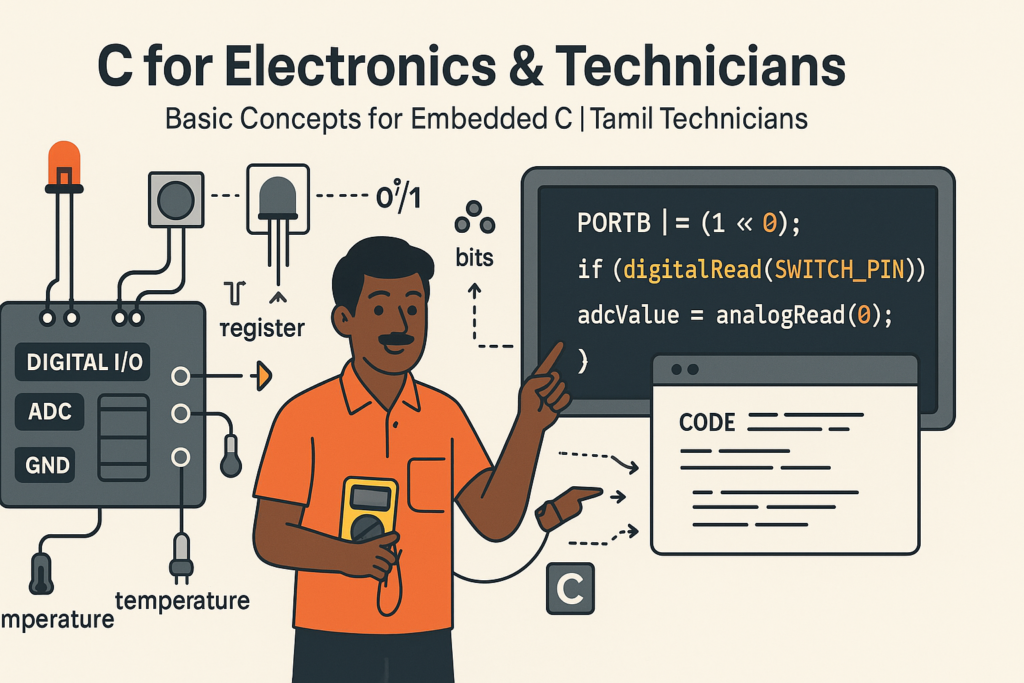
C for Electronics & Technicians – Basic Concepts for Embedded C
C for Electronics & Technicians – Basic Concepts for Embedded C | Tamil Technicians Tamil…
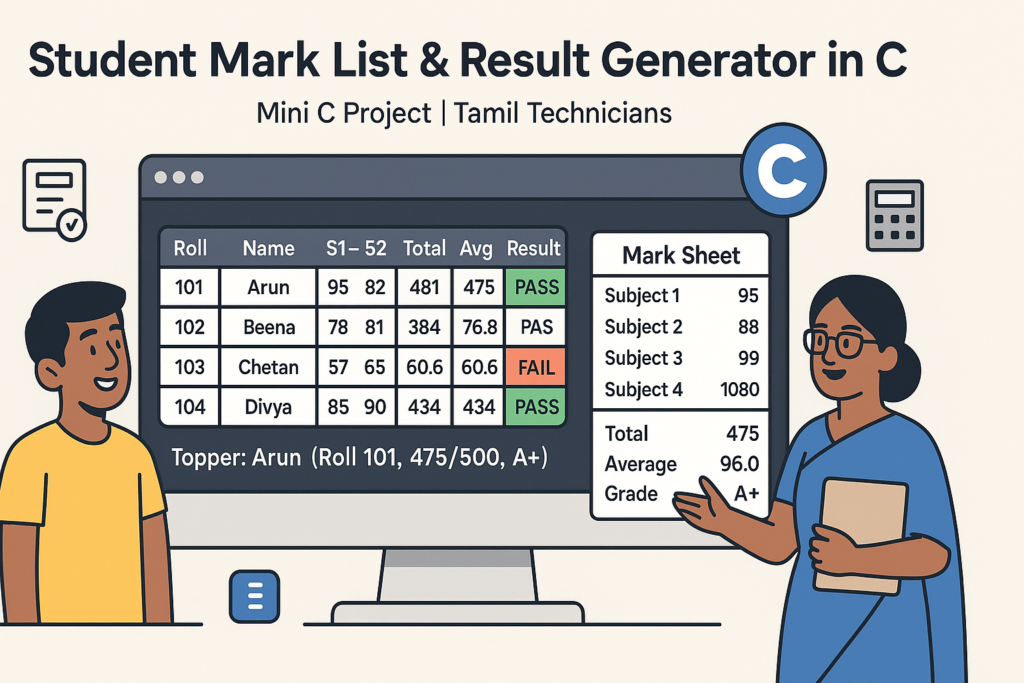
Mini C Project – Student Mark List & Result Generator in C (Console Project)
Mini C Project – Student Mark List & Result Generator in C (Console Project) |…
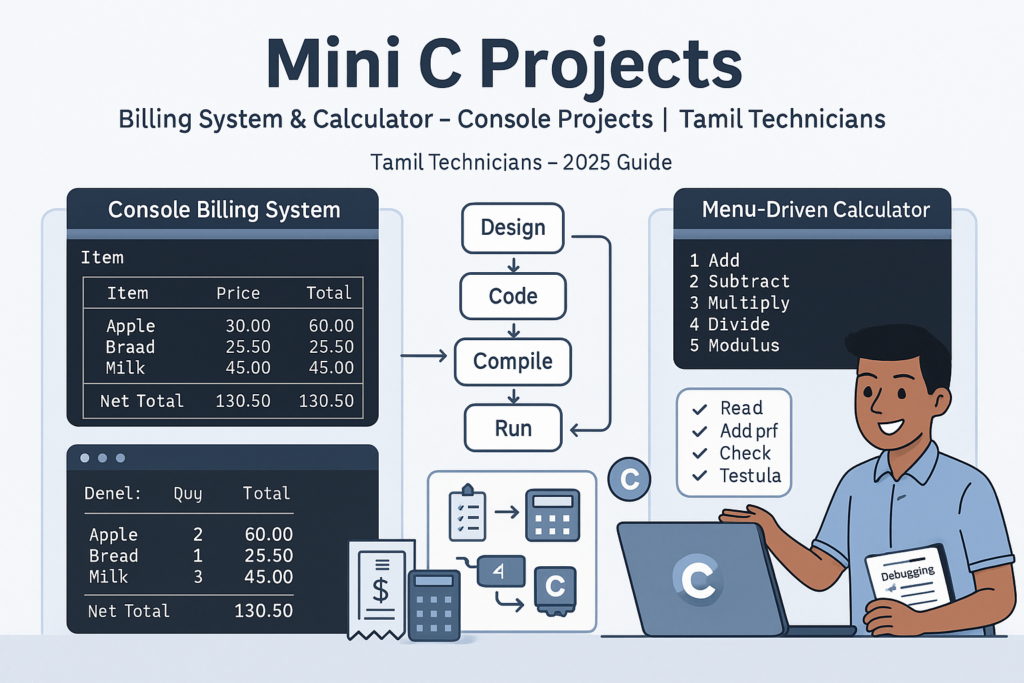
Mini C Projects – Simple Billing System & Calculator in C (Console Projects)
Mini C Projects – Simple Billing System & Calculator in C (Console Projects) | Tamil…
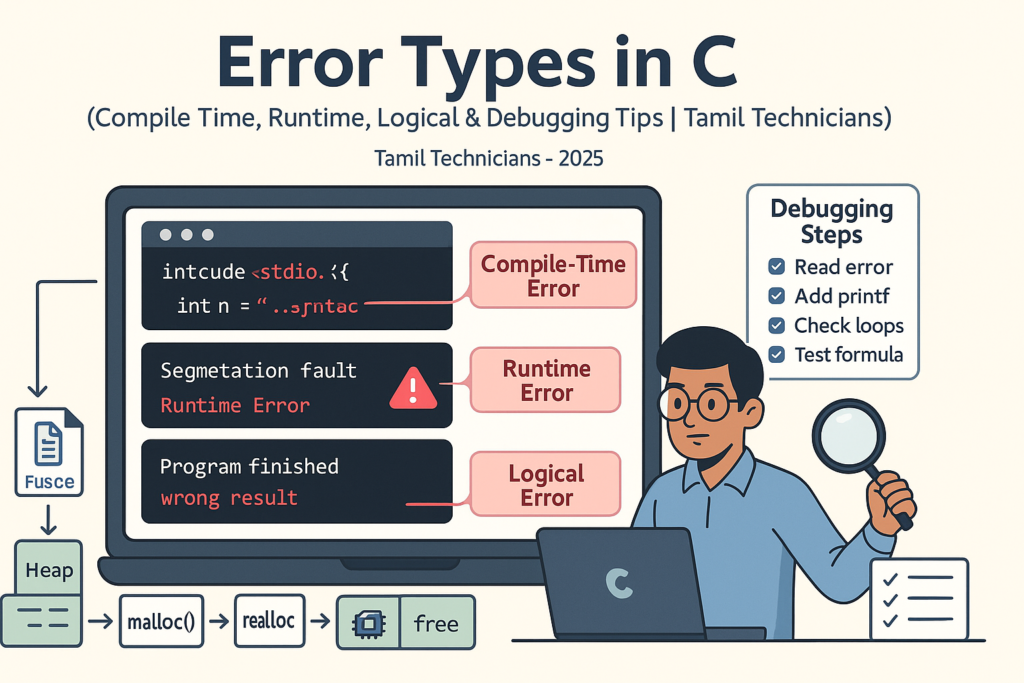
Error Types in C – Compile Time, Runtime, Logical Errors & Debugging Tips 2025
Error Types in C – Compile Time, Runtime, Logical Errors & Debugging Tips | Tamil…
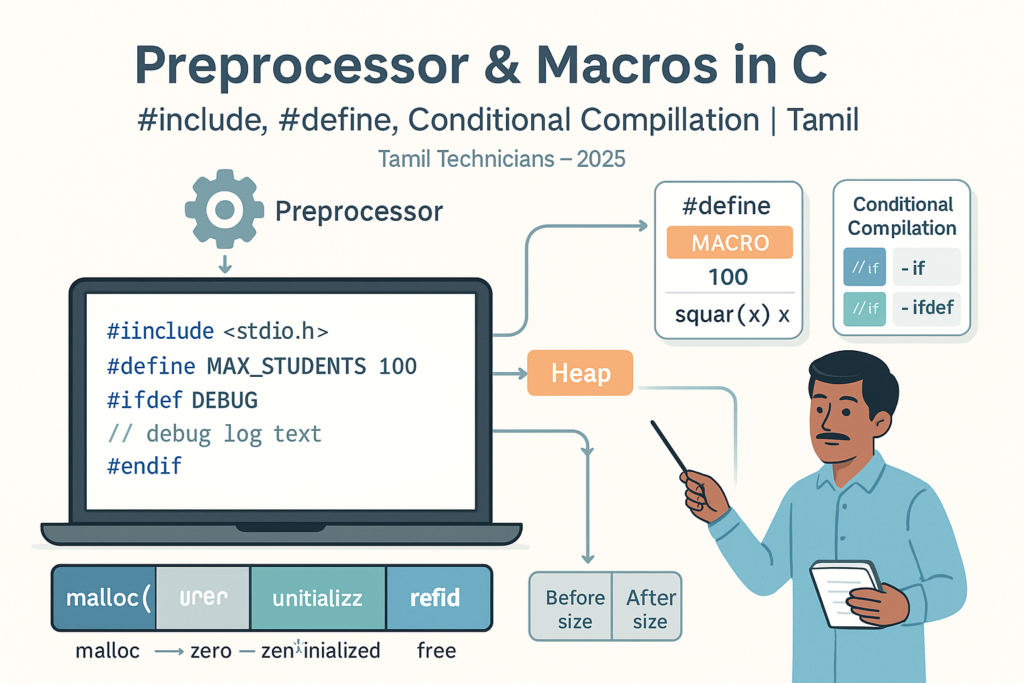
Preprocessor & Macros in C – #include, #define, Conditional Compilation
Preprocessor & Macros in C – #include, #define, Conditional Compilation | Tamil Technicians Tamil Technicians…

Dynamic Memory Allocation – malloc(), calloc(), realloc(), free() Basics
Dynamic Memory Allocation in C – malloc(), calloc(), realloc(), free() Basics | Tamil Technicians Tamil…
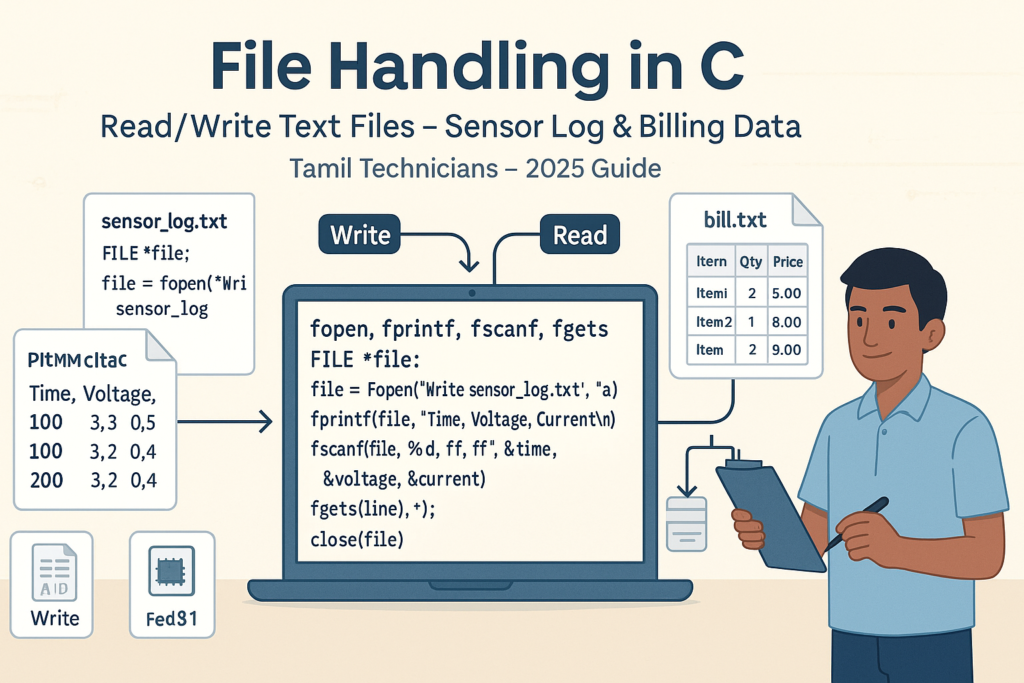
File Handling in C – Read/Write Text Files (Sensor Log, Billing Data Examples) 2025
File Handling in C – Read/Write Text Files (Sensor Log, Billing Data Examples) | Tamil…
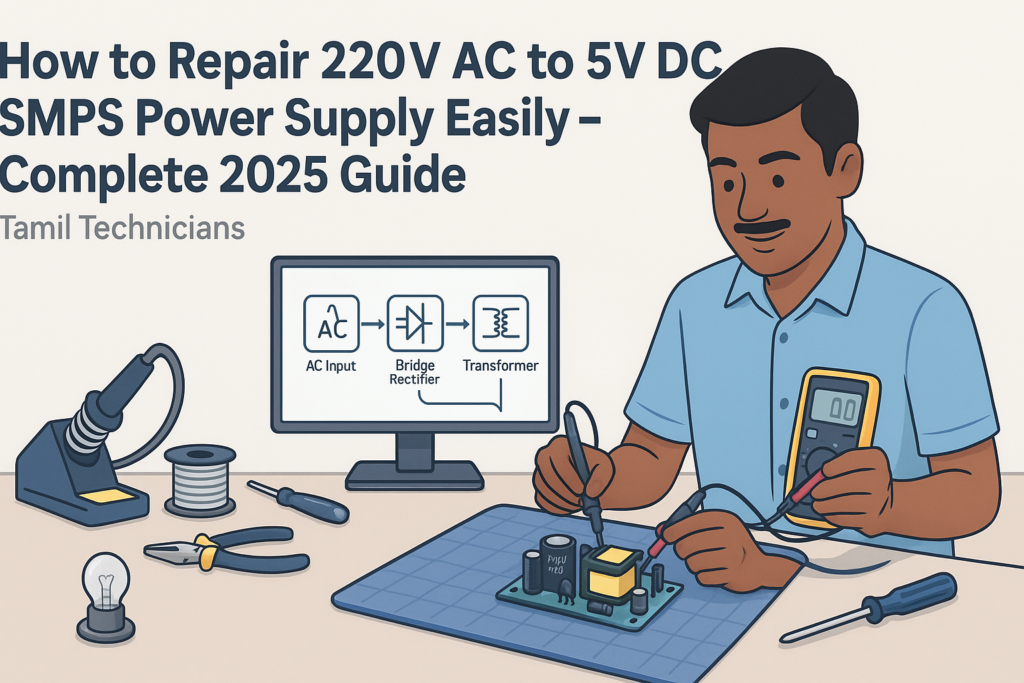
How to Repair 220V AC to 5V DC SMPS Power Supply Easily – Complete 2025 Guide
How to Repair 220V AC to 5V DC SMPS Power Supply Easily – Complete 2025…
How to Assemble a 5.1 Amplifier Easily – Complete 2025 Guide
How to Assemble a 5.1 Amplifier Easily (2025 Full Guide) | Tamil Technicians English How…
Top 10 Secrets in CRT TV Service in 2025
Top 10 Secrets in CRT TV Service in 2025 (Professional Technician Guide) CRT TV Service…
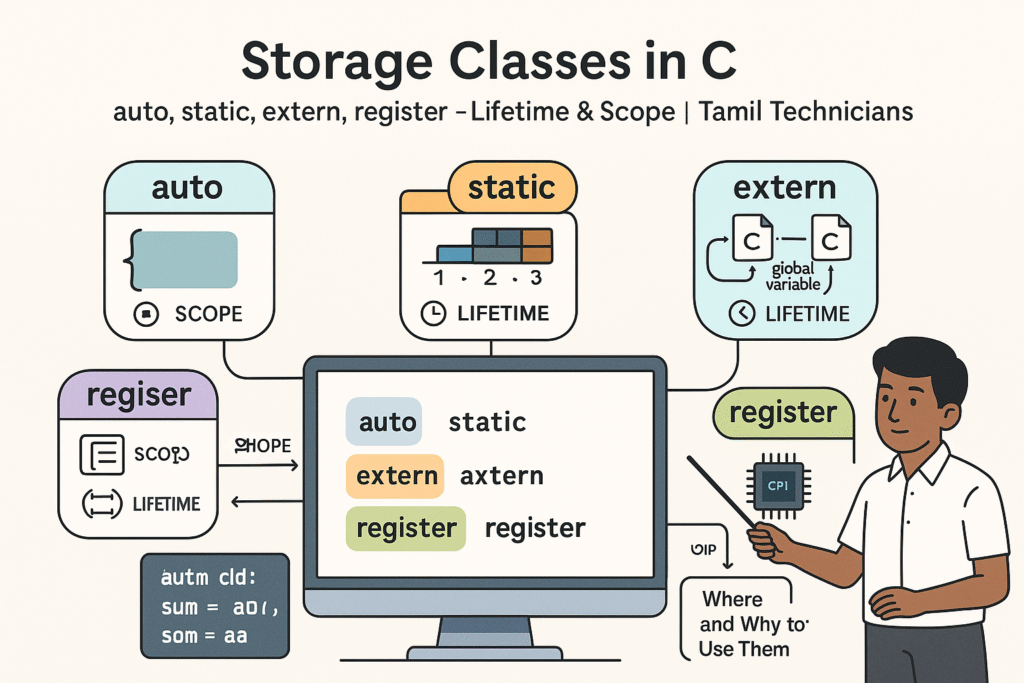
Storage Classes in C – auto, static, extern, register (Lifetime & Scope)
Storage Classes in C – auto, static, extern, register (Lifetime & Scope) | Tamil Technicians…

Structures in C – Struct with Examples (Student, Product, Device Data)
Structures in C – Struct with Examples (Student, Product, Device Data) | Tamil Technicians Tamil…
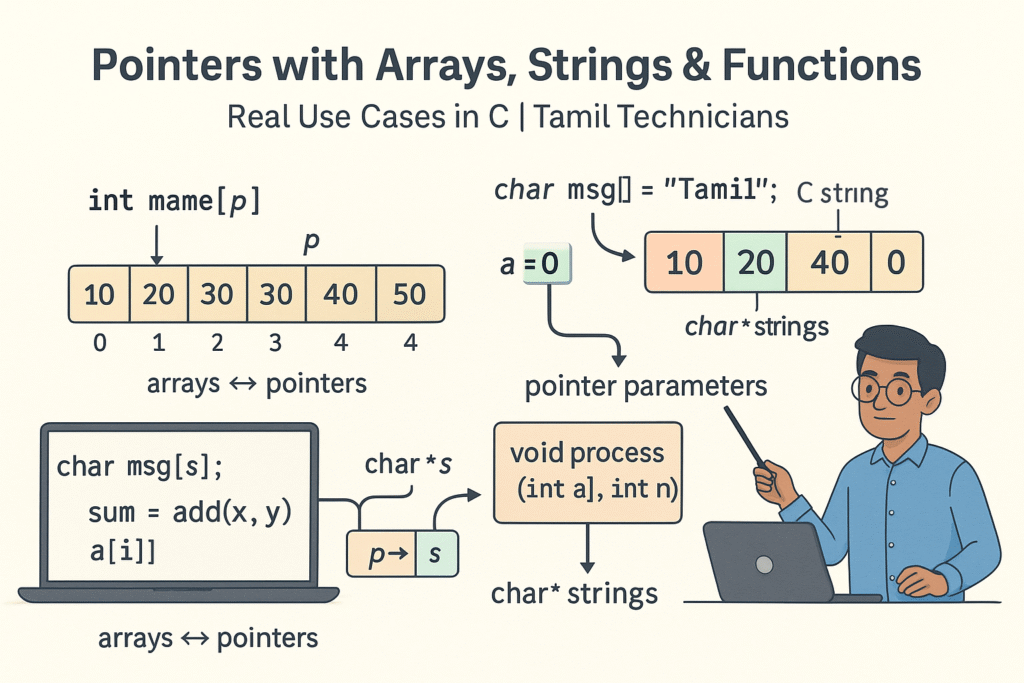
Pointers with Arrays, Strings & Functions – Real Use Cases
Pointers with Arrays, Strings & Functions – Real Use Cases | Tamil Technicians Tamil Technicians…
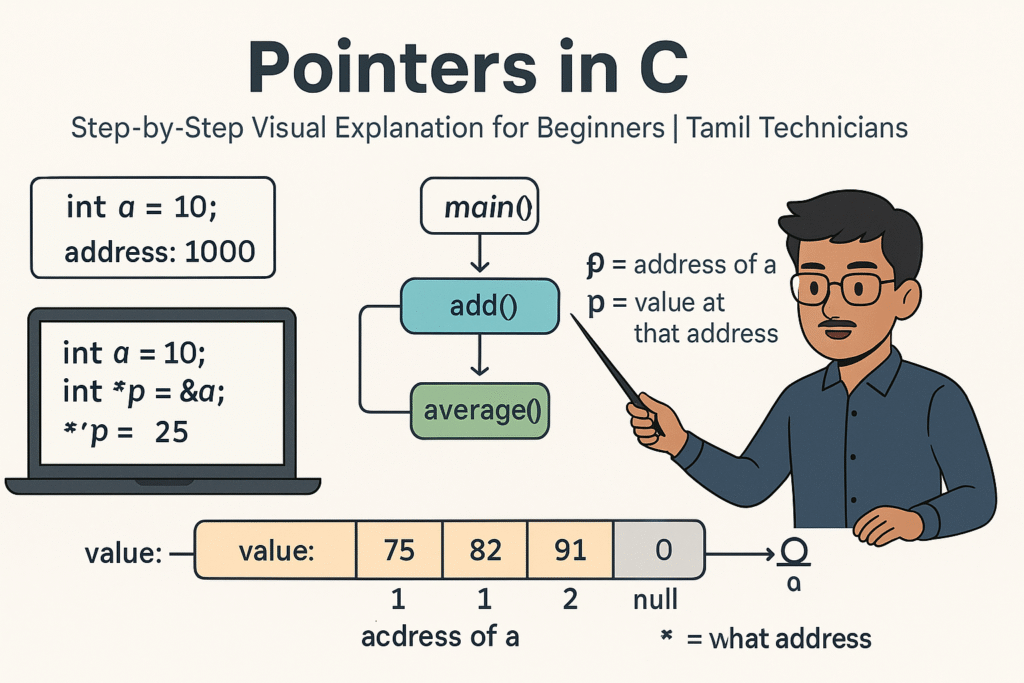
Pointers in C – Step-by-Step Visual Explanation for Beginners
Pointers in C – Step-by-Step Visual Explanation for Beginners | Tamil Technicians Tamil Technicians –…
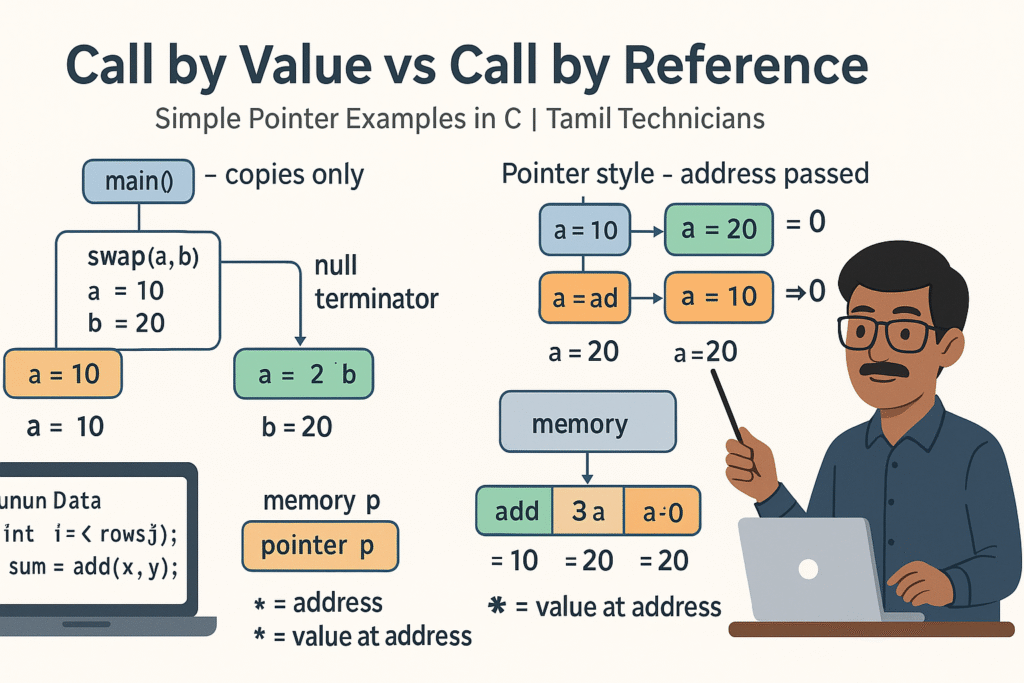
Call by Value vs Call by Reference – Simple Pointer Examples in Tamil
Call by Value vs Call by Reference – Simple Pointer Examples in Tamil | Tamil…
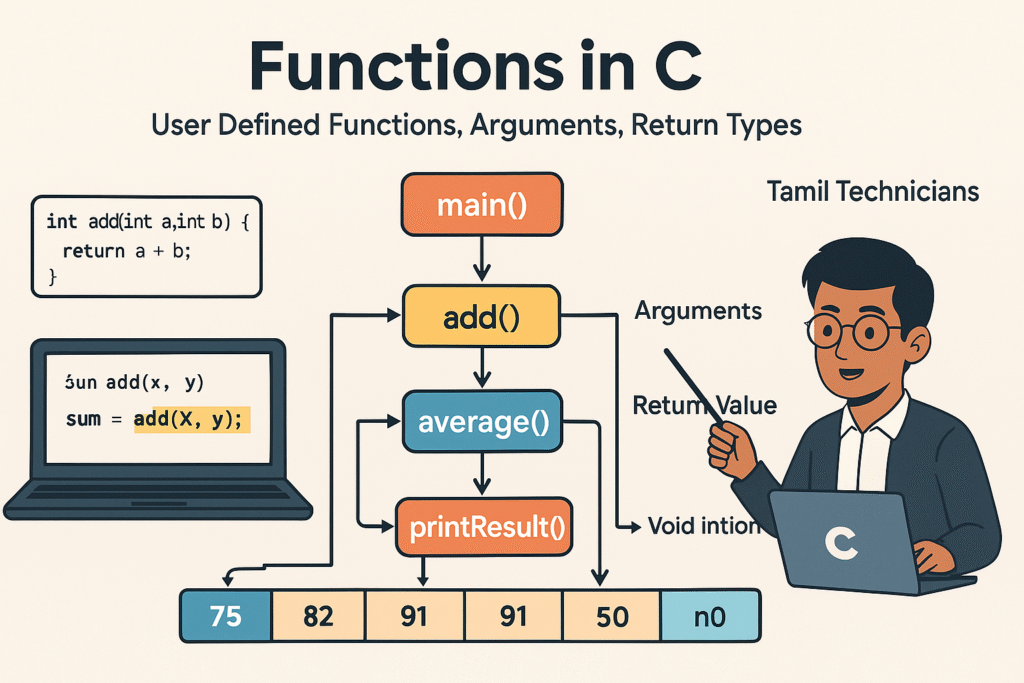
Functions in C – User Defined Functions, Arguments, Return Types
Functions in C – User Defined Functions, Arguments, Return Types | Tamil Technicians Tamil Technicians…
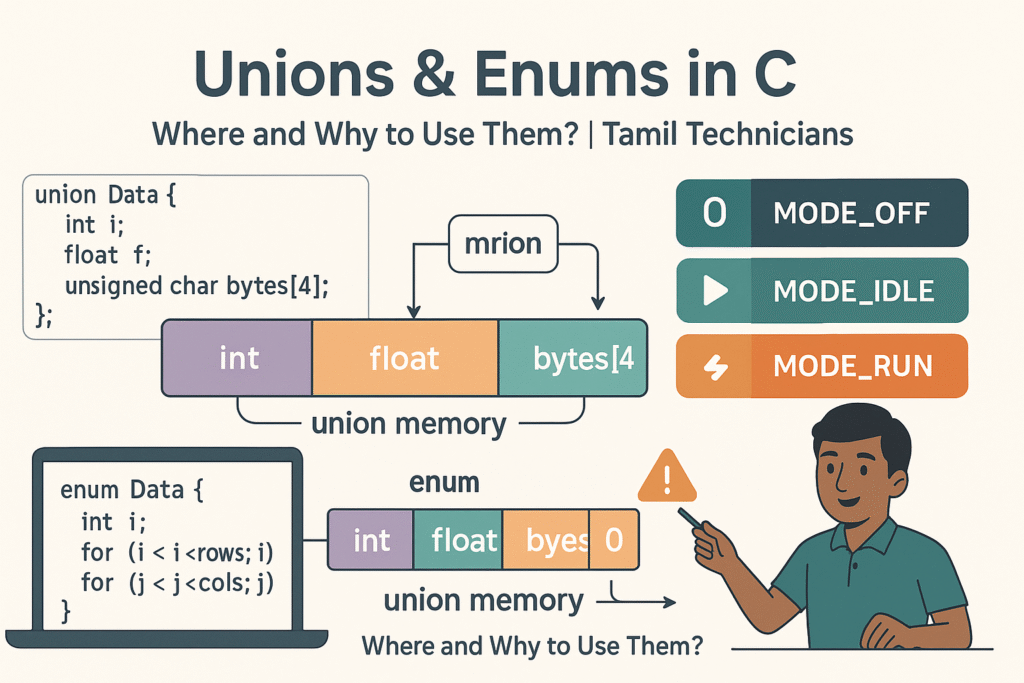
Unions & Enums in C – Where and Why to Use Them?
Unions & Enums in C – Where and Why to Use Them? | Tamil Technicians…
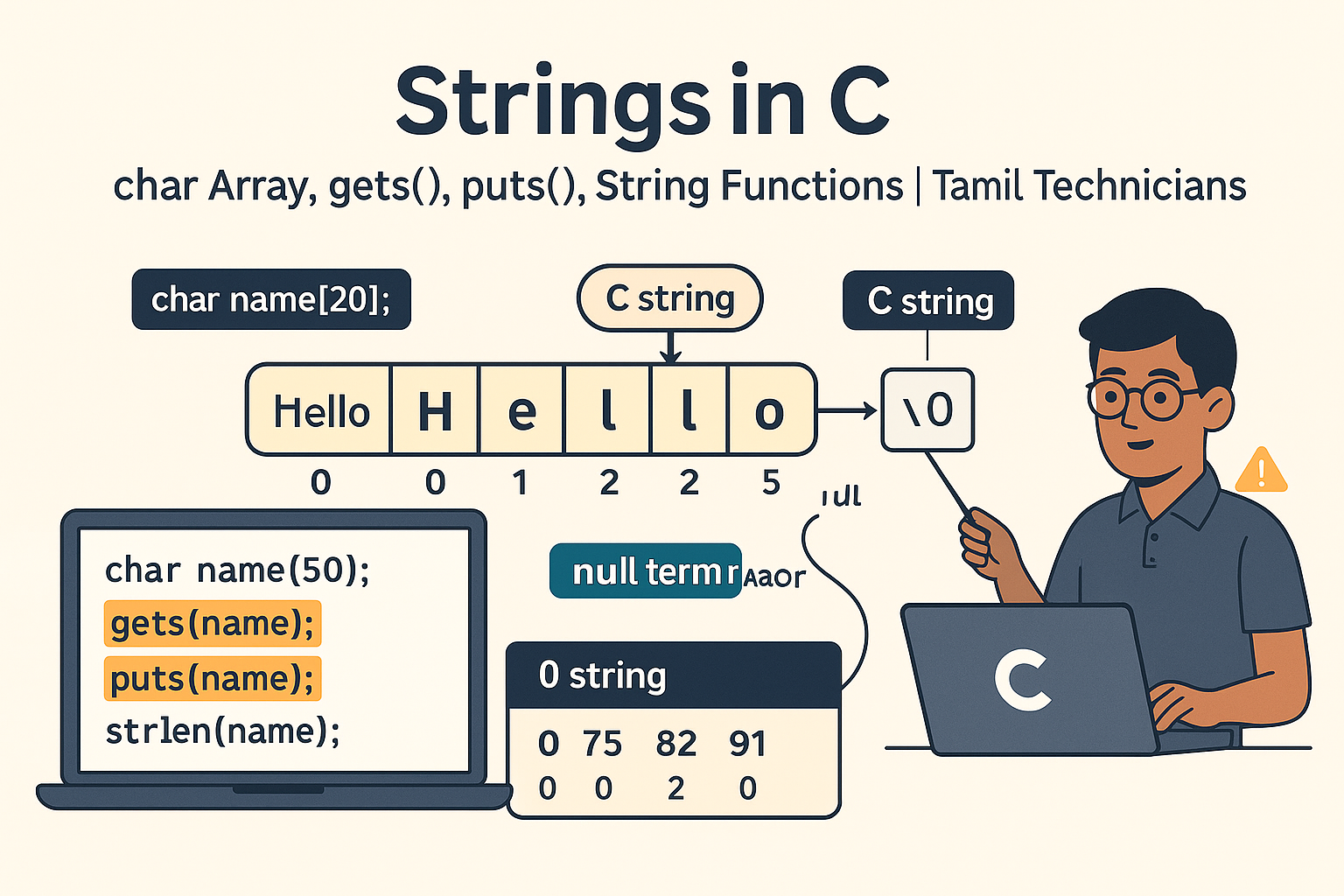
Strings in C – char Array, gets(), puts(), String Functions (strlen, strcpy, etc.)
Strings in C – char Array, gets(), puts(), String Functions (strlen, strcpy, etc.) | Tamil…
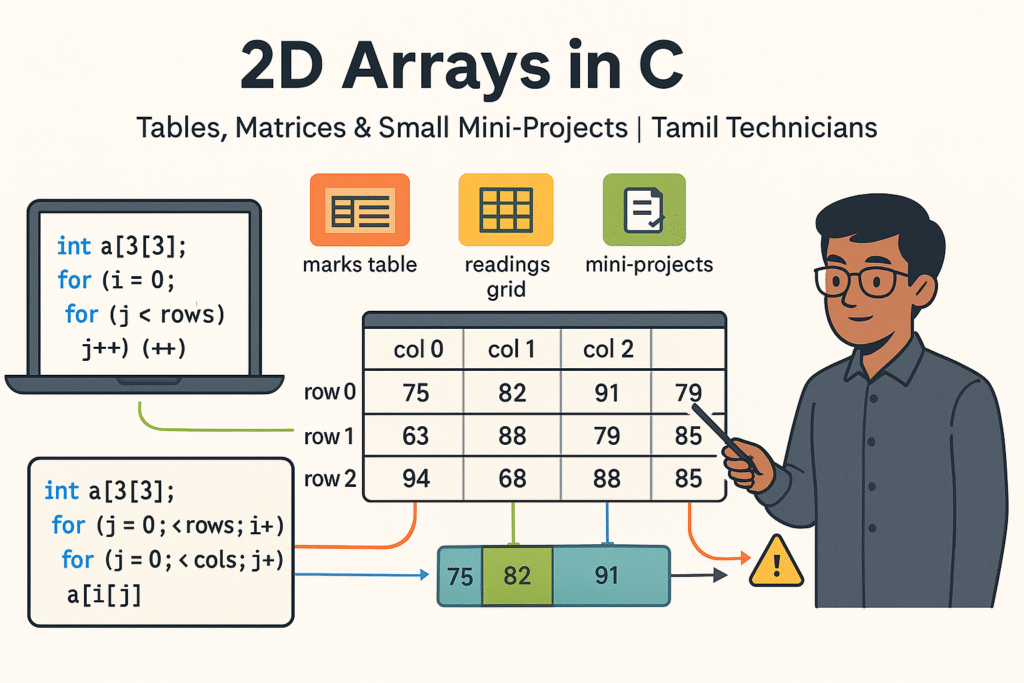
2D Arrays in C – Tables, Matrices & Small Mini-Projects
2D Arrays in C – Tables, Matrices & Small Mini-Projects | Tamil Technicians Tamil Technicians…
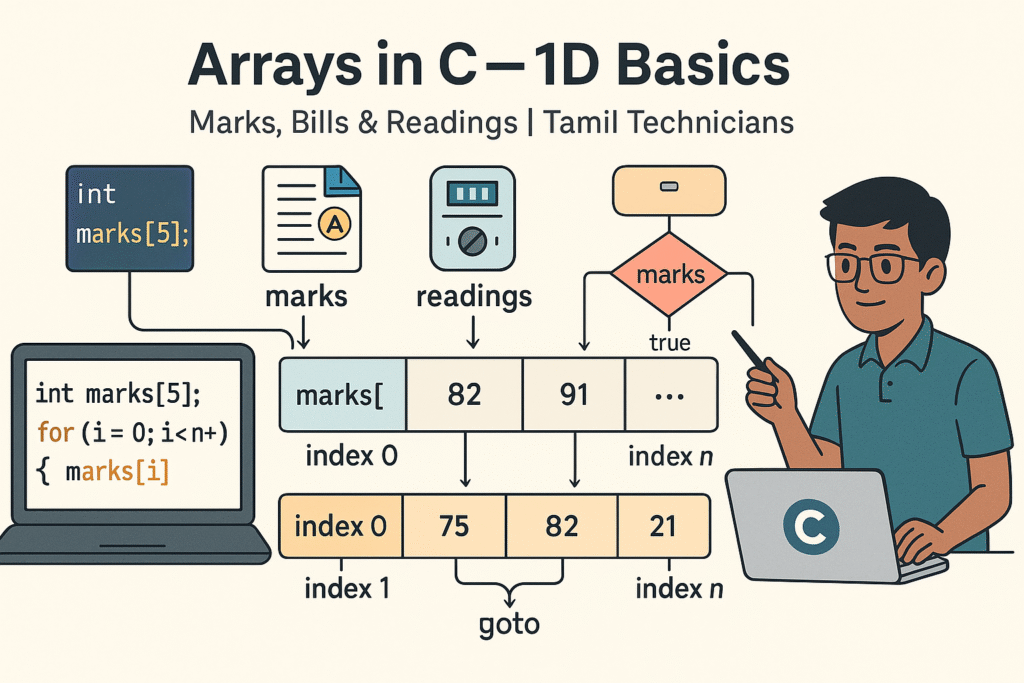
Arrays in C – 1D Array Basics with Practical Examples (Marks, Bills, Readings)
Arrays in C – 1D Array Basics with Practical Examples (Marks, Bills, Readings) | Tamil…
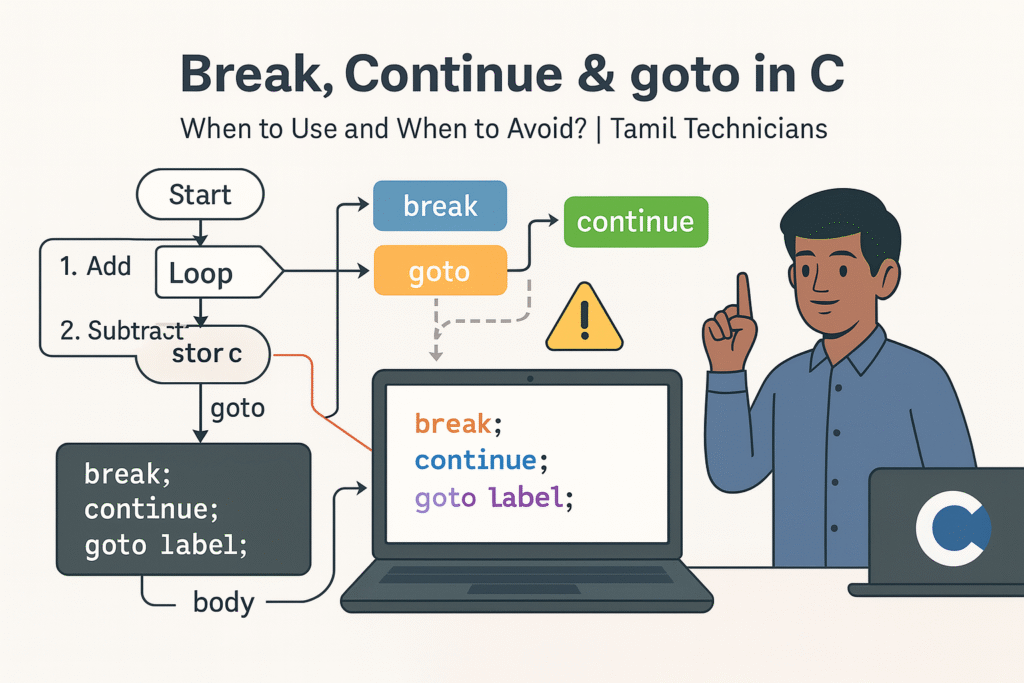
Break, Continue & goto in C – When to Use and When to Avoid?
Break, Continue & goto in C – When to Use and When to Avoid? |…

Loops in C – for, while, do-while Complete Guide (Patterns & Practice)
Loops in C – for, while, do-while Complete Guide (Patterns & Practice) | Tamil Technicians…
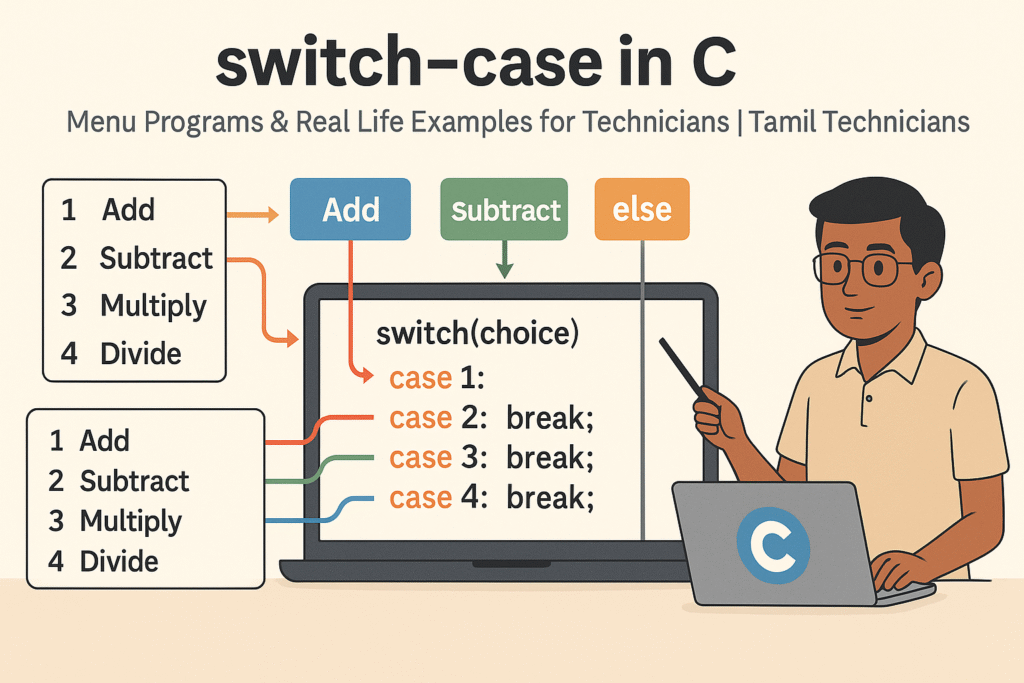
switch–case in C – Menu Programs & Real Life Examples for Technicians
switch–case in C – Menu Programs & Real Life Examples for Technicians | Tamil Technicians…
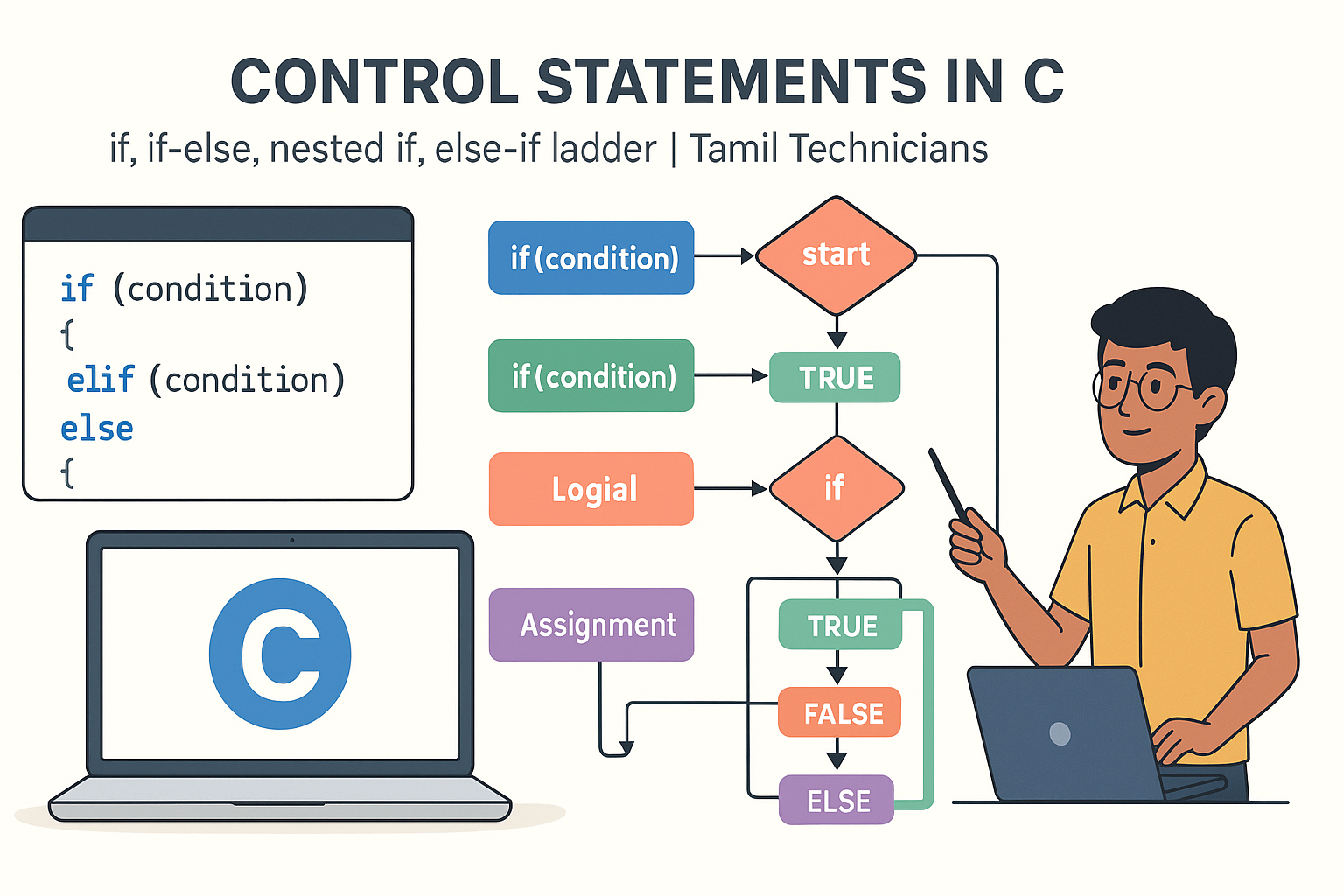
Control Statements in C – if, if-else, nested if, else-if ladder (Tamil Explanation)
Control Statements in C – if, if-else, nested if, else-if ladder (Tamil Explanation) | Tamil…
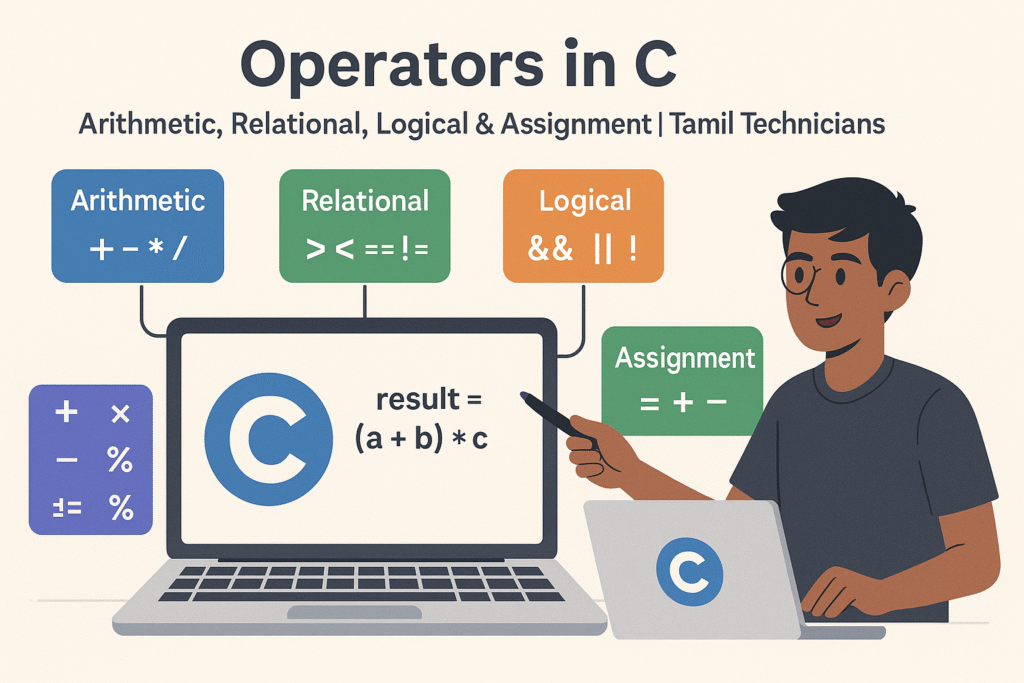
Operators in C – Arithmetic, Relational, Logical & Assignment (with Examples)
Operators in C – Arithmetic, Relational, Logical & Assignment (with Examples) | Tamil Technicians Tamil…
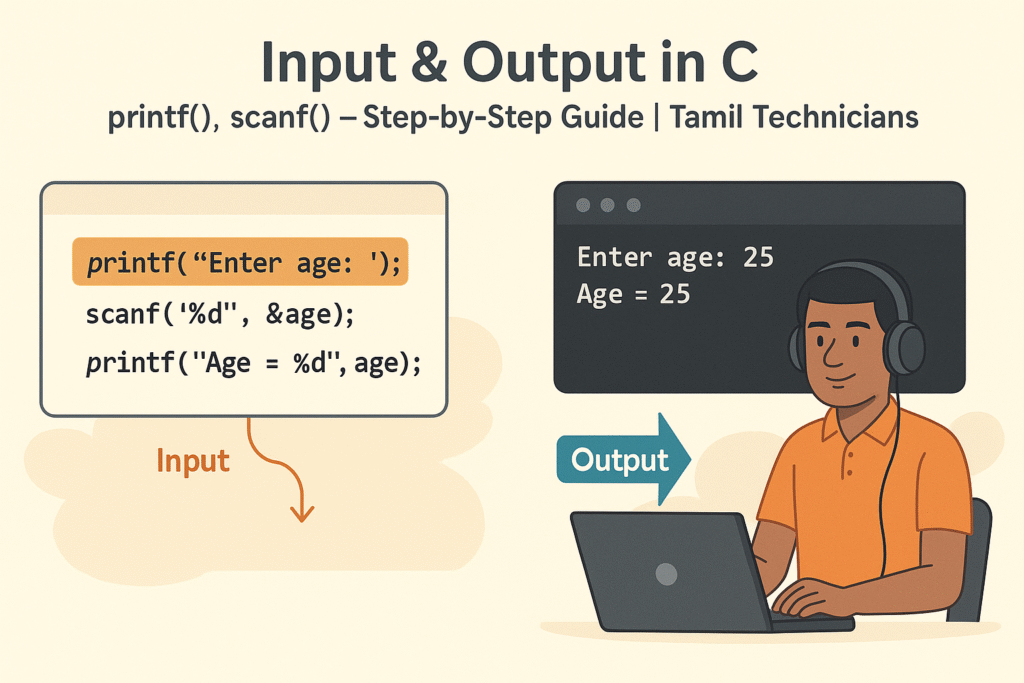
Input & Output in C – printf(), scanf() Step-by-Step Guide 2025
Input & Output in C – printf(), scanf() Step-by-Step Guide | Tamil Technicians Tamil Technicians…

C Variables, Data Types & Constants Explained in Simple Tamil
C Variables, Data Types & Constants Explained in Simple Tamil | Tamil Technicians Tamil Technicians…
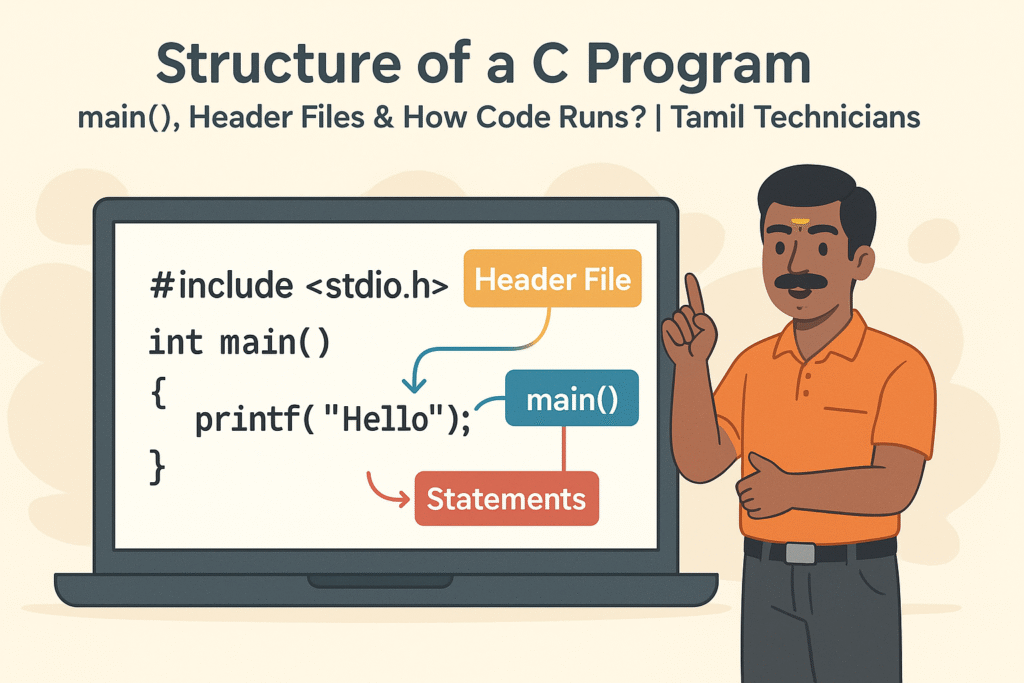
Structure of a C Program – main(), Header Files & How Code Runs?
Structure of a C Program – main(), Header Files & How Code Runs? | Tamil…

What is Programming & Why C is Important? (C Programming in Tamil for Beginners) | Tamil Technicians
What is Programming & Why C is Important? (C Programming in Tamil for Beginners) |…

C Language Introduction & Setup Guide for Beginners 2025
C Language Course Introduction & Setup Guide (Windows, Linux, macOS) | Tamil Technicians Tamil Technicians…

Ultimate Guide to Power Supply for Electronics Repair & Projects
Ultimate Guide to Power Supply for Electronics Repair & Projects | Tamil Technicians Ultimate Guide…

Online Electronics Repair Training in Tamil | TAMIL TECHNICIANS
Online Electronics Repair Training in Tamil | [TAMIL TECHNICIANS] Online Electronics Repair Training in Tamil…
iPhone 17 Series – Complete Guide (Features, Price in India, Specs)
iPhone 17 Series – Complete Guide (Features, Price in India, Specs) | Tamil Technicians Home…
iPhone 17 Series – முழுமையான வழிகாட்டி (Features, Price in India, Specs)
iPhone 17 Series – முழுமையான வழிகாட்டி (Features, Price in India, Specs) | Tamil Technicians Home…
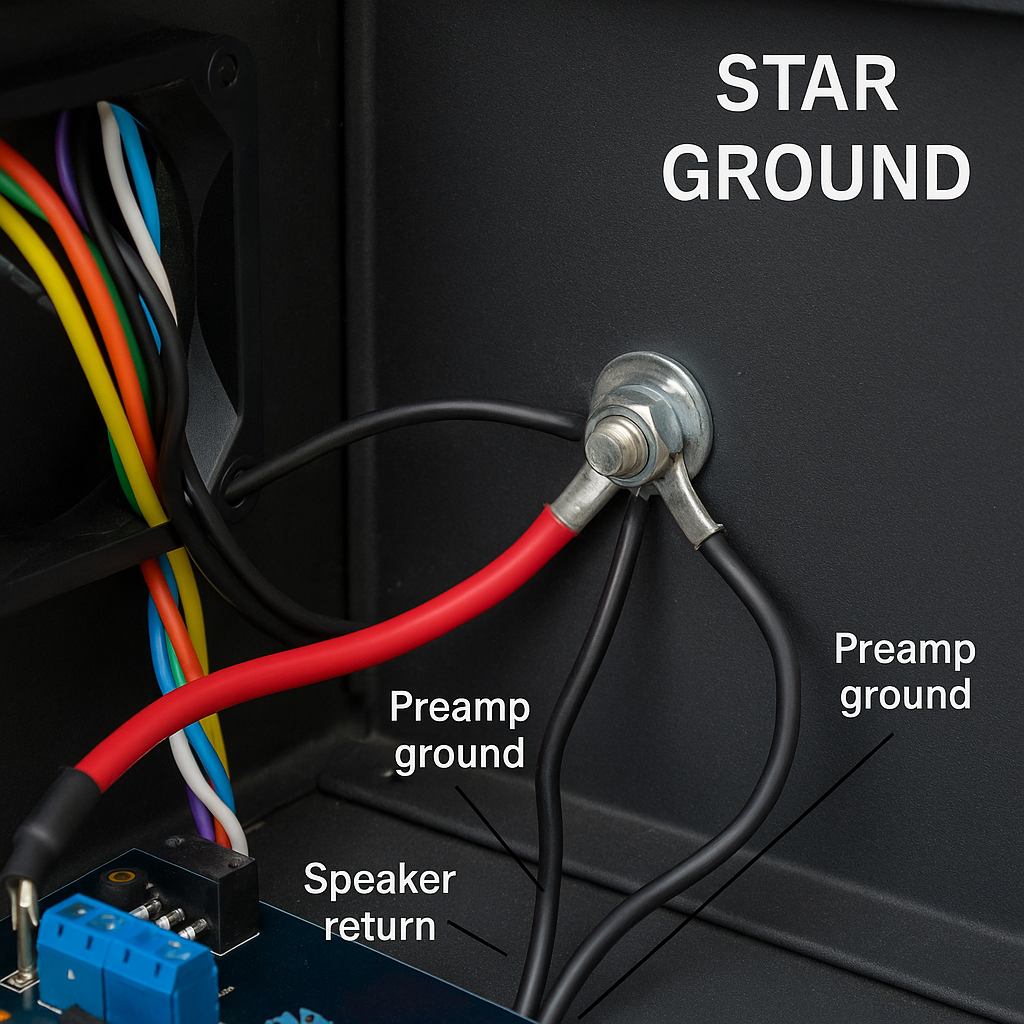
Kill Audio Hum: A Practical Guide to Star Ground & Chassis Ground
Kill Audio Hum: A Practical Guide to Star Ground & Chassis Ground TamilTechnicians • Audio…

Edge AI: Cloud இல்லாமல் Mobile & IoT Devices‑ல் Real‑Time Intelligence (2025)
Edge AI: Cloud இல்லாமல் Mobile & IoT Devices‑ல் Real‑Time Intelligence Edge AI 2025 Guide Edge…
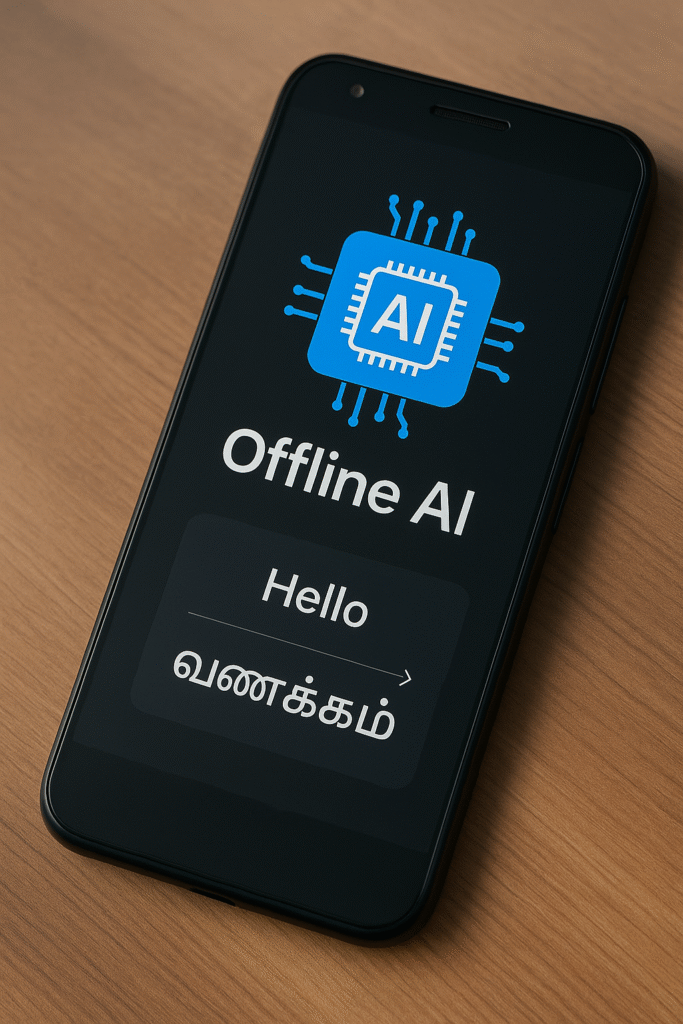
Offline AI Models: Mobile Apps-க்கு வேகமும் Privacy‑யும் தரும் அடுத்த Revolution
Offline AI Models: Mobile Apps-க்கு வேகமும் Privacy‑யும் தரும் அடுத்த Revolution AI • Mobile Development Offline…
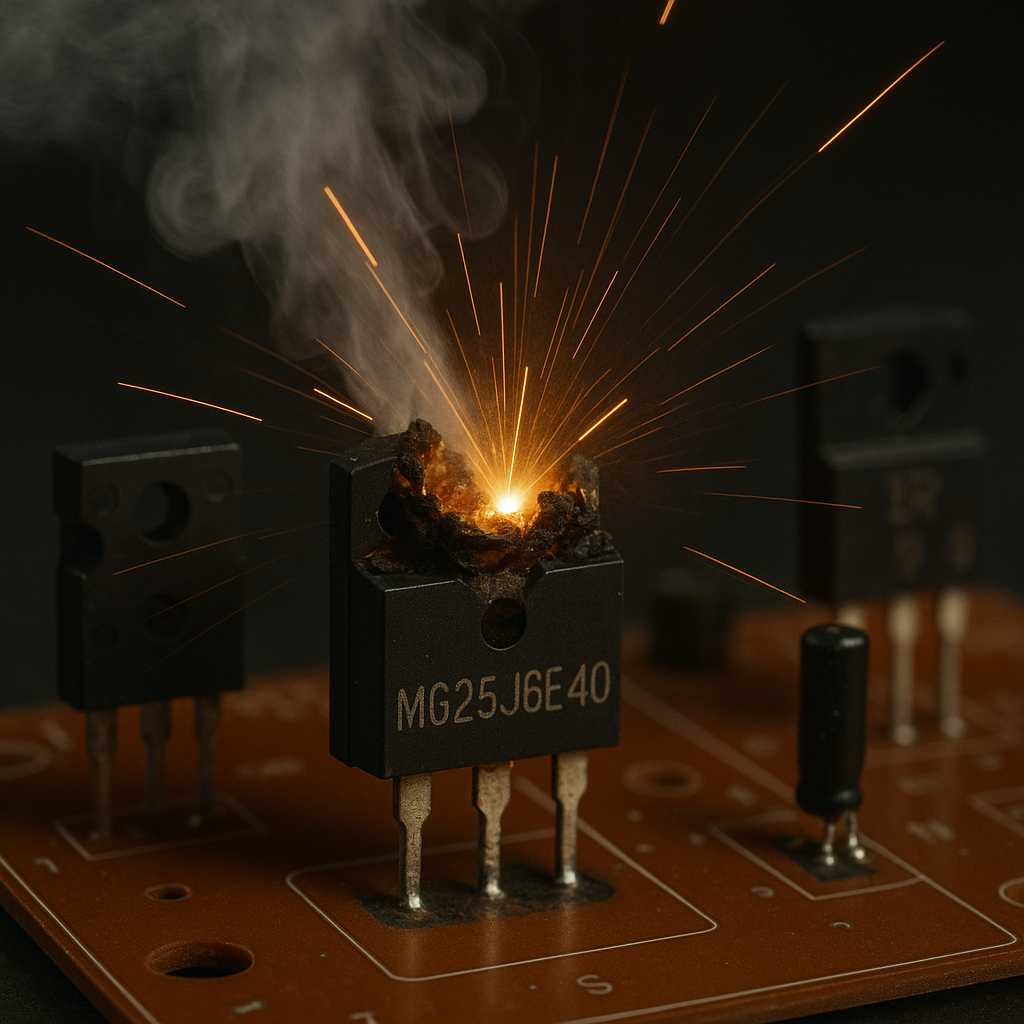
🔥 Induction Stove Heat ஆகவில்லையா? இந்த 5 Faults வீடிலேயே Fix பண்ணலாம்!
🔥 Induction Stove Not Heating? Tamil Repair Guide 🔥 Induction Stove Heat ஆகவில்லையா? இந்த 5…

Smartphone Dead Issue? Full Board-Level Repair Steps
Smartphone Dead Issue? Full Board-Level Repair Steps 📱 Smartphone Dead Issue? Full Board-Level Repair Steps…
Top 5 Multimeters Under ₹1000 for Beginners in India (2025) – Expert Guide
Top 5 Multimeters Under ₹1000 for Beginners (2025 Guide) Top 5 Multimeters Under ₹1000 (2025…