
Tamil Technicians – C Programming Course · Lesson 12
Strings in C – char Array, gets(), puts(), String Functions (strlen, strcpy, etc.)
So far in this C course, we have worked with numbers: int, float,
arrays of marks, tables of readings, and more. But most real-world programs also work with
text: names, messages, file paths, commands, error descriptions and so on.
In C, text is handled using strings, and C strings are built using
character arrays – char arrays.
In this lesson you will learn:
- What a string is in C (and how it’s different from higher-level languages).
- How to declare and use
chararrays to store strings. - Input and output:
gets(),puts(),scanf()and safer alternatives. - Important
<string.h>functions:strlen,strcpy,strcat,strcmp, etc. - Common mistakes (buffer overflow, missing
'\0') and best practices.
What Is a String in C?
In many modern languages (like Python, JavaScript, Java), a string is a built-in type. In C, there is no separate “string type”. Instead, a string is:
A C string is a sequence of char values
stored in a char array,
ending with a special character: null terminator '\0'.
Example: the string "Hello" in memory actually looks like:
Index:   0    1    2    3    4    5
Value:  'H'  'e'  'l'  'l'  'o'  '\0'
That last '\0' character tells C where the string ends.
Without it, functions like printf("%s") and strlen()
will not know where to stop.
char Array Basics – Declaring and Initializing Strings
We use char arrays to store strings.
Declaration
char name[20]; // can hold a string up to 19 characters + '\0'N,
you need an array of size at least N + 1 to store the '\0'.
Initialization with String Literals
char str1[6] = {'H', 'e', 'l', 'l', 'o', '\0'};
char str2[6] = "Hello";    // same as above
char str3[]  = "Hello";    // size is automatically 6
Using "Hello" is a string literal which automatically includes '\0'.
Assigning One Character at a Time
char word[6];
word[0] = 'H';
word[1] = 'e';
word[2] = 'l';
word[3] = 'l';
word[4] = 'o';
word[5] = '\0';
This is not convenient for long strings, which is why string functions and initialization with literals are commonly used.
String vs Single char
Very important difference:
char c = 'A';→ single character using single quotes.char s[] = "A";→ string of length 1 +'\0', using double quotes.
char c = 'A';    // 'A' only
char s[] = "A";  // 'A' and '\0'
Use single quotes for single characters ('A'),
and double quotes for strings ("A", "Hello").
Input & Output of Strings – gets(), puts(), scanf(), printf()
C provides several ways to read and print strings. Let’s see the common ones and their pros/cons.
Printing Strings
Use printf with %s format specifier:
char name[30] = "Tamil Technicians";
printf("Name: %s\\n", name);
puts() – Simple Output Function
puts() prints a string and automatically adds a newline at the end.
#include <stdio.h>

int main() {
    char msg[] = "Hello from Tamil Technicians!";
    puts(msg);        // prints the string + newline
    return 0;
}
puts() is simple for printing just a string.
For formatted output (mixing numbers and strings), use printf().
Reading Strings with scanf()
The simplest way to read a single word (no spaces) is:
char name[30];
scanf("%s", name);  // reads until first whitespace (space, tab, newline)
Example: if the user types Raj Kumar, name will only get "Raj".
The part after the space goes into the input buffer for later.
gets() – Legacy Function (Unsafe)
Historically, gets() was used to read an entire line (including spaces):
char line[50];
gets(line); // reads a line, but DANGEROUSgets() does not check the buffer size. If the user types more
characters than the array can hold, it causes a buffer overflow, which can
crash the program or create security vulnerabilities.
Because of this, gets() has been removed from the C standard (C11 and later).
You may still see gets() in old textbooks, but in modern code, you should use
fgets() instead.
Safer Alternative – fgets()
char line[50];
fgets(line, sizeof(line), stdin);line– buffer to store the string.sizeof(line)– maximum number of characters to read (including'\0').stdin– input stream (keyboard).
fgets() reads at most size - 1 characters and adds '\0'.
It may keep the newline '\n' if there is enough space.
strlen() – Finding Length of a String
The function strlen() (from <string.h>) returns
the length of a string (number of characters before '\0').
#include <stdio.h>
#include <string.h>

int main() {
    char s[] = "Hello";
    printf("Length = %zu\\n", strlen(s));
    return 0;
}
Output: Length = 5
strlen() counts characters up to '\0', not the array size.
If the string is not properly null-terminated, strlen() may read random memory.
strcpy(), strcat() – Copying & Concatenating Strings
Copying one string into another or joining strings is very common. For this, C provides:
strcpy()– copy entire string.strncpy()– copy up to N characters.strcat()– concatenate (append) one string to another.strncat()– concatenate up to N characters.
strcpy() – Copy String
#include <stdio.h>
#include <string.h>

int main() {
    char source[] = "Tamil Technicians";
    char dest[50];

    strcpy(dest, source);   // copy source into dest

    printf("Source: %s\\n", source);
    printf("Dest:   %s\\n", dest);

    return 0;
}dest must be large enough to hold the entire source string + '\0'.
Otherwise, strcpy() can overflow the buffer.
strncpy() – Safer Copy (with Limit)
strncpy(dest, source, sizeof(dest) - 1);
dest[sizeof(dest) - 1] = '\0';   // ensure null terminator
strncpy() copies at most n characters and does not always
add '\0' if the source is too long, so we manually set it.
strcat() – Concatenate Strings
#include <stdio.h>
#include <string.h>

int main() {
    char first[50] = "Tamil";
    char second[] = " Technicians";

    strcat(first, second);    // append second to first

    printf("Result: %s\\n", first);
    return 0;
}
After strcat, first becomes "Tamil Technicians".
first must have enough space to hold the final combined string,
otherwise buffer overflow occurs.
strcmp(), strchr(), strstr() – Comparing & Searching Strings
C strings are compared lexicographically (dictionary order) using
strcmp() and strncmp().
strcmp() – Compare Two Strings
int result = strcmp(s1, s2);- Returns
0ifs1ands2are equal. - Returns < 0 if
s1is “less than”s2. - Returns > 0 if
s1is “greater than”s2.
#include <stdio.h>
#include <string.h>

int main() {
    char a[] = "apple";
    char b[] = "banana";

    int r = strcmp(a, b);
    if (r == 0) {
        printf("Equal\\n");
    } else if (r < 0) {
        printf("%s comes before %s\\n", a, b);
    } else {
        printf("%s comes after %s\\n", a, b);
    }
    return 0;
}
strncmp() – Compare Only First N Characters
strncmp(s1, s2, n);
Useful when you only care about a prefix (for example, checking if a command starts with "SET").
strchr() – Find a Character in a String
char *p = strchr(s, 'a');- Returns pointer to the first occurrence of character.
- Returns
NULLif the character is not found.
strstr() – Find a Substring
char *p = strstr(haystack, needle);- Returns pointer to the first occurrence of substring.
- Returns
NULLif not found.
These functions are very useful for parsing commands, reading simple protocols or searching in logs and messages.
Mini-Projects with Strings (Technician Style)
1. Simple Name List
Store and print a list of names using a 2D char array.
#include <stdio.h>
#include <string.h>

#define MAX_NAMES 5
#define MAX_LEN   30

int main() {
    char names[MAX_NAMES][MAX_LEN];
    int i;

    printf("Enter %d names:\\n", MAX_NAMES);
    for (i = 0; i < MAX_NAMES; i++) {
        printf("Name %d: ", i + 1);
        fgets(names[i], MAX_LEN, stdin);

        // Remove newline if present
        size_t len = strlen(names[i]);
        if (len > 0 && names[i][len - 1] == '\n') {
            names[i][len - 1] = '\0';
        }
    }

    printf("\\nNames entered:\\n");
    for (i = 0; i < MAX_NAMES; i++) {
        printf("%d. %s\\n", i + 1, names[i]);
    }
    return 0;
}
2. Simple Login Check (Username)
Compare typed username with a stored one.
#include <stdio.h>
#include <string.h>

int main() {
    char correctUser[] = "technician";
    char input[30];

    printf("Enter username: ");
    scanf("%29s", input);     // prevent overflow

    if (strcmp(correctUser, input) == 0) {
        printf("Login success\\n");
    } else {
        printf("Invalid username\\n");
    }
    return 0;
}
3. Count Vowels in a Message
#include <stdio.h>
#include <string.h>
#include <ctype.h>

int main() {
    char text[100];
    int i, vowels = 0;

    printf("Enter a line: ");
    fgets(text, sizeof(text), stdin);

    for (i = 0; text[i] != '\0'; i++) {
        char ch = tolower((unsigned char)text[i]);
        if (ch == 'a' || ch == 'e' || ch == 'i' ||
            ch == 'o' || ch == 'u') {
            vowels++;
        }
    }

    printf("Vowel count = %d\\n", vowels);
    return 0;
}
String Safety Checklist (Very Important)
- Always ensure the
chararray is large enough for the string +'\0'. - Prefer
fgets()overgets()for user input. - When using
scanf("%s"), limit input length (e.g.,"%29s"for a 30-byte buffer). - After using
strncpy(), manually add'\0'at the end. - Never use uninitialized strings; make sure they contain
'\0'before using string functions. - Be careful with
strcpy()andstrcat(); check buffer sizes before calling.
Quick Summary – Strings in C
| Topic | Key Points |
|---|---|
| What is a string? | A char array ending with '\0'. |
| Declaration | char s[20]; → max 19 characters + '\0'. |
| Initialization | char s[] = "Hello"; automatically adds '\0'. |
| Input | scanf("%s") for one word, fgets() for full line. |
| Output | printf("%s", s); or puts(s);. |
| Length | strlen(s) returns characters before '\0'. |
| Copy/Concat | strcpy(), strncpy(), strcat(), strncat(). |
| Compare | strcmp(), strncmp(). |
| Search | strchr(), strstr(). |
Suggested Featured Image Prompt
Use this in your AI image generator (for TamilTechnicians.com blog thumbnail):
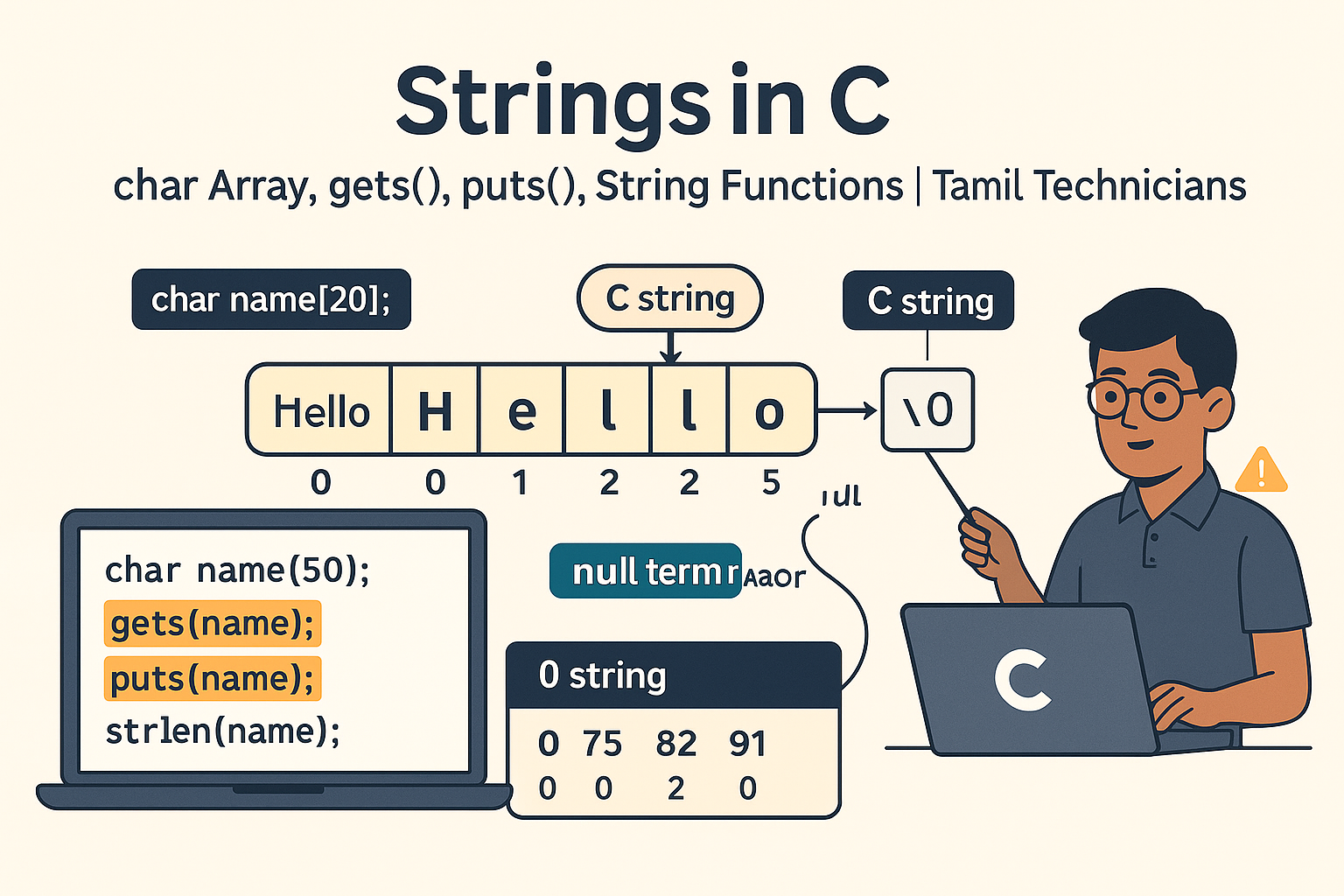
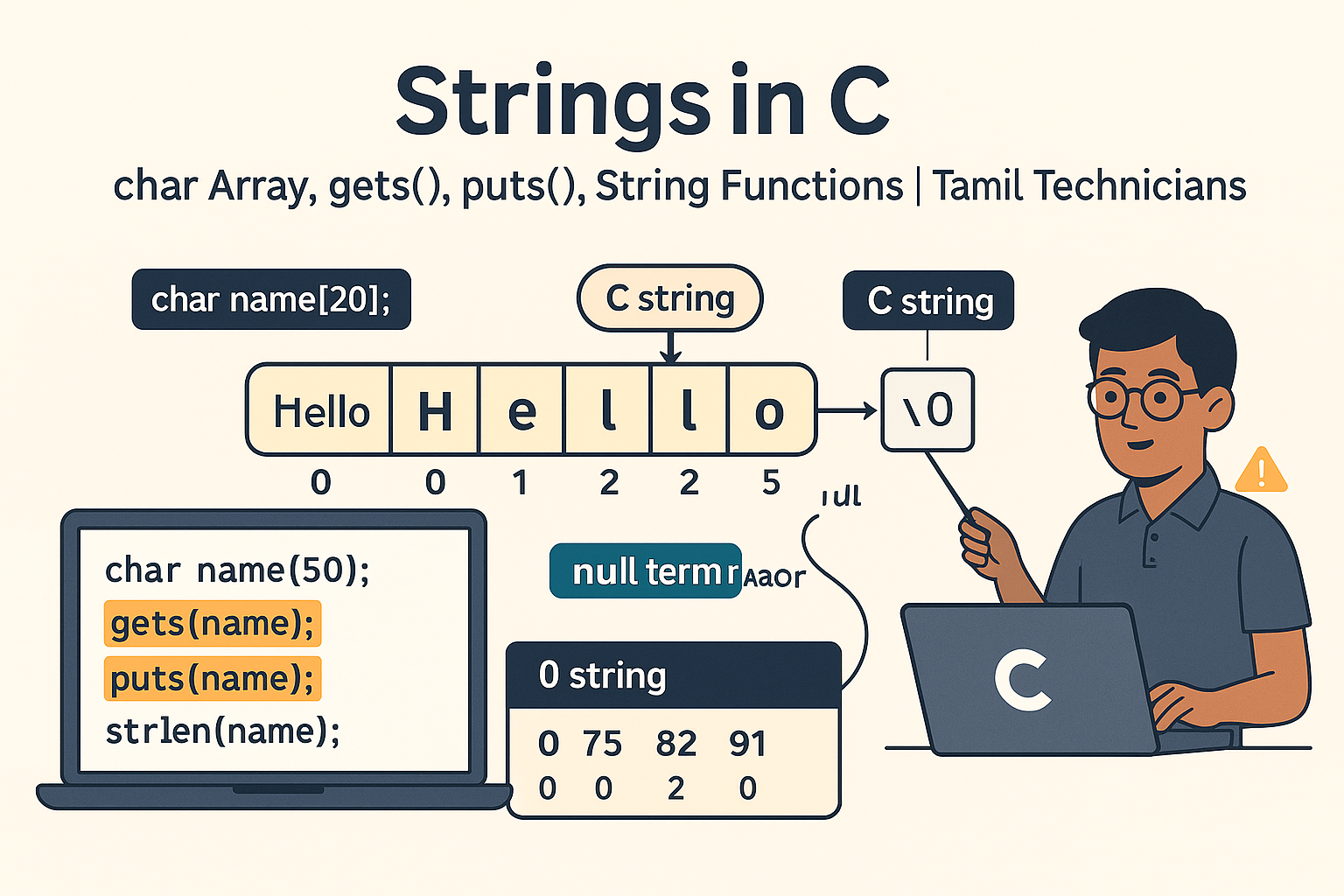
“Flat modern 16:9 illustration on a light background. In the center, a horizontal row of boxes shows a C char array holding the word ‘Hello’, each box labeled `index 0`, `index 1`, etc., containing the characters `H`, `e`, `l`, `l`, `o`, and the final box containing `\0` labeled ‘null terminator’. Above this, small labels show `char name[20];` and ‘C string’. On the left, a laptop screen displays short C code using `char name[50];`, `gets(name);`, `puts(name);`, and `strlen(name);` with these functions highlighted. On the right, a South Indian / Tamil technician character explains the diagram with a pointer and a small safety warning icon near `gets()`. At the top, bold title text: ‘Strings in C’ and smaller subtitle: ‘char Array, gets(), puts(), String Functions | Tamil Technicians’. Clean vector style, minimal colors, educational and high quality.”
FAQ: Strings in C
1. Why is gets() considered unsafe?
gets() does not check how many characters the user types. If the user enters
more characters than the size of the array, it will write beyond the buffer and corrupt
memory (buffer overflow). Because of this, it was removed from the C standard and should
not be used in new programs.
2. What is the difference between array size and string length?
Array size is the number of char elements in the array (e.g., 20). String length
is the number of characters before '\0' (e.g., “Hello” has length 5). A string in
a 20-byte array cannot exceed 19 characters, because 1 byte is reserved for '\0'.
3. Do I always need <string.h> for strings?
You can manipulate strings manually (character by character) without <string.h>.
But most useful operations like strlen, strcpy, strcmp,
strcat, strchr and strstr are declared in <string.h>,
so you should #include <string.h> whenever you use them.
4. Can I assign one string to another using = in C?
No. For char arrays, you cannot write s1 = s2; to copy strings.
You must use strcpy(s1, s2); or copy character by character in a loop.
The = operator only works for initialization at declaration time
(e.g., char s[] = "Hello";).

