
Tamil Technicians – C Programming Course · Dynamic Memory Allocation
Dynamic Memory Allocation – malloc(), calloc(), realloc(), free() Basics
In earlier lessons, we used normal arrays like int a[50];. The size was fixed at compile time.
But real-world programs often don’t know in advance how many values they need to store.
For example:
- Number of students in a batch may change.
- Amount of sensor readings depends on how long you log.
- Number of items in a bill depends on the customer.
Dynamic memory allocation in C (using malloc, calloc, realloc and free)
lets your program request memory at runtime from a region called the heap, use it, and then
release it when you are done.

1. Stack vs Heap – Why Dynamic Memory?
Stack
Used for local variables and function calls. Size is limited; memory is automatically freed when a function returns.
Heap
Large memory area used for dynamic allocation. You control when to allocate and free memory.
Dynamic Size
When data size is not known at compile time (user input), we allocate at runtime from the heap.
Example fixed-size array:
int marks[100]; // always reserves space for 100 integersBut what if user says there are only 10 students? 90 slots are wasted. Or what if there are 500 students? The array is too small. Dynamic memory solves this.
With dynamic memory, you can ask the OS: “Please give me enough space for n integers” at runtime, store the pointer,
use it like an array, and later give it back using free().
2. Overview – malloc(), calloc(), realloc(), free()
malloc()
Allocates a block of memory of given size (in bytes). Contents are uninitialized (garbage).
calloc()
Allocates memory for an array of elements, and initializes all bytes to 0.
realloc()
Changes the size of a previously allocated block, preserving existing data.
free()
Releases previously allocated memory back to the heap to avoid memory leaks.
All of these functions are declared in <stdlib.h>:
#include <stdlib.h>3. malloc() – Allocate a Block of Memory
Syntax:
void *malloc(size_t size);size= number of bytes to allocate.- Returns a
void*(generic pointer) which you cast to the type you need. - Returns
NULLif allocation fails.
Example: allocate memory for n integers (marks)
#include <stdio.h>
#include <stdlib.h>  // for malloc and free

int main() {
    int n, i;
    int *marks;

    printf("Enter number of students: ");
    scanf("%d", &n);

    marks = (int*)malloc(n * sizeof(int));
    if (marks == NULL) {
        printf("Memory allocation failed!\\n");
        return 1;
    }

    // Input marks
    for (i = 0; i < n; i++) {
        printf("Enter mark for student %d: ", i + 1);
        scanf("%d", &marks[i]);
    }

    // Display marks
    printf("\\nMarks entered:\\n");
    for (i = 0; i < n; i++) {
        printf("Student %d: %d\\n", i + 1, marks[i]);
    }

    free(marks);   // important
    return 0;
}
Here:
n * sizeof(int)computes how many bytes we need.markspoints to the first element of a dynamically allocated array.- We use
marks[i]just like a normal array. - We must call
free(marks)when done.
free(), the memory remains reserved until the program exits.
This is called a memory leak.
4. calloc() – Allocate & Zero-Initialize
Syntax:
void *calloc(size_t num, size_t size);num= number of elements.size= size of each element in bytes.- Allocates
num * sizebytes and initializes all bits to 0.
Example: allocate and zero-initialize an array of n floats
#include <stdio.h>
#include <stdlib.h>

int main() {
    int n, i;
    float *energy;

    printf("Enter number of days: ");
    scanf("%d", &n);

    energy = (float*)calloc(n, sizeof(float));
    if (energy == NULL) {
        printf("Memory allocation failed!\\n");
        return 1;
    }

    // Default values are 0.0 because calloc sets all bytes to zero
    printf("\\nInitial readings (should be 0.0):\\n");
    for (i = 0; i < n; i++) {
        printf("Day %d: %.2f kWh\\n", i + 1, energy[i]);
    }

    // now you can fill real data later...
    free(energy);
    return 0;
}
calloc is useful when you want a clean, zero-initialized block (e.g., for counters,
boolean flags, or arrays where 0 is a natural “empty” value).
5. realloc() – Resize Previously Allocated Memory
Syntax:
void *realloc(void *ptr, size_t newSize);ptrmust be a pointer returned earlier bymalloc,calloc, orrealloc(orNULL).newSizeis the new total size in bytes.- It tries to expand or shrink the existing block; if not possible, it may allocate a new block, copy data, and free the old one.
- Returns a new pointer (may be different from the old one), or
NULLon failure.
Example: grow an array when more data is needed
#include <stdio.h>
#include <stdlib.h>

int main() {
    int n = 3;
    int *readings = (int*)malloc(n * sizeof(int));
    int i;

    if (readings == NULL) {
        printf("Initial allocation failed!\\n");
        return 1;
    }

    // initial values
    for (i = 0; i < n; i++) {
        readings[i] = (i + 1) * 10;
    }

    printf("Initial readings:\\n");
    for (i = 0; i < n; i++) {
        printf("%d ", readings[i]);
    }
    printf("\\n");

    // need more readings, grow to 6
    int newN = 6;
    int *tmp = (int*)realloc(readings, newN * sizeof(int));
    if (tmp == NULL) {
        printf("Re-allocation failed!\\n");
        free(readings);   // we still have the old memory
        return 1;
    }
    readings = tmp;   // safe to assign after successful realloc

    // fill new values
    for (i = n; i < newN; i++) {
        readings[i] = (i + 1) * 10;
    }

    printf("After realloc to %d elements:\\n", newN);
    for (i = 0; i < newN; i++) {
        printf("%d ", readings[i]);
    }
    printf("\\n");

    free(readings);
    return 0;
}readings = realloc(readings, newSize);and then immediately use
readings without checking. If realloc fails, it returns
NULL and you lose the original pointer, causing a memory leak. Always use a temporary pointer as shown.
6. free() – Releasing Memory Back to the System
Syntax:
void free(void *ptr);ptrmust be a pointer returned bymalloc,callocorrealloc, orNULL.- After calling
free(ptr), the memory is released and your pointer becomes invalid (a dangling pointer).
After freeing, set the pointer to NULL to avoid using it accidentally:
free(marks);
marks = NULL;
Common mistakes related to free()
- Double free: calling
free(ptr)twice on the same pointer. - Using freed memory: writing or reading after
free(use-after-free bug). - Never freeing: forgetting to free leads to memory leaks.
7. Mini-Project: Dynamic Marks List (Average Calculator)
Let’s combine these ideas into a small example:
- Ask the user how many students are in the class.
- Allocate an array of integers using
malloc. - Read marks, compute average, and then free the memory.
#include <stdio.h>
#include <stdlib.h>

int main() {
    int n, i;
    int *marks;
    int total = 0;
    float average;

    printf("Enter number of students: ");
    scanf("%d", &n);

    if (n <= 0) {
        printf("Invalid number of students.\\n");
        return 1;
    }

    marks = (int*)malloc(n * sizeof(int));
    if (marks == NULL) {
        printf("Memory allocation failed.\\n");
        return 1;
    }

    for (i = 0; i < n; i++) {
        printf("Enter mark for student %d: ", i + 1);
        scanf("%d", &marks[i]);
        total += marks[i];
    }

    average = (float)total / n;
    printf("\\nClass average = %.2f\\n", average);

    free(marks);
    marks = NULL;

    return 0;
}
This pattern (input size → allocate → use → free) is the heart of dynamic memory usage.
8. Dynamic 2D Arrays (Basic Technician Style Example)
Suppose you want to store readings for multiple days and multiple time slots, e.g. a table of energy readings: rows = days, columns = different meters.
Allocate 2D array as array of pointers
#include <stdio.h>
#include <stdlib.h>

int main() {
    int days, meters;
    int i, j;
    float **reading;

    printf("Enter number of days: ");
    scanf("%d", &days);
    printf("Enter number of meters per day: ");
    scanf("%d", &meters);

    // allocate array of pointers (rows)
    reading = (float**)malloc(days * sizeof(float*));
    if (reading == NULL) {
        printf("Row allocation failed.\\n");
        return 1;
    }

    // allocate columns for each row
    for (i = 0; i < days; i++) {
        reading[i] = (float*)calloc(meters, sizeof(float));
        if (reading[i] == NULL) {
            printf("Column allocation failed at row %d.\\n", i);
            // free previously allocated rows
            for (j = 0; j < i; j++) {
                free(reading[j]);
            }
            free(reading);
            return 1;
        }
    }

    // fill sample data
    for (i = 0; i < days; i++) {
        for (j = 0; j < meters; j++) {
            reading[i][j] = (float)(i + 1) * 10 + j;  // just sample values
        }
    }

    // print
    printf("\\nEnergy readings table:\\n");
    for (i = 0; i < days; i++) {
        for (j = 0; j < meters; j++) {
            printf("%6.1f ", reading[i][j]);
        }
        printf("\\n");
    }

    // free
    for (i = 0; i < days; i++) {
        free(reading[i]);
    }
    free(reading);

    return 0;
}
This is a simple but realistic way to handle 2D data whose size is not known at compile time.
9. Common Errors & How to Avoid Them
| Mistake | What happens | How to avoid |
|---|---|---|
Forgetting #include <stdlib.h> |
Compiler may assume old-style implicit declarations, causing undefined behavior. | Always include <stdlib.h> when using these functions. |
Not checking for NULL |
Program may crash when you dereference a null pointer. | Always check if the result of malloc/calloc/realloc is NULL. |
| Memory leak | Allocated memory is never freed; long-running programs can run out of memory. | Ensure every successful allocation has a corresponding free(). |
| Double free | Freeing the same memory twice can cause crashes or undefined behavior. | After free(ptr), set ptr = NULL and never free again. |
| Using memory after free | Reading/writing freed memory leads to random bugs and crashes. | Never access a pointer after freeing it. Set it to NULL. |
| Wrong size in malloc | Allocating too little memory causes buffer overflows. | Use n * sizeof(type) for arrays; don’t hard-code byte counts. |
10. Learning Checklist – Dynamic Memory Allocation
- I understand the difference between stack and heap.
- I can use
malloc()to allocate an array when the size is known only at runtime. - I can use
calloc()when I need zero-initialized memory. - I know how
realloc()can grow or shrink a block, and I use a temporary pointer safely. - I always call
free()for each successful allocation to avoid memory leaks. - I know common mistakes: double free, use-after-free, forgetting
NULLchecks. - I can build small technician-style mini-projects using dynamic arrays (marks, readings, items).
FAQ: Dynamic Memory Allocation in C
1. When should I use dynamic memory instead of normal arrays?
Use dynamic memory when the required size is not known at compile time and depends on user input or external data (number of students, number of readings, items in a bill, etc.). For small, fixed-size data, normal arrays are simpler.
2. What is the difference between malloc and calloc?
malloc(size) allocates a block of memory of the given size in bytes but does not initialize
the contents (they contain garbage). calloc(num, size) allocates memory for an array of
num elements, each of size bytes, and sets all bits to zero.
3. Is it mandatory to use free() in every program that uses malloc?
Yes, every successful call to malloc, calloc or realloc should
have a corresponding free() when you are finished with that memory. Otherwise, your
program leaks memory, which is especially problematic for long-running or embedded systems.
4. Why is realloc sometimes dangerous if used without a temporary pointer?
If you write ptr = realloc(ptr, newSize); and realloc fails, it returns
NULL and you lose the original pointer value. This results in a memory leak and no way
to free the old memory. Using a temporary pointer lets you check for failure before overwriting the
original pointer.
buy link
Internal link
for more contact Click Here >>>>>>
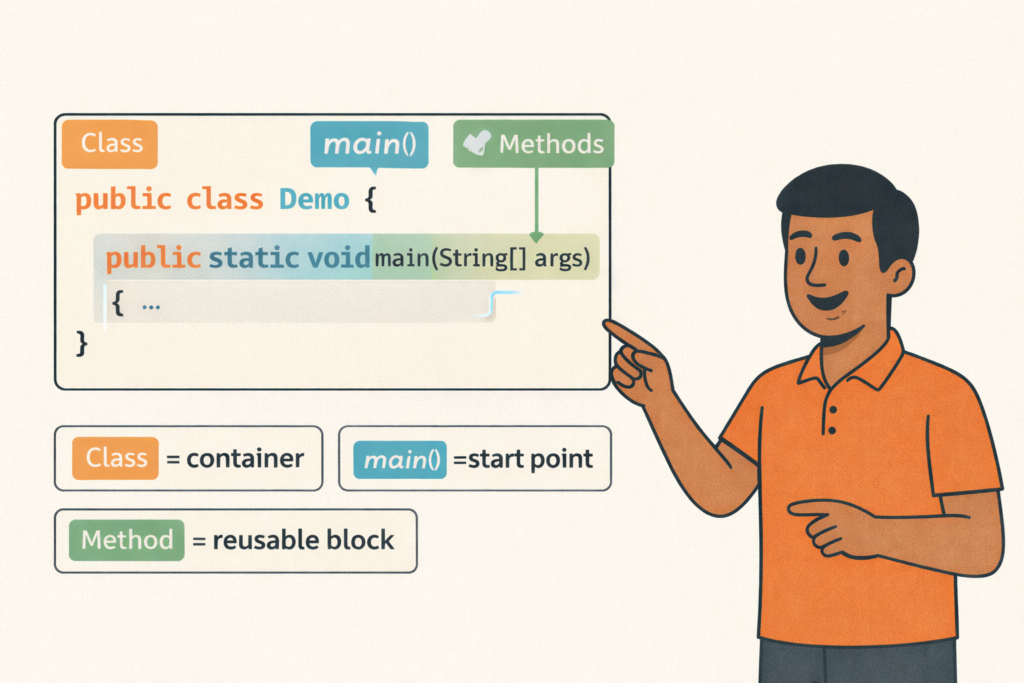
Java Program Structure (Class, main, Methods)– Full Beginner Explanation
Java Program Structure (Class, main, Methods) – Beginner Guide | Tamil Technicians TT Tamil Technicians…

Install JDK + VS Code/IntelliJ Setup+ Your First Java Program (Windows)
Install JDK + VS Code/IntelliJ Setup + First Java Program (Windows) | Tamil Technicians TT…
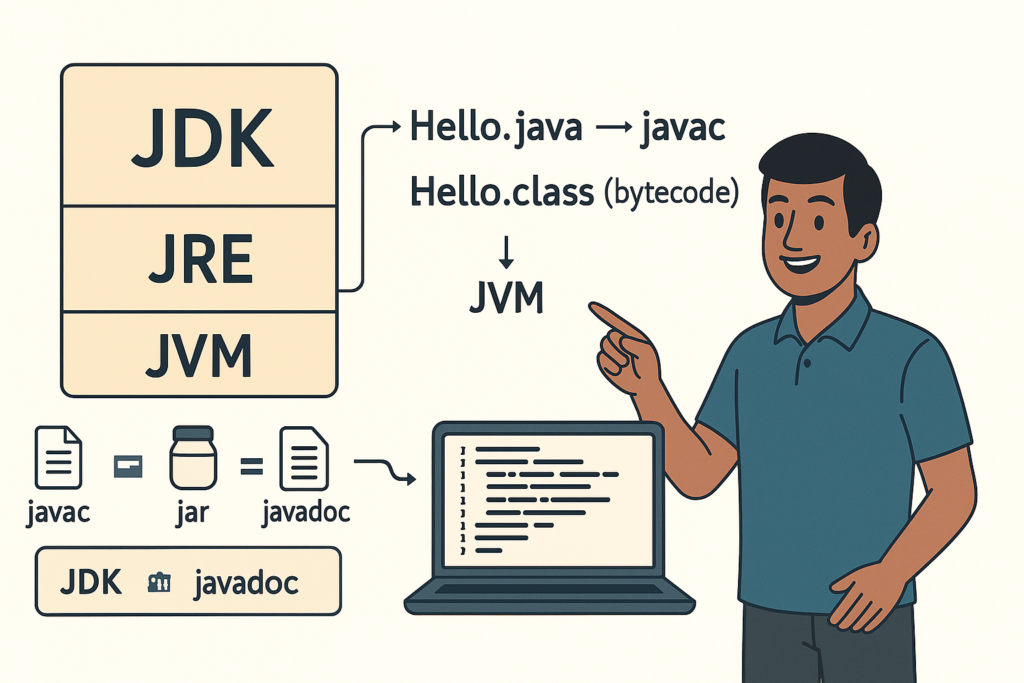
JDK vs JRE vs JVM – Easy Explanation(Compile & Run Flow for Beginners)
JDK vs JRE vs JVM – Easy Explanation (Beginner Guide) | Tamil Technicians TT Tamil…
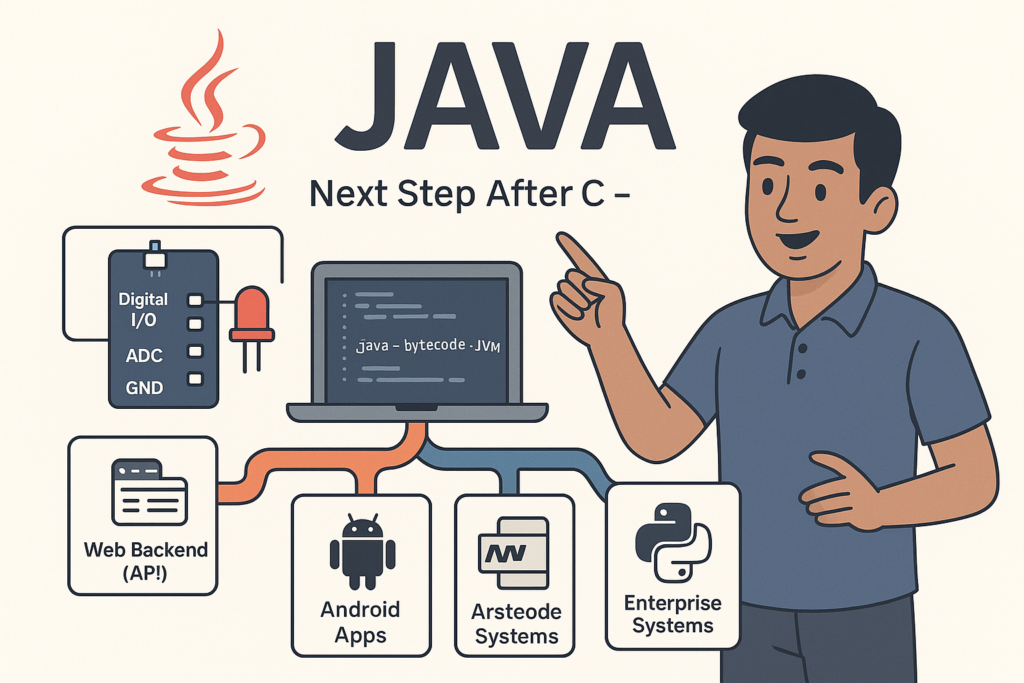
Java Introduction & Where Java is Used(Apps, Web, Banking, Android)
Java Introduction & Where Java is Used (Apps, Web, Banking, Android) | Tamil Technicians TT…
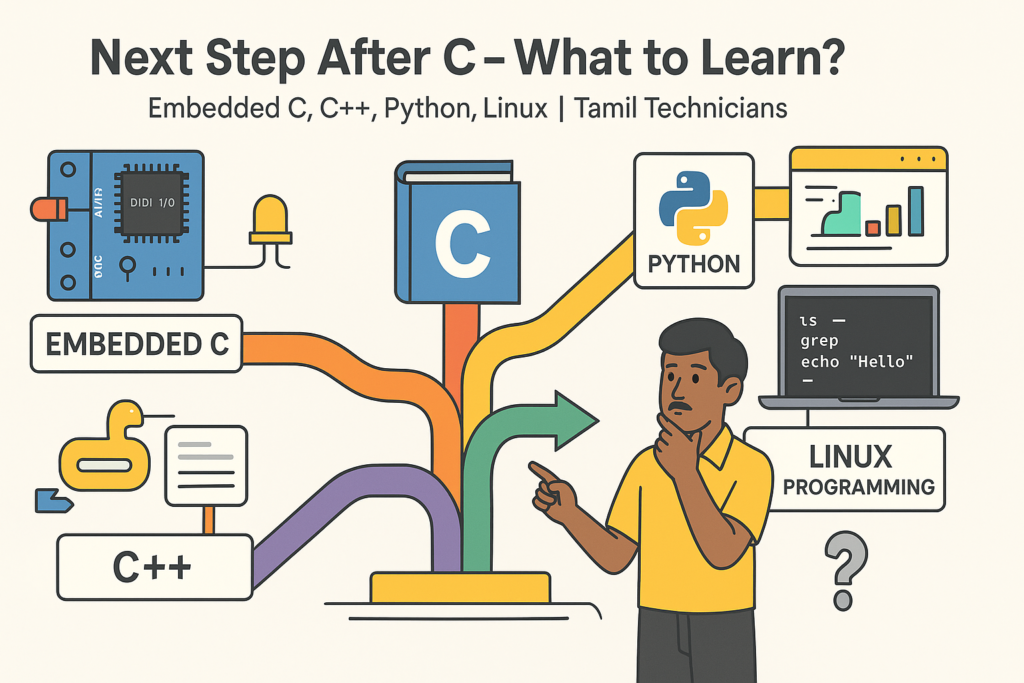
Next Step After C – What to Learn? (Embedded C, C++, Python, Linux Programming)
Next Step After C – What to Learn? (Embedded C, C++, Python, Linux Programming) |…
C for Electronics & Technicians – Basic Concepts for Embedded C
C for Electronics & Technicians – Basic Concepts for Embedded C | Tamil Technicians Tamil…
Mini C Project – Student Mark List & Result Generator in C (Console Project)
Mini C Project – Student Mark List & Result Generator in C (Console Project) |…
Mini C Projects – Simple Billing System & Calculator in C (Console Projects)
Mini C Projects – Simple Billing System & Calculator in C (Console Projects) | Tamil…
Error Types in C – Compile Time, Runtime, Logical Errors & Debugging Tips 2025
Error Types in C – Compile Time, Runtime, Logical Errors & Debugging Tips | Tamil…
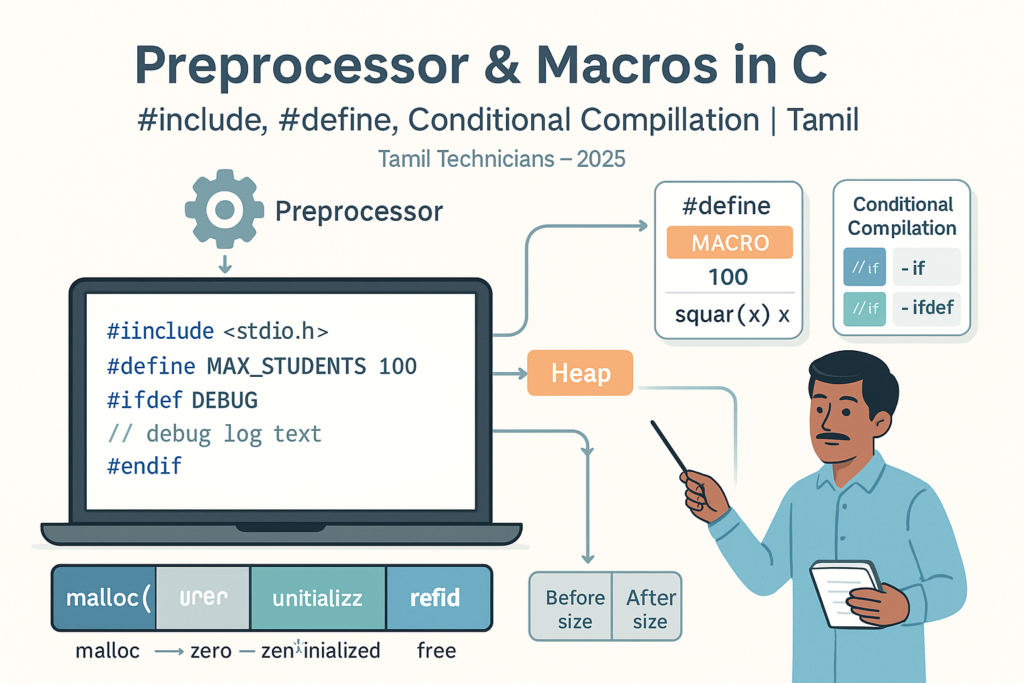
Preprocessor & Macros in C – #include, #define, Conditional Compilation
Preprocessor & Macros in C – #include, #define, Conditional Compilation | Tamil Technicians Tamil Technicians…
Dynamic Memory Allocation – malloc(), calloc(), realloc(), free() Basics
Dynamic Memory Allocation in C – malloc(), calloc(), realloc(), free() Basics | Tamil Technicians Tamil…
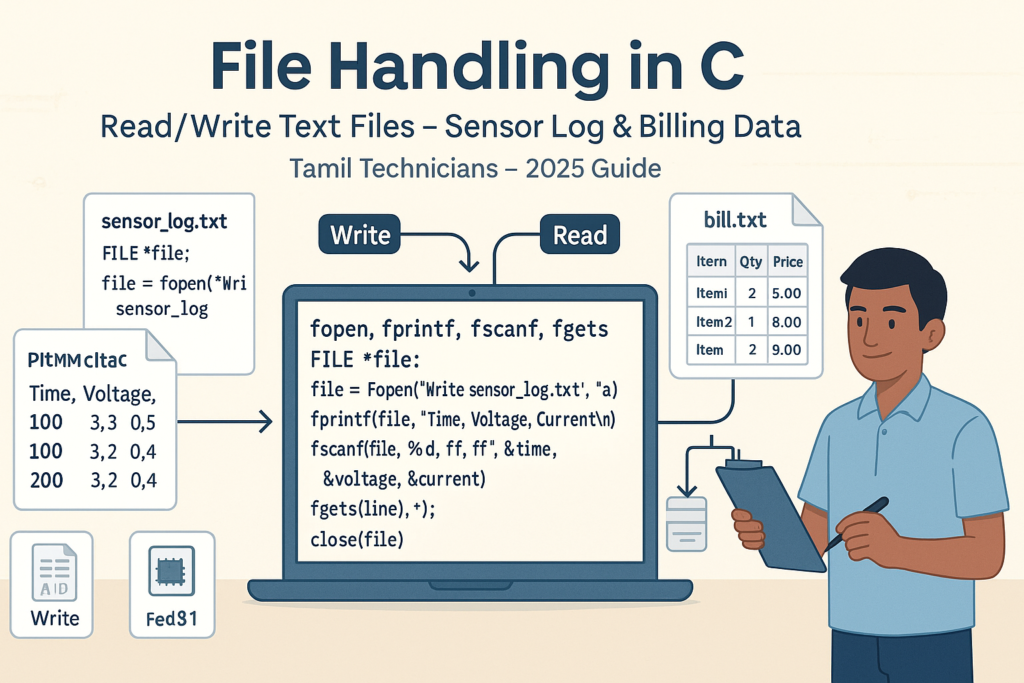
File Handling in C – Read/Write Text Files (Sensor Log, Billing Data Examples) 2025
File Handling in C – Read/Write Text Files (Sensor Log, Billing Data Examples) | Tamil…
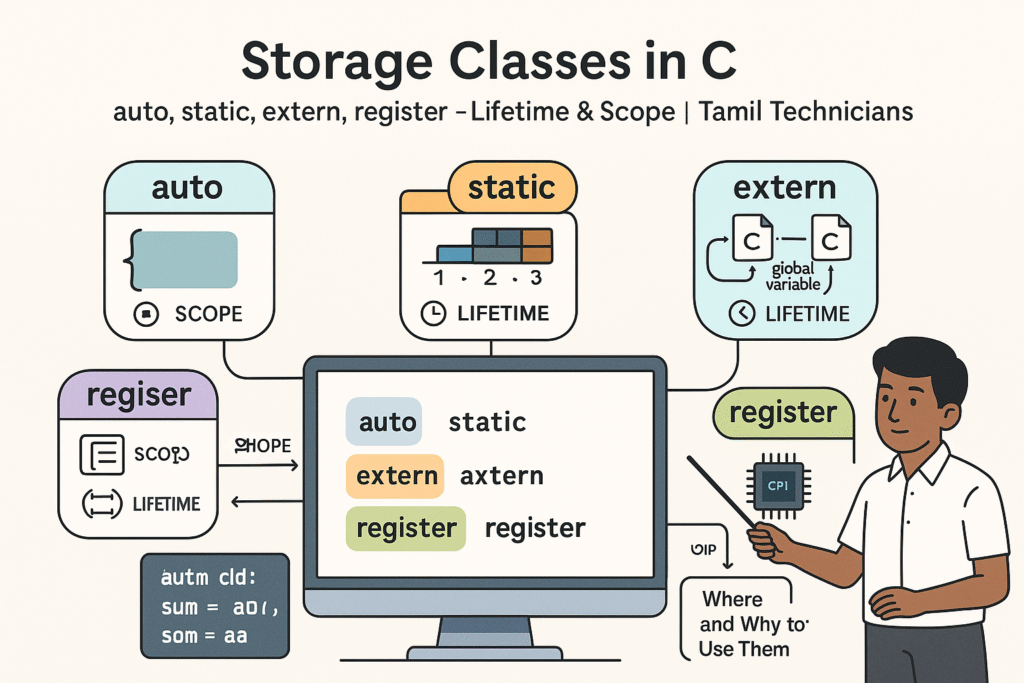
Storage Classes in C – auto, static, extern, register (Lifetime & Scope)
Storage Classes in C – auto, static, extern, register (Lifetime & Scope) | Tamil Technicians…

Structures in C – Struct with Examples (Student, Product, Device Data)
Structures in C – Struct with Examples (Student, Product, Device Data) | Tamil Technicians Tamil…
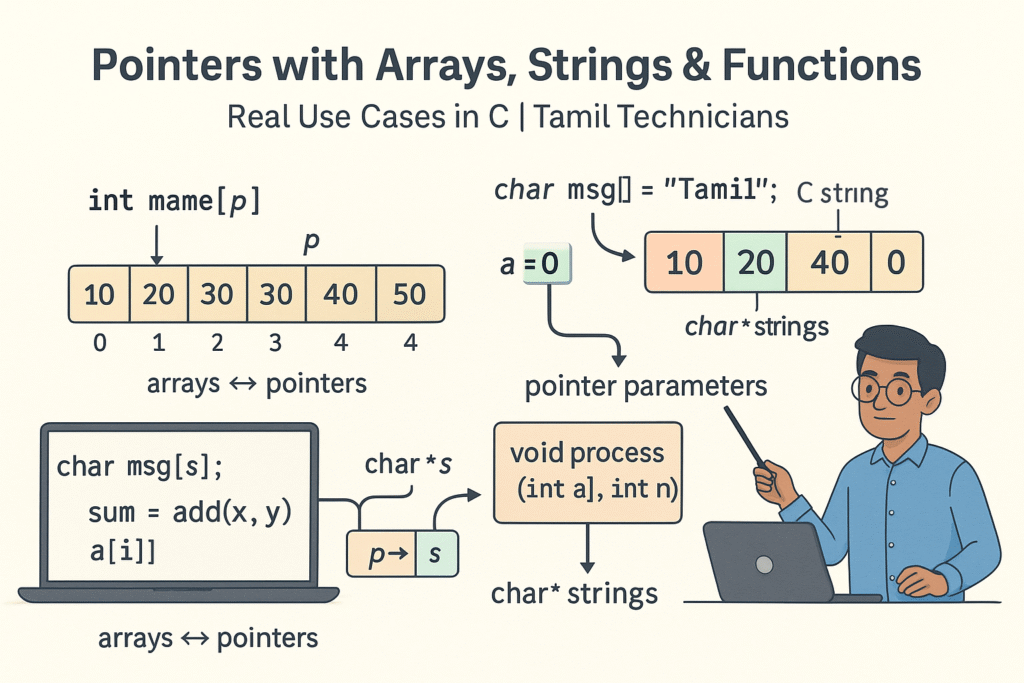
Pointers with Arrays, Strings & Functions – Real Use Cases
Pointers with Arrays, Strings & Functions – Real Use Cases | Tamil Technicians Tamil Technicians…
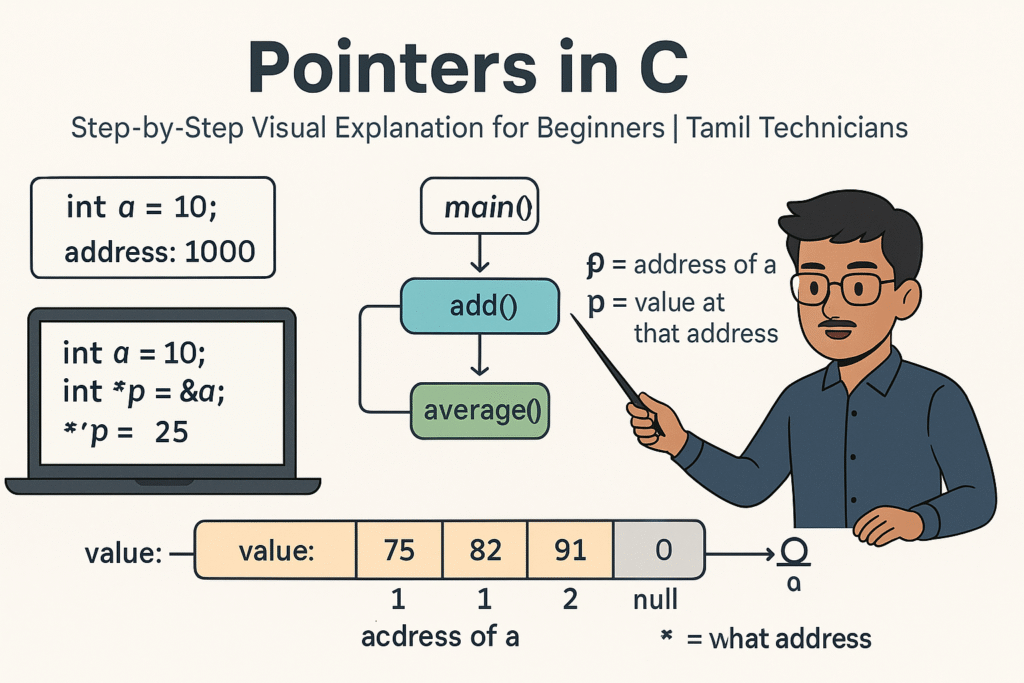
Pointers in C – Step-by-Step Visual Explanation for Beginners
Pointers in C – Step-by-Step Visual Explanation for Beginners | Tamil Technicians Tamil Technicians –…
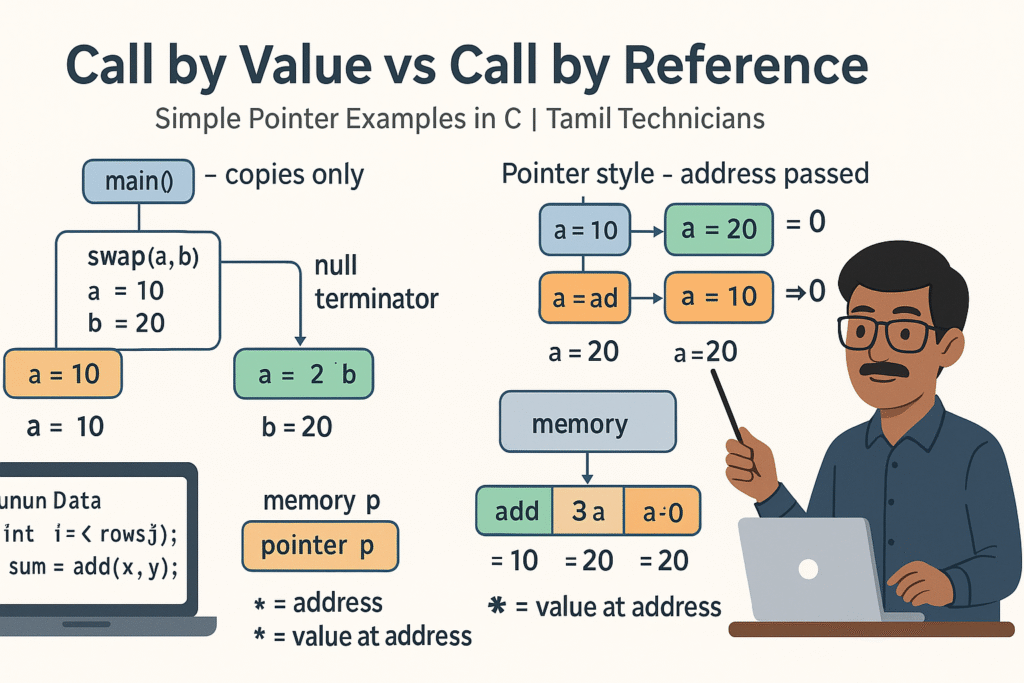
Call by Value vs Call by Reference – Simple Pointer Examples in Tamil
Call by Value vs Call by Reference – Simple Pointer Examples in Tamil | Tamil…
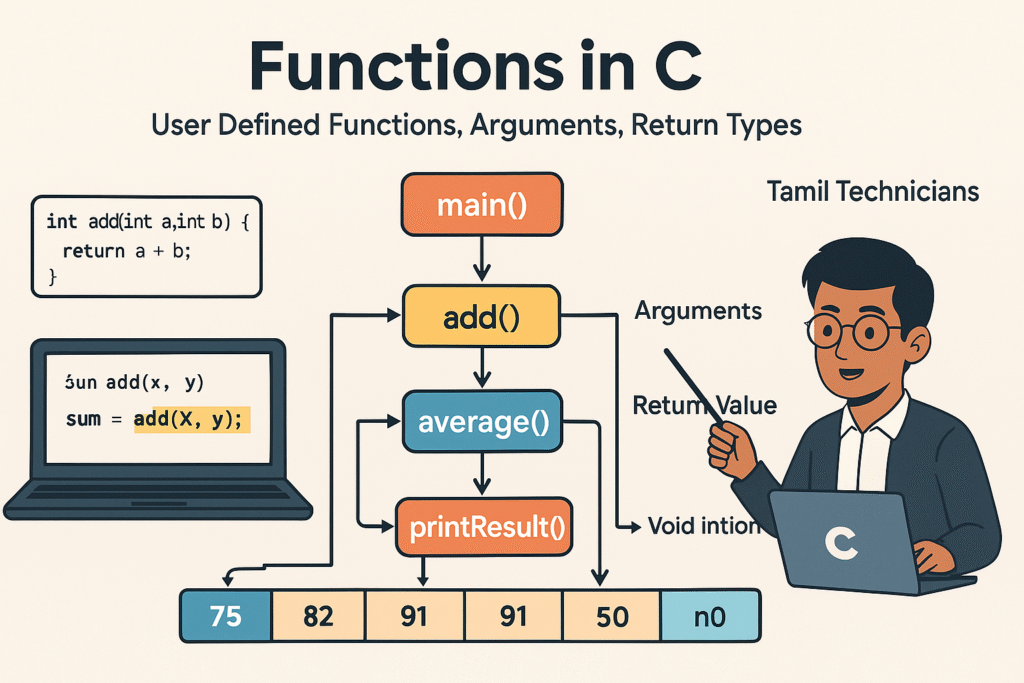
Functions in C – User Defined Functions, Arguments, Return Types
Functions in C – User Defined Functions, Arguments, Return Types | Tamil Technicians Tamil Technicians…
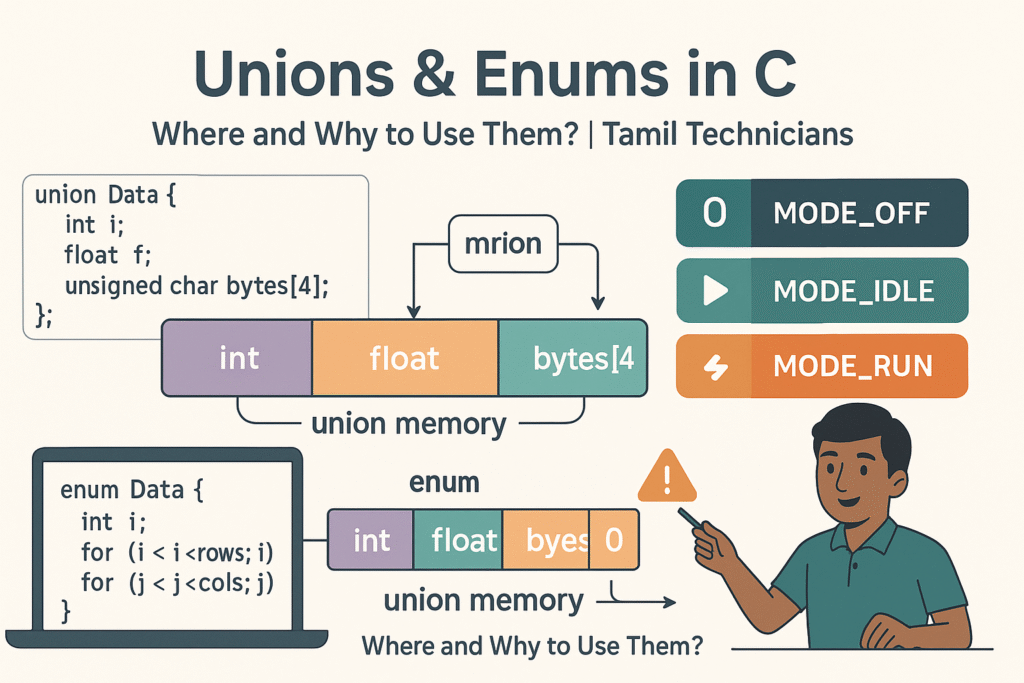
Unions & Enums in C – Where and Why to Use Them?
Unions & Enums in C – Where and Why to Use Them? | Tamil Technicians…
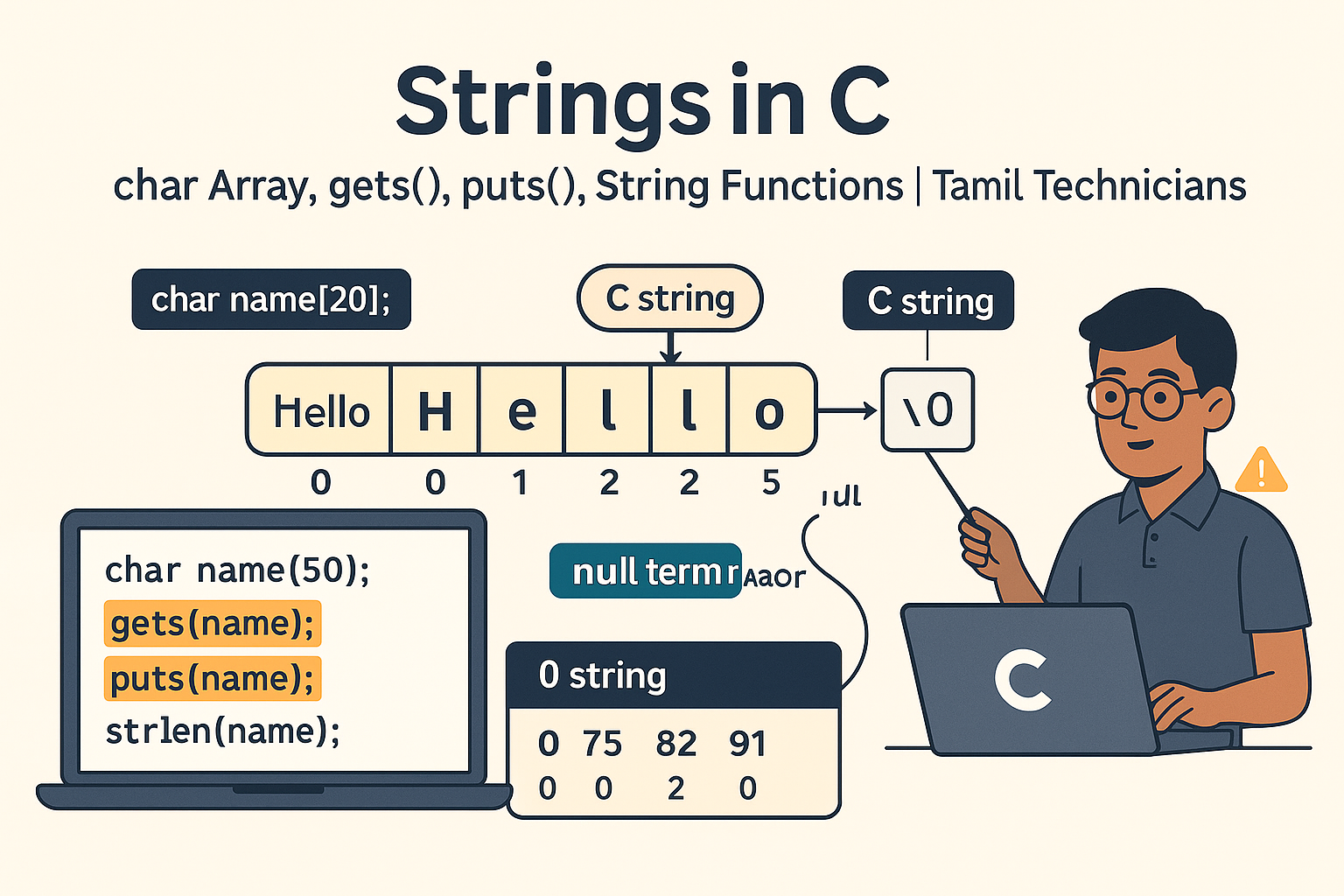
Strings in C – char Array, gets(), puts(), String Functions (strlen, strcpy, etc.)
Strings in C – char Array, gets(), puts(), String Functions (strlen, strcpy, etc.) | Tamil…
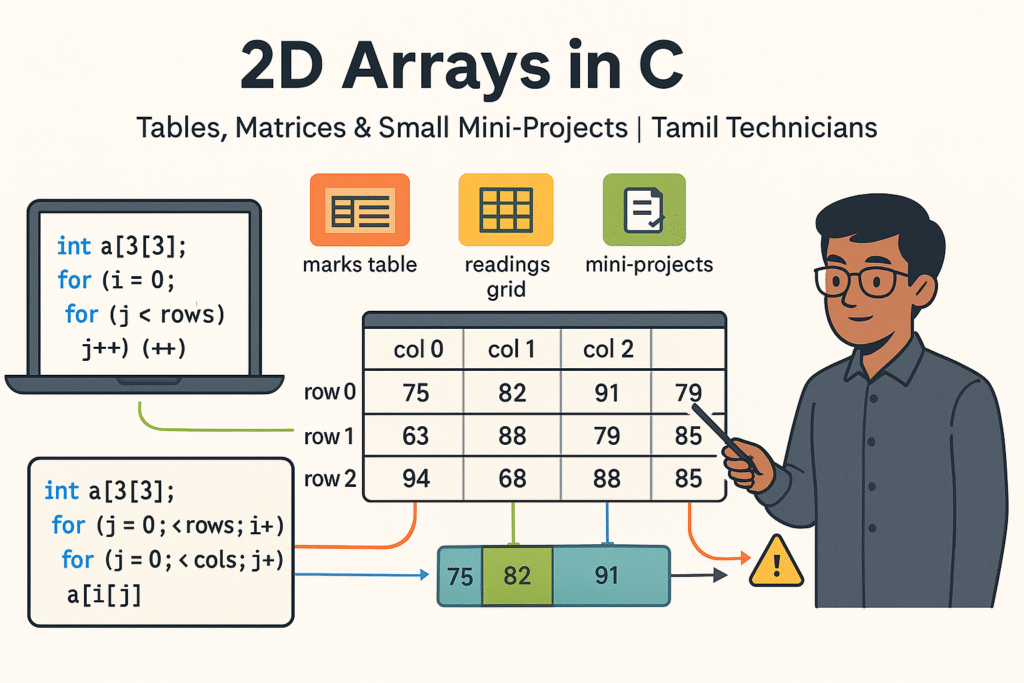
2D Arrays in C – Tables, Matrices & Small Mini-Projects
2D Arrays in C – Tables, Matrices & Small Mini-Projects | Tamil Technicians Tamil Technicians…
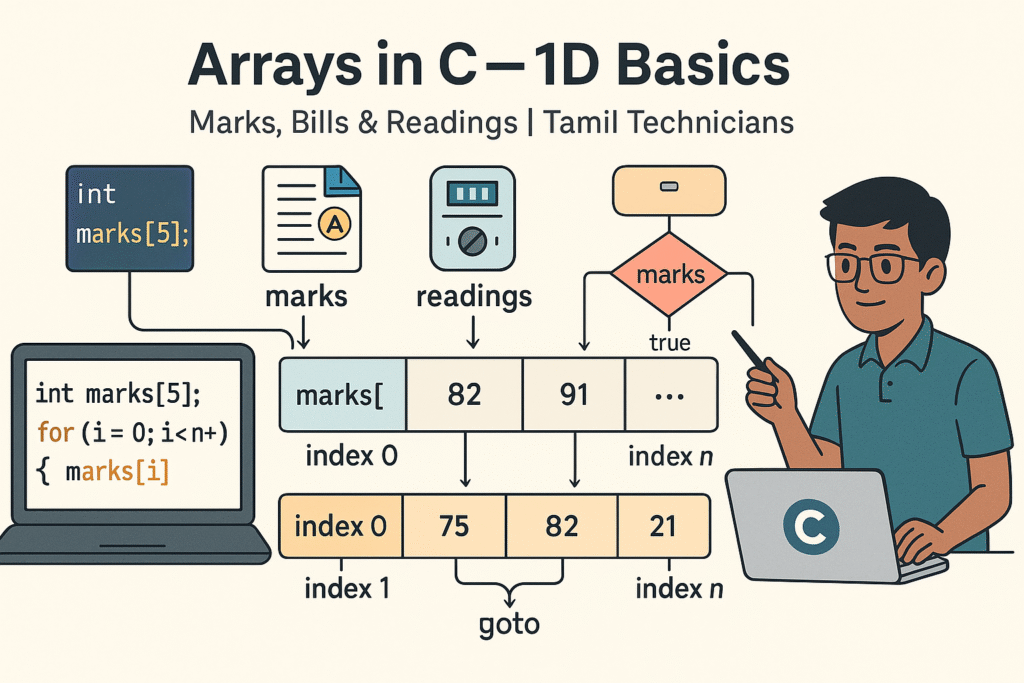
Arrays in C – 1D Array Basics with Practical Examples (Marks, Bills, Readings)
Arrays in C – 1D Array Basics with Practical Examples (Marks, Bills, Readings) | Tamil…
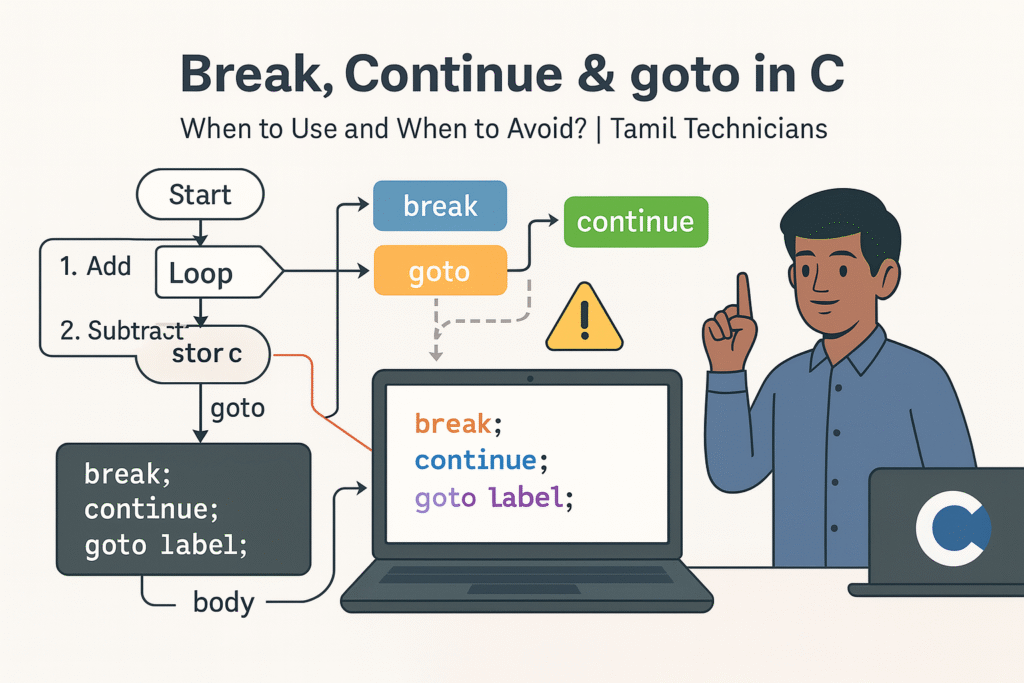
Break, Continue & goto in C – When to Use and When to Avoid?
Break, Continue & goto in C – When to Use and When to Avoid? |…

Loops in C – for, while, do-while Complete Guide (Patterns & Practice)
Loops in C – for, while, do-while Complete Guide (Patterns & Practice) | Tamil Technicians…
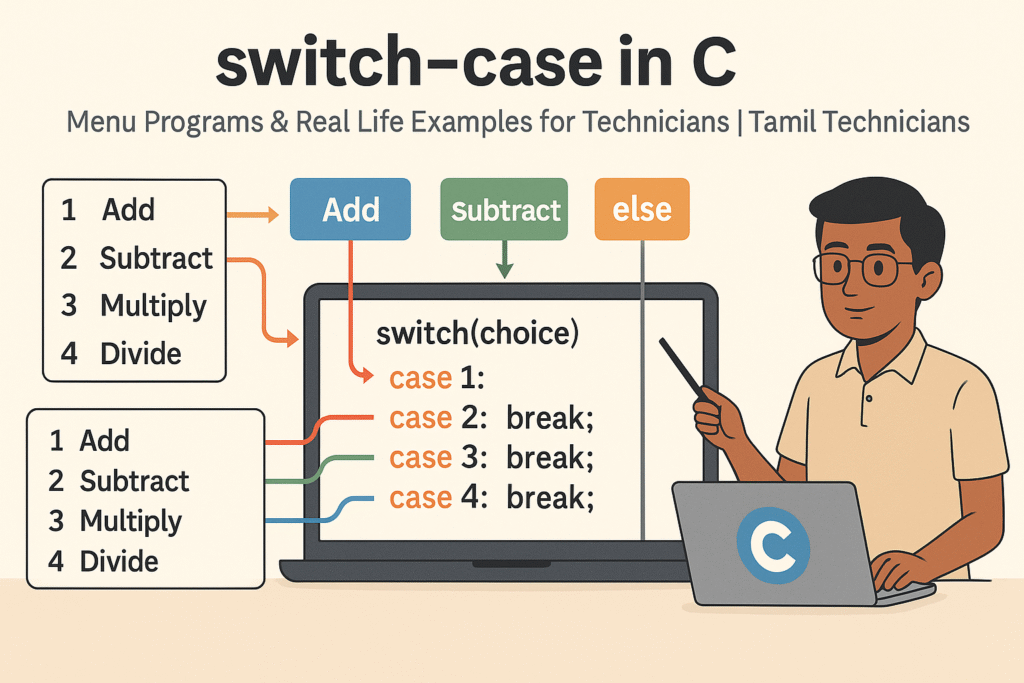
switch–case in C – Menu Programs & Real Life Examples for Technicians
switch–case in C – Menu Programs & Real Life Examples for Technicians | Tamil Technicians…
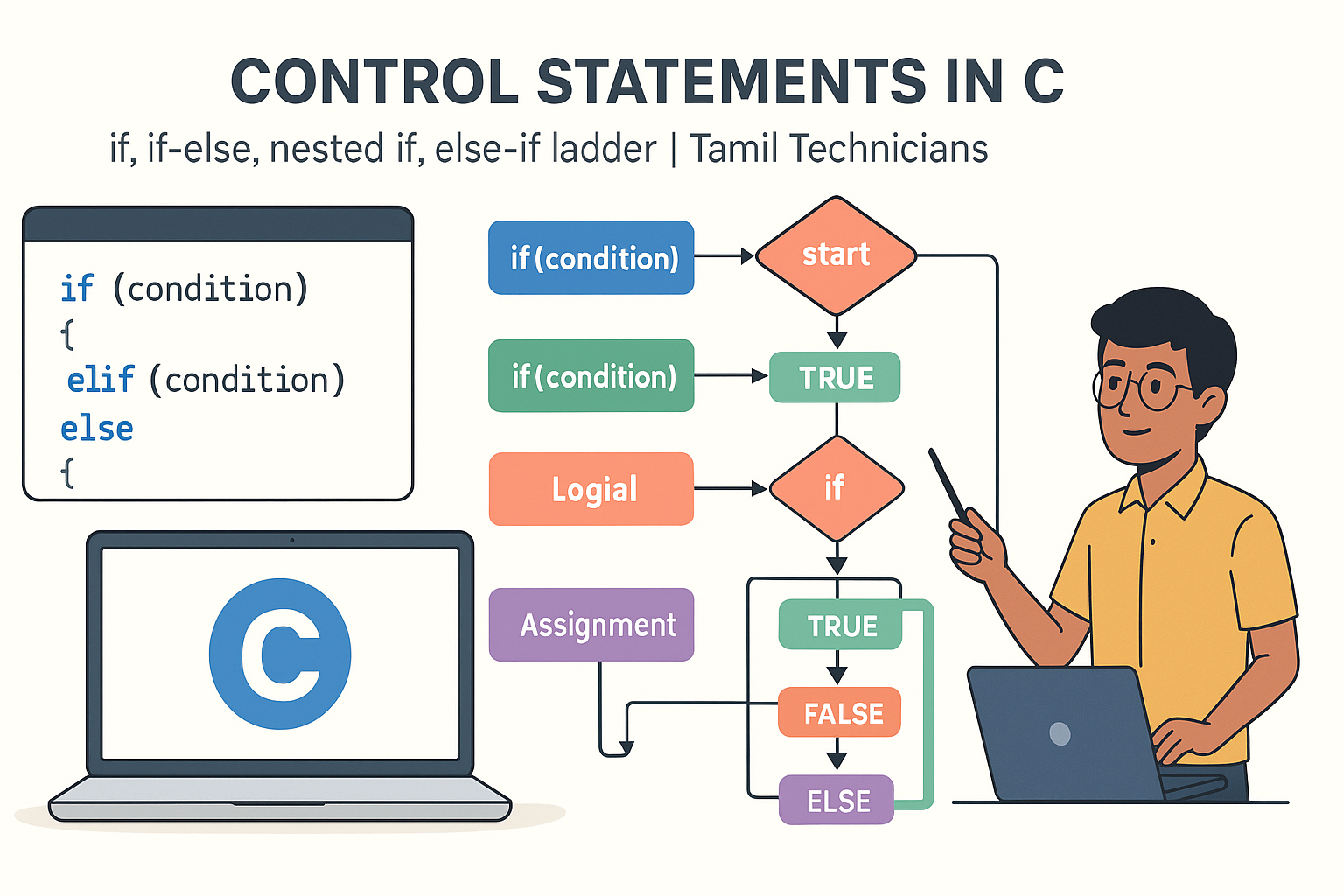
Control Statements in C – if, if-else, nested if, else-if ladder (Tamil Explanation)
Control Statements in C – if, if-else, nested if, else-if ladder (Tamil Explanation) | Tamil…
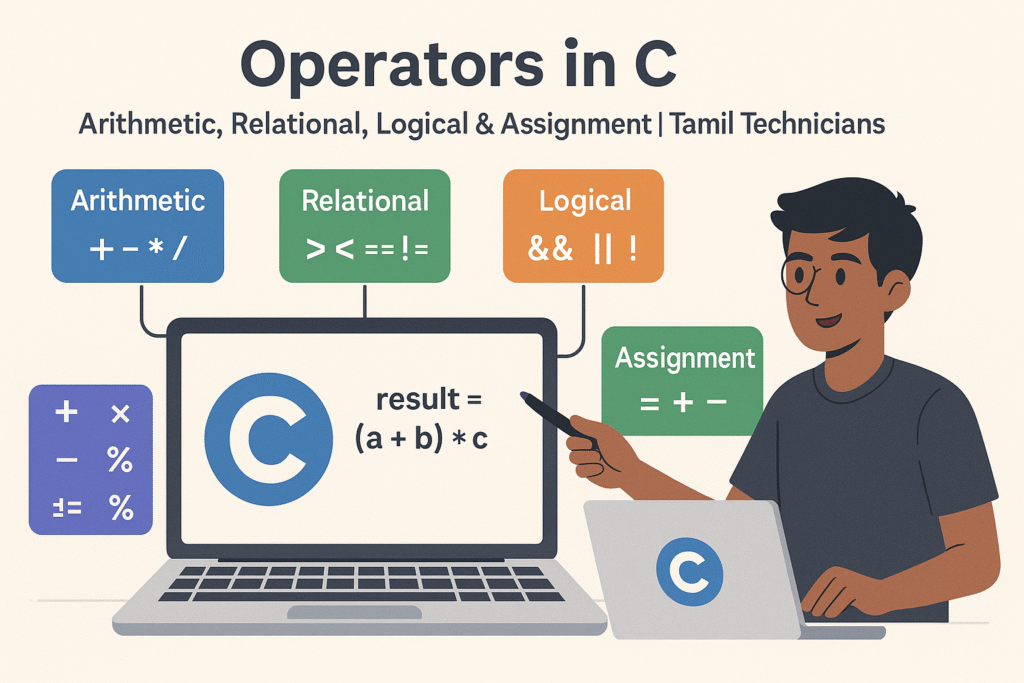
Operators in C – Arithmetic, Relational, Logical & Assignment (with Examples)
Operators in C – Arithmetic, Relational, Logical & Assignment (with Examples) | Tamil Technicians Tamil…
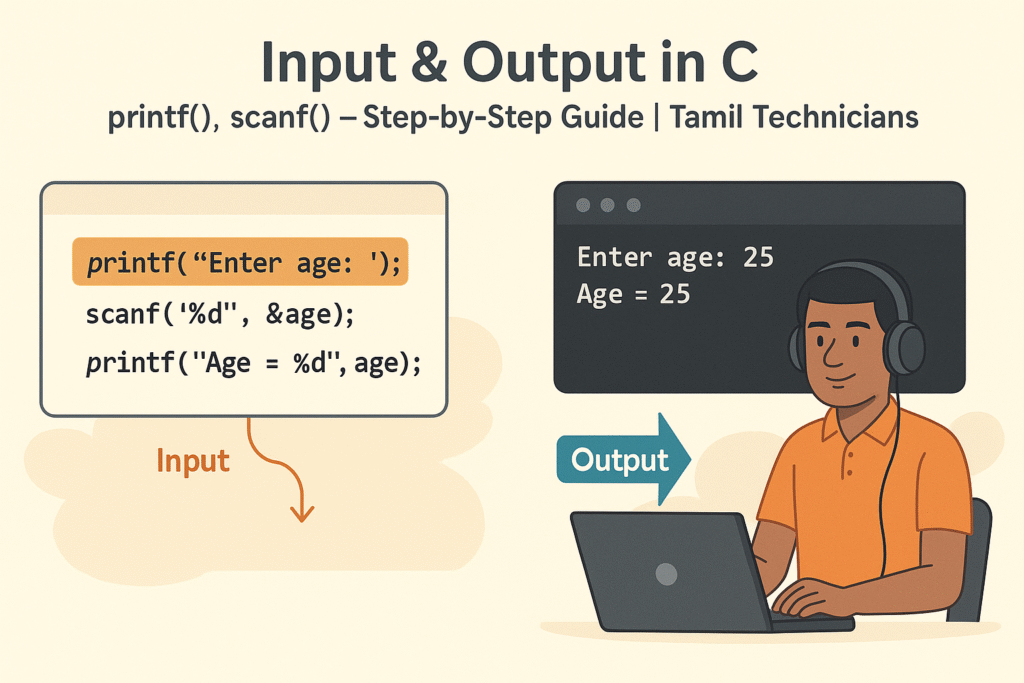
Input & Output in C – printf(), scanf() Step-by-Step Guide 2025
Input & Output in C – printf(), scanf() Step-by-Step Guide | Tamil Technicians Tamil Technicians…

C Variables, Data Types & Constants Explained in Simple Tamil
C Variables, Data Types & Constants Explained in Simple Tamil | Tamil Technicians Tamil Technicians…
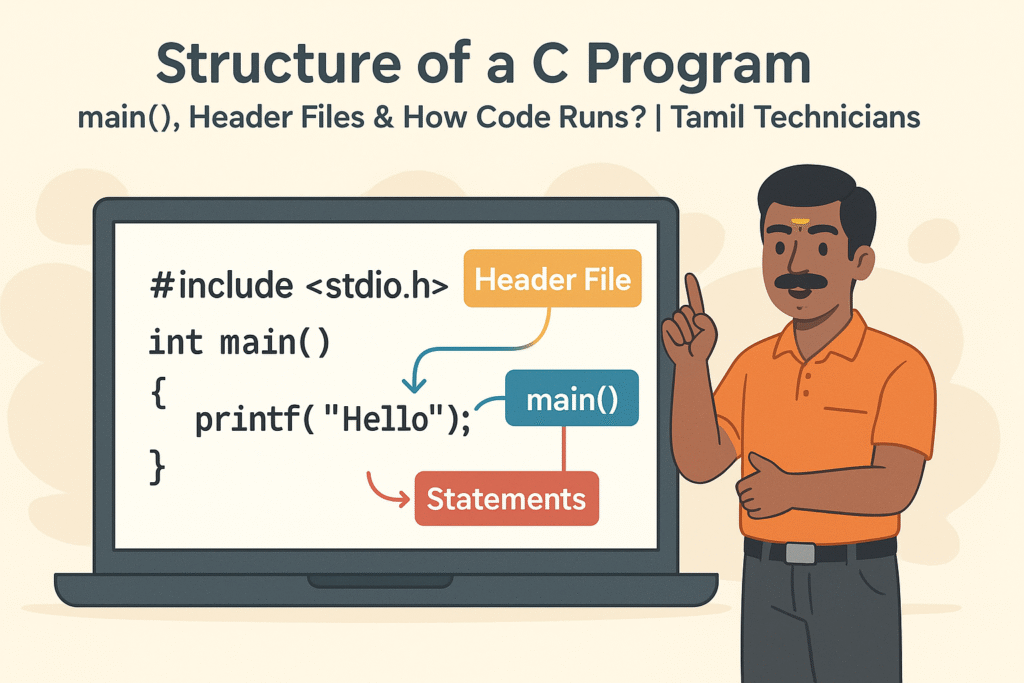
Structure of a C Program – main(), Header Files & How Code Runs?
Structure of a C Program – main(), Header Files & How Code Runs? | Tamil…

What is Programming & Why C is Important? (C Programming in Tamil for Beginners) | Tamil Technicians
What is Programming & Why C is Important? (C Programming in Tamil for Beginners) |…

C Language Introduction & Setup Guide for Beginners 2025
C Language Course Introduction & Setup Guide (Windows, Linux, macOS) | Tamil Technicians Tamil Technicians…