
Tamil Technicians – C Programming Course · Lesson 6
Control Statements in C – if, if-else, nested if, else-if ladder (Tamil Explanation)
So far in this C programming course we have stored values in variables and used operators to calculate results. But a real program does not run in a straight line all the time. Very often, it has to make decisions: “If marks are above 50, print PASS; otherwise print FAIL”, “If temperature is too high, switch on fan”, and so on.
To write this kind of decision-making logic, C provides control statements.
In this lesson, we will focus on the most important ones:
if, if-else, nested if and else-if ladder.
The explanation is in simple English, but designed for Tamil-speaking beginners,
so you can later translate and explain in Tamil easily.
What Are Control Statements?
A simple C program without control statements runs line by line from top to bottom. Control statements change this normal flow. They allow the program to:
- Decide whether to execute a block of code or skip it.
- Choose between two or more blocks of code.
- Repeat some statements (loops – we will see in the next lessons).
In this article we focus on the selection or decision-making control statements: they select which block of code should run based on a condition.
A control statement checks a condition. If the condition is true, one path is executed. If the condition is false, a different path (or no path) is executed.
Conditions and Boolean Results in C
All control statements in this lesson use a condition inside parentheses:
if (condition).
A condition is usually a relational or logical expression, for example:
marks >= 50temp < 20a == bage >= 18 && age <= 60
In C, each condition is evaluated to an integer value: 0 means false, and any non-zero value means true.
int marks = 65;

if (marks >= 50) {      // condition is true (1)
    printf("PASS\\n");
}_Bool or stdbool.h,
but for this beginner lesson we keep it simple.
The Simple if Statement
The simplest decision-making statement in C is if.
It executes a block of code only when a condition is true.
Syntax
if (condition) {
    // statements to execute when condition is true
}
If the condition is false, the statements inside the braces are skipped. The program continues after the closing brace.
Example – Turn on Fan if Temperature Is High
#include <stdio.h>

int main() {
    float temp;
    printf("Enter temperature: ");
    scanf("%f", &temp);

    if (temp > 30.0f) {
        printf("Fan ON (temperature is high)\\n");
    }

    printf("Program finished.\\n");
    return 0;
}
If the user enters 35, the condition temp > 30.0f is true,
so the program prints both lines.
If the user enters 25, the condition is false and only “Program finished.” is printed.
If there is only one statement inside the if, the braces { }
are technically optional.
But for clean, safe code, especially as a beginner, it is better to always use braces.
The if-else Statement
Very often we want to do one thing when a condition is true, and a different thing when it is false.
For that we use if-else.
Syntax
if (condition) {
    // statements when condition is true
} else {
    // statements when condition is false
}
Example – Pass or Fail
#include <stdio.h>

int main() {
    int marks;
    printf("Enter your marks: ");
    scanf("%d", &marks);

    if (marks >= 50) {
        printf("Result: PASS\\n");
    } else {
        printf("Result: FAIL\\n");
    }

    return 0;
}
Here the program will always print exactly one of the two messages. There is no third option.
Example – Even or Odd
int num;
printf("Enter an integer: ");
scanf("%d", &num);

if (num % 2 == 0) {
    printf("Number is EVEN\\n");
} else {
    printf("Number is ODD\\n");
}
Nested if Statements
A nested if means having one if (or if-else) statement
inside another. This is useful when decisions depend on previous decisions.
Example – Check Eligibility for Loan
Imagine we want to approve a small loan only if:
- Age is between 21 and 60, and
- Salary is greater than or equal to 20,000.
#include <stdio.h>

int main() {
    int age;
    float salary;

    printf("Enter age: ");
    scanf("%d", &age);

    if (age >= 21 && age <= 60) {
        printf("Enter monthly salary: ");
        scanf("%f", &salary);

        if (salary >= 20000.0f) {
            printf("Loan can be APPROVED\\n");
        } else {
            printf("Loan REJECTED: salary too low\\n");
        }
    } else {
        printf("Loan REJECTED: age not in allowed range\\n");
    }

    return 0;
}
Note that we first check age. Only if age condition is satisfied, we ask for salary and check it. This structure keeps input interactions logical and efficient.
The else-if Ladder
Sometimes we need to choose between more than two options. For example,
grading marks into A, B, C, D, or “Fail”.
Using separate if statements would be confusing, so we use an
else-if ladder.
Syntax
if (condition1) {
    // block 1
} else if (condition2) {
    // block 2
} else if (condition3) {
    // block 3
} else {
    // default block
}
The conditions are checked from top to bottom. As soon as one condition is true, its block is executed and the rest are skipped.
Example – Grading System
#include <stdio.h>

int main() {
    int marks;
    printf("Enter marks (0-100): ");
    scanf("%d", &marks);

    if (marks >= 90) {
        printf("Grade: A+\\n");
    } else if (marks >= 80) {
        printf("Grade: A\\n");
    } else if (marks >= 70) {
        printf("Grade: B\\n");
    } else if (marks >= 60) {
        printf("Grade: C\\n");
    } else if (marks >= 50) {
        printf("Grade: D\\n");
    } else {
        printf("Grade: F (Fail)\\n");
    }

    return 0;
}
Notice that we only use the lower bound in each condition. For example, if marks are 85, the first condition (marks >= 90) is false, the second (marks >= 80) is true, so the remaining conditions are not checked.
Example – Electricity Tariff Slabs
A more practical example is a simple tariff calculator.
float units, rate;

printf("Enter units consumed: ");
scanf("%f", &units);

if (units <= 100) {
    rate = 1.5f;
} else if (units <= 300) {
    rate = 2.0f;
} else if (units <= 500) {
    rate = 3.0f;
} else {
    rate = 4.0f;
}

printf("Rate per unit = %.2f\\n", rate);
Best Practices for if/else Code
1. Keep Conditions Simple
Instead of writing one very long condition, split it into smaller parts and use meaningful variable names.
// Hard to read
if (age >= 18 && age <= 60 && salary >= 15000 && experience >= 2) { ... }

// Easier to read
int isAdult = (age >= 18 && age <= 60);
int hasMinimumSalary = (salary >= 15000);
int hasExperience = (experience >= 2);

if (isAdult && hasMinimumSalary && hasExperience) { ... }
2. Indent Your Code Properly
Use consistent indentation so that nested blocks are visually clear. Most editors do this automatically if you press Tab or use auto-format.
3. Avoid Magic Numbers
Use constants or #define for important threshold values
like pass mark, minimum age, max temperature, etc.
#define PASS_MARK 50

if (marks >= PASS_MARK) { ... }
Common Mistakes with if, if-else and else-if Ladder
1. Using = Instead of ==
if (x = 5) {   // WRONG: this assigns 5 to x, then checks if x is non-zero
    ...
}
Use == when you want to compare.
if (x == 5) {   // CORRECT: check if x is equal to 5
    ...
}
2. Unwanted Semicolon After if
if (marks >= 50);   // WRONG: semicolon ends the if
{
    printf("PASS\\n"); // this will always execute
}
Remove the extra semicolon.
3. Missing Braces Around Multiple Statements
if (marks >= 50)
    printf("PASS\\n");
    printf("Congratulations!\\n");  // always prints

// Use braces:
if (marks >= 50) {
    printf("PASS\\n");
    printf("Congratulations!\\n");
}
4. Confusing Nested if with else-if
Sometimes new programmers write nested if when an else-if ladder
is simpler and more efficient. For example:
// Less clear
if (marks >= 90) {
    ...
} else {
    if (marks >= 80) {
        ...
    } else {
        if (marks >= 70) {
            ...
        }
    }
}
Better:
if (marks >= 90) { ... }
else if (marks >= 80) { ... }
else if (marks >= 70) { ... }
else { ... }
Small Practice Programs Using if / if-else / else-if
-
Maximum of Two Numbers
if (a > b) { printf("Max = %d\\n", a); } else { printf("Max = %d\\n", b); } -
Maximum of Three Numbers (nested if)
int max; if (a > b) { if (a > c) { max = a; } else { max = c; } } else { if (b > c) { max = b; } else { max = c; } } -
Simple Menu Using else-if Ladder
int choice;
printf("1. Add\\n2. Subtract\\n3. Multiply\\nEnter choice: ");
scanf("%d", &choice);

if (choice == 1) {
    printf("You selected Addition\\n");
} else if (choice == 2) {
    printf("You selected Subtraction\\n");
} else if (choice == 3) {
    printf("You selected Multiplication\\n");
} else {
    printf("Invalid choice\\n");
}
Quick Checklist Before You Compile
- Is every
ifcondition enclosed in parentheses( )? - Did you use
==for comparison instead of=? - Are braces
{ }correctly placed and balanced? - Is there any unwanted semicolon directly after
if? - Have you chosen between nested
ifandelse-if ladderin a clean way?
Suggested Featured Image Concept
You can use the following description as a prompt in your image generation tool:
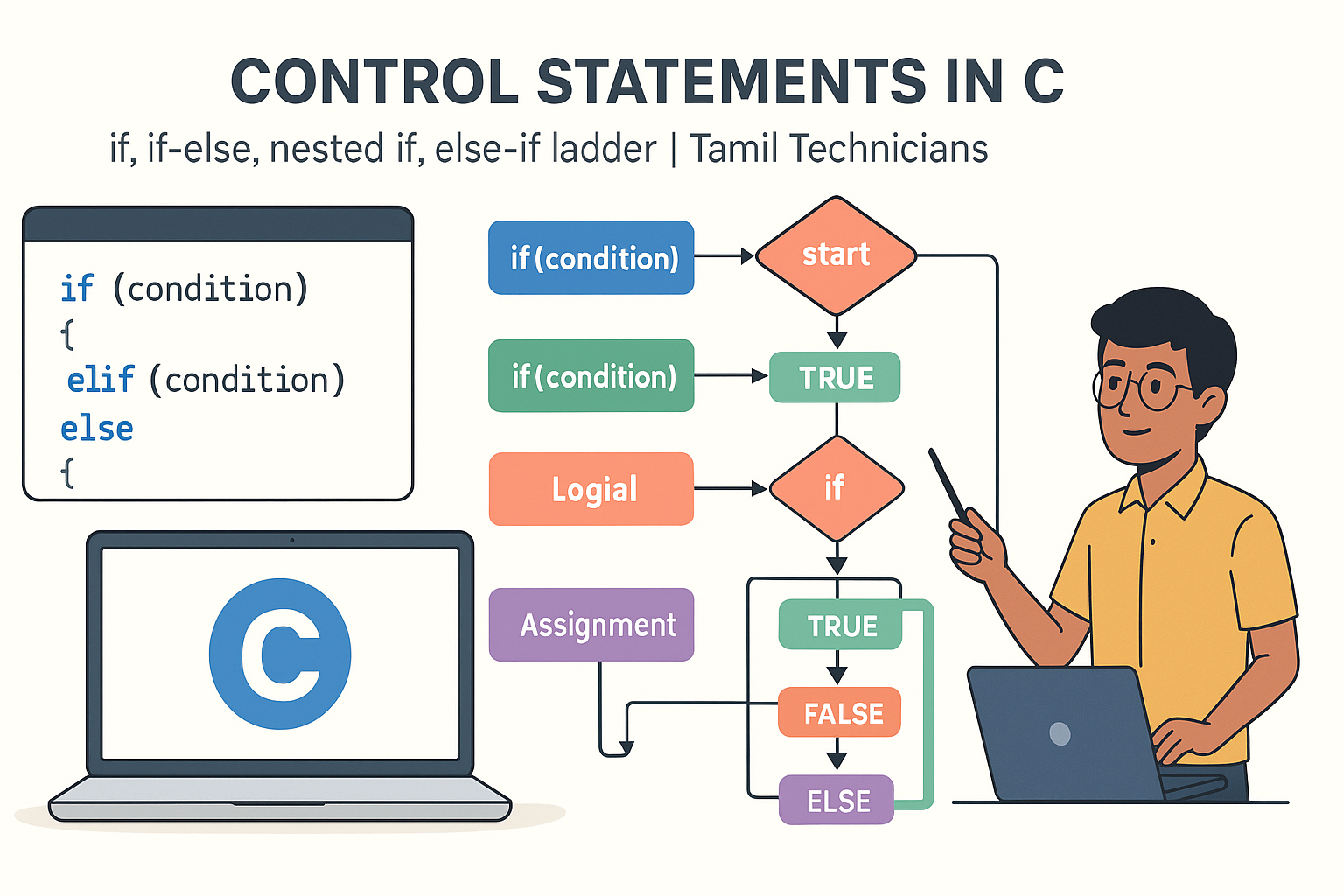
“Flat 16:9 illustration on a light background. A flowchart-style diagram shows a C program starting at the top, then splitting at a diamond decision box labeled `if (condition)` into ‘Yes’ and ‘No’ paths, leading to blocks named `if`, `if-else`, `nested if`, and `else-if ladder`. A laptop on the side displays short C code examples with `if`, `else if`, and `else` highlighted in blue. At the bottom-right, a young South Indian / Tamil technician character stands with a pointer explaining the flow. Title text at the top: ‘Control Statements in C’ and subtitle: ‘if, if-else, nested if, else-if ladder | Tamil Technicians’. Clean vector style, minimal colors, educational look.”
FAQ: Control Statements in C
1. When should I use nested if instead of an else-if ladder?
Use nested if when the second condition should only be checked
if the first condition is true (for example, asking for salary only after checking age).
Use an else-if ladder when you are choosing exactly one case out of many
(like grading, menus, tariff slabs).
2. Is it okay to put one if statement immediately after another?
Yes. Multiple independent if statements are allowed.
Each condition is checked separately.
This is different from an else-if ladder, where only one block executes.
3. Why does my if condition always look true?
The most common reasons are: using = instead of ==,
or writing an expression that always evaluates to non-zero.
Printing the condition value with printf can help debug.
4. Can I use logical operators inside if conditions?
Absolutely. That is one of their main uses. You can combine multiple comparisons with
&& (AND), || (OR) and invert them with ! (NOT).
For example: if (age >= 18 && age <= 60).

