
Java Introduction & Where Java is Used
(Apps, Web, Banking, Android)
This is a complete beginner-friendly guide to understand what Java is, how Java works, and where Java is used in real life. If you are starting from zero—no worries. We’ll explain everything in simple words, with practical examples and a roadmap to become confident in Java.
Table of Contents
Jump to section1) What is Java?
BasicsJava is a high-level, general-purpose programming language used to build reliable software for many platforms. When we say “platforms,” we mean places where software runs: computers, servers, mobile devices, and even embedded devices.
Java was designed with one big promise in mind: “Write Once, Run Anywhere.” In simple terms, if you write a Java program properly, you can run it on Windows, macOS, and Linux without rewriting the whole code. This works because Java code runs on the Java Virtual Machine (JVM), which acts like a universal engine.
Java is known for being:
- Stable – used for long-running systems (banking servers run 24/7).
- Secure – strong security libraries and best practices.
- Scalable – works for small apps and huge enterprise systems.
- Readable – structured syntax; great for learning programming logic.
- Backed by a huge ecosystem – frameworks, tools, and community support.
Java is not “only for one thing.” It’s used for everything from back-end APIs to large enterprise platforms. That’s why Java remains a strong skill even today.
2) Why is Java so popular?
Why companies choose JavaMany languages appear and disappear quickly. Java has survived for decades and continues to stay relevant because it fits real company needs: reliability, performance, maintainability, and long-term support.
Another major reason: Java has a huge amount of existing software in the industry. Even if companies adopt new languages, they still maintain Java systems for years. That’s why Java skills are valuable.
Finally, Java has excellent backward compatibility. Code written years ago often still runs today, sometimes with minimal changes. That stability is gold for businesses.
3) How Java works (JDK, JRE, JVM)
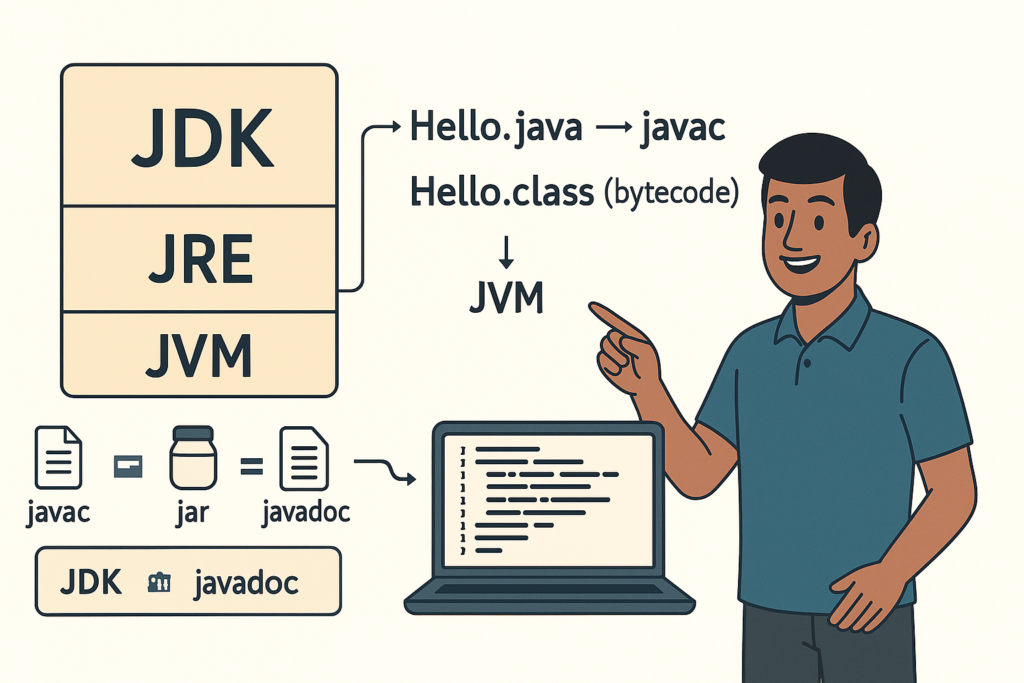
Must-know conceptBeginners often hear these three terms and get confused: JDK, JRE, and JVM. Let’s simplify it using a “kitchen” analogy.
| Term | Meaning | Simple Explanation |
|---|---|---|
| JVM (Java Virtual Machine) | The engine that runs Java bytecode | Like a “motor” that executes compiled Java programs |
| JRE (Java Runtime Environment) | JVM + runtime libraries | Everything needed to run Java apps (engine + basic parts) |
| JDK (Java Development Kit) | JRE + developer tools (compiler, etc.) | Everything needed to create Java apps (kitchen + tools) |
The Java process has two main steps:
- Compile: Your .java file is converted into .class bytecode using the Java compiler.
- Run: The JVM reads the bytecode and executes it on your machine.
// You write:
MyProgram.java

// Compile:
javac MyProgram.java  --> creates MyProgram.class

// Run:
java MyProgramThis design is why Java is cross-platform. Different operating systems have their own JVM implementations, but the bytecode remains the same. This is also why companies love Java for large deployments: you can run the same code on many servers without rewriting it.
4) Your first Java program (Hello World)
First codeLet’s write the classic “Hello World” program. This is the simplest program that confirms your setup works and teaches the basic structure of a Java program.
public class HelloWorld {
    public static void main(String[] args) {
        System.out.println("Hello, Java!");
    }
}
Line-by-line explanation:
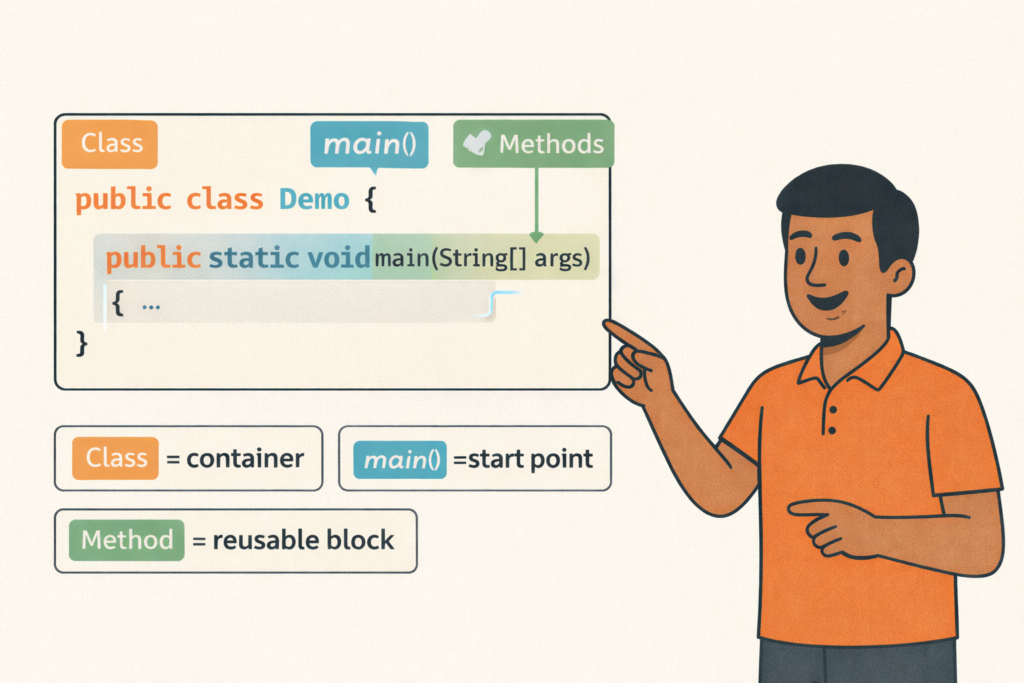
- public class HelloWorld → A class is a container for your code.
- public static void main(String[] args) → The main method is the entry point. Program starts here.
- System.out.println(…) → Prints text to the console.
Think of main() as the “power switch” of your program. If main doesn’t run, the rest of your code won’t run.
Now that you saw a basic Java program, let’s understand where Java is used in real life. This is the part that will motivate you and help you decide what to build in future lessons.
5) Where Java is used in real life
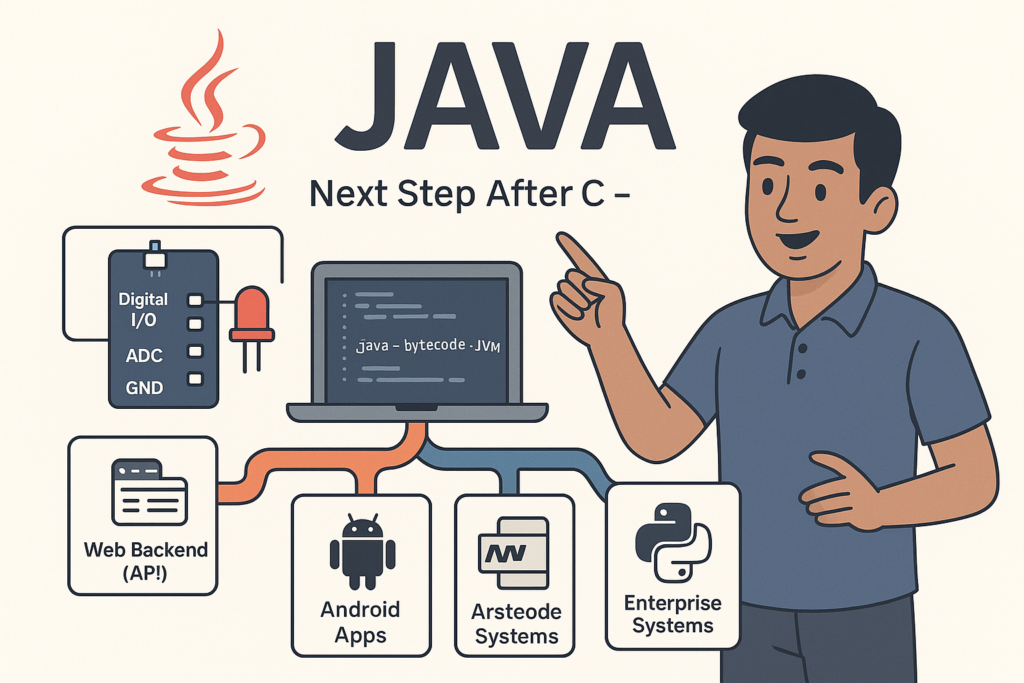
Use casesJava is used widely because it balances performance, security, and maintainability. Here are the most common real-world places you will see Java:
In the next sections, we’ll break down each of these and show what exactly Java is doing there. You’ll also learn which Java skills matter for each domain.
6) Java in Web Development (Backend)
APIs • MicroservicesWhen people say “Java Web Development,” they mostly mean server-side development. Java is commonly used to build APIs and business logic that powers websites and mobile apps. For example:
- A shopping app’s backend (products, orders, payments)
- A social app’s backend (posts, likes, comments, notifications)
- A hospital system backend (appointments, billing, reports)
- A logistics backend (tracking, dispatch, delivery status)
Java web backends often use frameworks like: Spring / Spring Boot, Jakarta EE, and related libraries. Spring Boot is popular because it helps you create production-ready APIs faster (security, database access, configuration, logging).
Here’s a simple idea of what a “backend API” does: Your mobile app asks for data (example: “Give me user profile”), the backend checks permissions, reads from database, and responds with JSON.
// Example response (conceptual JSON)
{
  "userId": "u123",
  "name": "Karthik",
  "role": "Customer",
  "active": true
}
As you become a Java backend developer, you’ll learn additional topics: databases (MySQL/PostgreSQL), authentication (JWT/OAuth), caching, message queues, and deployment. But the foundation still starts with core Java concepts: variables, conditionals, OOP, and collections.
7) Java in Banking & FinTech (Why Java dominates here)
Security • ReliabilityBanking systems need extreme reliability: if a payment fails incorrectly, it can cause big financial loss and legal problems. Java became popular in banking because:
- Strong typing reduces errors (example: money calculations handled carefully).
- Mature security libraries for encryption, authentication, certificates.
- Stable runtime for long-running servers.
- Easy maintainability for huge codebases with thousands of classes.
In banking, Java can be used for:
- Core transaction systems (debit/credit operations)
- Payment gateways and reconciliation services
- Fraud detection pipelines and risk scoring
- Customer onboarding workflows (KYC processing)
- Internal admin dashboards and audit logging
Let’s understand with a simplified example. Imagine a wallet transfer: user A sends money to user B. The system must ensure:
- A’s balance is sufficient
- Amount is valid (not negative, not too large)
- Transfer is atomic (either fully succeed or fail safely)
- Transaction is logged for audit
// Concept-only example (not production banking code)
class Account {
    private String id;
    private long balancePaise; // store money in smallest unit (paise) to avoid float issues

    public Account(String id, long balancePaise) {
        this.id = id;
        this.balancePaise = balancePaise;
    }

    public long getBalancePaise() { return balancePaise; }

    public void debit(long amountPaise) {
        if (amountPaise <= 0) throw new IllegalArgumentException("Invalid amount");
        if (balancePaise < amountPaise) throw new IllegalStateException("Insufficient balance");
        balancePaise -= amountPaise;
    }

    public void credit(long amountPaise) {
        if (amountPaise <= 0) throw new IllegalArgumentException("Invalid amount");
        balancePaise += amountPaise;
    }
}
This simple class shows a powerful idea: Java helps you enforce rules and structure. Real banking systems go far deeper—transactions, databases, concurrency, distributed systems— but Java remains a strong foundation for building them safely.
8) Java in Android (Still relevant?)
MobileAndroid originally used Java as the primary language for app development. That means a huge number of Android apps and libraries were written in Java. Later, Kotlin became the official recommended language for Android.
So, should you still learn Java for Android? Yes—especially as a beginner programmer and for working with older projects. Here’s why:
- Many existing Android codebases are in Java. Companies maintain them.
- You’ll understand core OOP and data structures better.
- Many concepts transfer directly to Kotlin (classes, OOP, collections, etc.).
- Some libraries, documentation, and examples still show Java code.
If your goal is Android development, learning Java first is not a waste. It gives you a strong foundation. After core Java, you can shift to Kotlin and Jetpack Compose with much less confusion.
9) Java in Enterprise Applications
Big systems“Enterprise” means large organizations: banks, telecom, insurance, hospitals, government, large retail chains, airlines, and manufacturing. These organizations build systems that must:
- handle millions of users
- stay online 24/7
- integrate with multiple databases and services
- follow strict security and auditing rules
- support many teams working on the same codebase
Java fits enterprise needs because it’s structured and maintainable. Enterprise systems often include:
- Internal employee portals
- Inventory and billing systems
- Customer support tools
- Reporting dashboards
- Integration services between different systems
In enterprise Java, developers follow patterns: clean architecture, layered systems (controller → service → repository), strong logging and monitoring, and test-driven development for safety. In this course, you’ll gradually learn the building blocks that lead to enterprise skills.
10) Java in Cloud & Big Data
Modern usageModern software is often deployed in the cloud (AWS/GCP/Azure). Java works well in cloud environments because:
- It runs reliably on servers and containers.
- It has strong observability tools (logs, metrics, tracing).
- It supports microservices architecture well.
Java is also used in streaming and big data ecosystems. Even if you don’t become a “big data engineer,” Java knowledge helps you understand how backends process large data. Common areas include:
- Event streaming (processing real-time data)
- Log processing (analytics and monitoring)
- Batch jobs (daily reports, billing summaries)
- Data connectors and pipelines
11) Java Careers & Roles (What you can become)
JobsJava opens multiple career paths. Your direction depends on what you enjoy: building web backends, mobile apps, enterprise systems, or tools. Here are common roles that use Java:
| Role | What you build | Skills you’ll need |
|---|---|---|
| Java Backend Developer | REST APIs, microservices, databases | Core Java, OOP, Collections, SQL, Spring Boot basics |
| Android Developer | Mobile apps (Java/Kotlin) | Core Java, Android SDK concepts, UI + data handling |
| Enterprise Software Developer | Large business systems | Core Java, design patterns, testing, system design basics |
| QA Automation (Java) | Test automation frameworks | Java + testing libraries, Selenium, test design |
| FinTech Engineer | Payment systems, risk engines | Java + security basics + reliable coding patterns |
As a beginner, don’t worry about picking a role immediately. Focus on core Java foundations first. After you get comfortable, you can choose a path: backend (Spring), Android (Kotlin + Java basics), or enterprise (advanced Java + databases).
12) Beginner Roadmap (Zero to Hero Plan)
Action stepsHere is a simple roadmap to learn Java without confusion. Follow this step-by-step. This course series will cover the same structure.
- Step 1: Setup JDK and run Hello World (you already started).
- Step 2: Learn variables, data types, operators, and input (Scanner).
- Step 3: Learn if/else and loops for logic building.
- Step 4: Learn methods and problem solving (mini tasks).
- Step 5: Learn arrays and strings (very important).
- Step 6: Learn OOP deeply (class, object, inheritance, polymorphism).
- Step 7: Learn exceptions and collections (ArrayList, HashMap).
- Step 8: Build mini projects (billing system, student mark list, contact book).
- Step 9: Choose a direction: backend, Android, or enterprise.
In the next lesson (Lesson 2), we’ll go deeper into JDK, JRE, JVM with real compile/run examples and common beginner errors.
Suggested next link: Lesson 2 – JDK, JRE, JVM – Easy Guide
13) FAQ (Common Beginner Doubts)
QuestionsQ1) Is Java hard for beginners?
Java is structured and strict, which actually helps beginners learn properly.
At first it may feel “more rules,” but those rules guide you to write clean code.
Q2) Should I learn Java or Python first?
Both are good. If your goal is enterprise/backend, banking, Android basics, or strong OOP foundation,
Java is a great first language. If your goal is quick scripting or data science basics, Python is great.
But Java will build strong programming discipline.
Q3) Is Java still used in 2025 and beyond?
Yes. Java is widely used in backend services, enterprise systems, and financial software.
Many large companies rely on Java systems that run for years.
Q4) Do I need a powerful computer to learn Java?
Not necessarily. A normal laptop/PC can handle Java learning easily.
If you use a heavy IDE, it helps to have more RAM, but you can start with VS Code too.
Q5) Can I make apps with Java?
Yes. You can build Android apps (Java/Kotlin) and also build backend services for any app.
Java is extremely useful for app backends.
14) Practice Tasks (Do it today!)
ExercisesPractice is where you become “hero.” Here are beginner-friendly tasks based on this lesson:
- Print your name, city, and profession using System.out.println.
- Create a class named AboutMe and print 5 lines about yourself.
- Write a small program that prints: “Java is used in Banking, Web, Android.”
- Make a list of 10 real apps/websites you use and guess if they might use Java in the backend (just guess).
- Bonus: Try changing the text and re-run multiple times to understand compile/run.
// Quick starter you can copy and run:
public class AboutMe {
    public static void main(String[] args) {
        System.out.println("Name: ______");
        System.out.println("City: ______");
        System.out.println("Goal: Learn Java from Zero to Hero!");
        System.out.println("Use cases: Web, Banking, Android");
        System.out.println("Next: JDK, JRE, JVM deep dive!");
    }
}
When you finish, move to Lesson 2: JDK vs JRE vs JVM with compilation and troubleshooting.
Recommended Internal Links (Add to your site)
SEO- Java Course Index (All Lessons)
- Lesson 2 – JDK, JRE, JVM – Easy Guide
- Java Installation Guide (Windows)
- Lesson – Variables & Data Types
(You can replace these URLs with your real pages. Internal linking improves SEO and helps users continue learning.)
Buy link ;
Contact link ;
Java Program Structure (Class, main, Methods)– Full Beginner Explanation
Java Program Structure (Class, main, Methods) – Beginner Guide | Tamil Technicians TT Tamil Technicians…

Install JDK + VS Code/IntelliJ Setup+ Your First Java Program (Windows)
Install JDK + VS Code/IntelliJ Setup + First Java Program (Windows) | Tamil Technicians TT…
JDK vs JRE vs JVM – Easy Explanation(Compile & Run Flow for Beginners)
JDK vs JRE vs JVM – Easy Explanation (Beginner Guide) | Tamil Technicians TT Tamil…
Java Introduction & Where Java is Used(Apps, Web, Banking, Android)
Java Introduction & Where Java is Used (Apps, Web, Banking, Android) | Tamil Technicians TT…
Next Step After C – What to Learn? (Embedded C, C++, Python, Linux Programming)
Next Step After C – What to Learn? (Embedded C, C++, Python, Linux Programming) |…
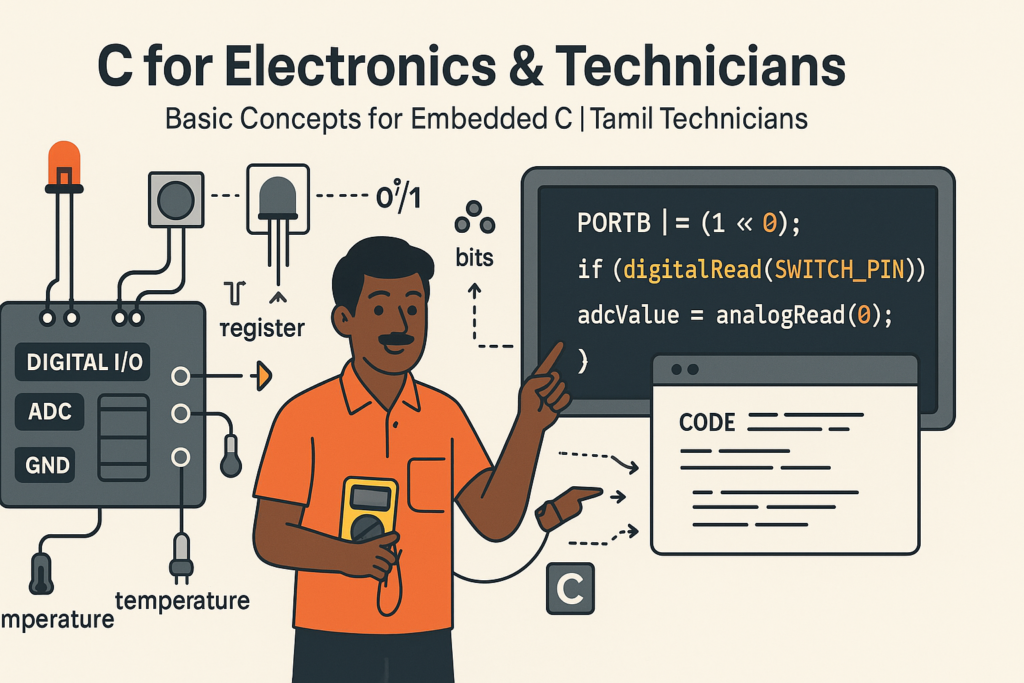
C for Electronics & Technicians – Basic Concepts for Embedded C
C for Electronics & Technicians – Basic Concepts for Embedded C | Tamil Technicians Tamil…
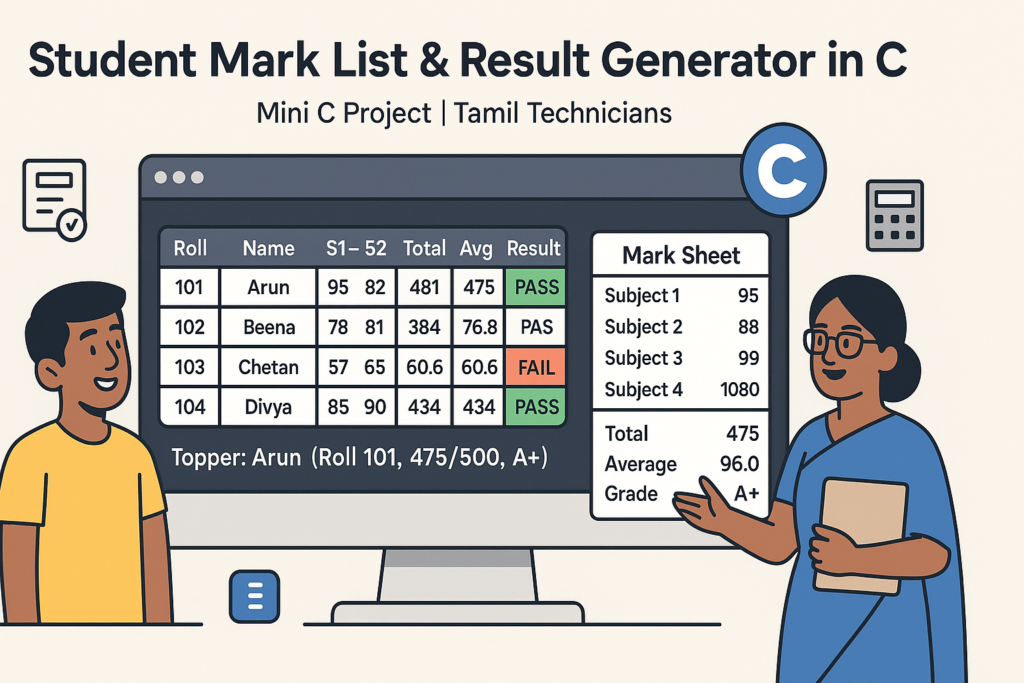
Mini C Project – Student Mark List & Result Generator in C (Console Project)
Mini C Project – Student Mark List & Result Generator in C (Console Project) |…
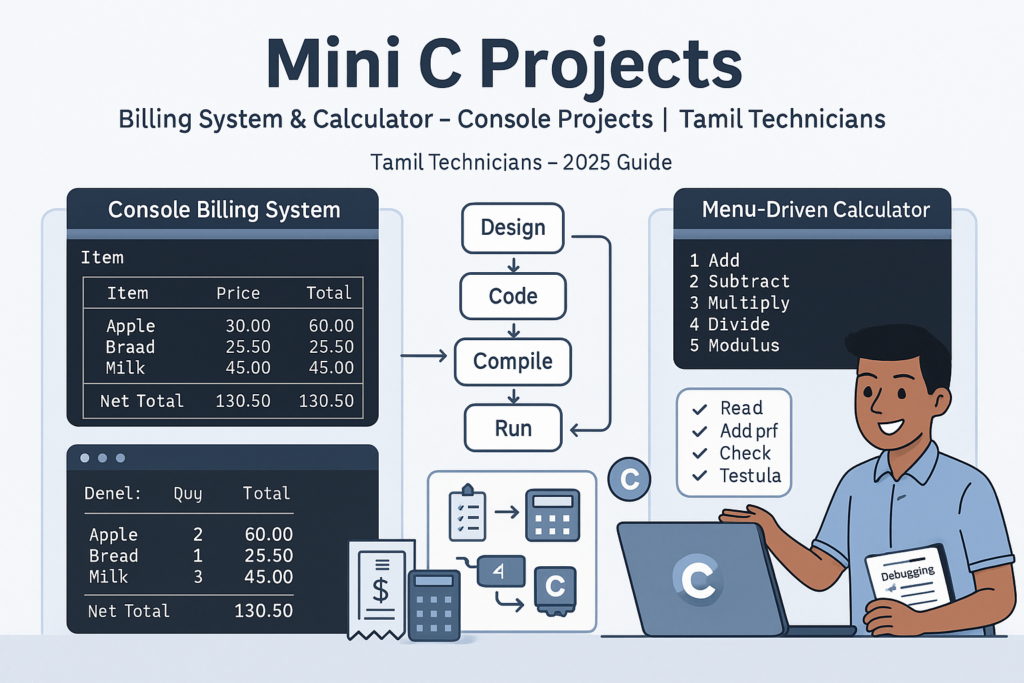
Mini C Projects – Simple Billing System & Calculator in C (Console Projects)
Mini C Projects – Simple Billing System & Calculator in C (Console Projects) | Tamil…
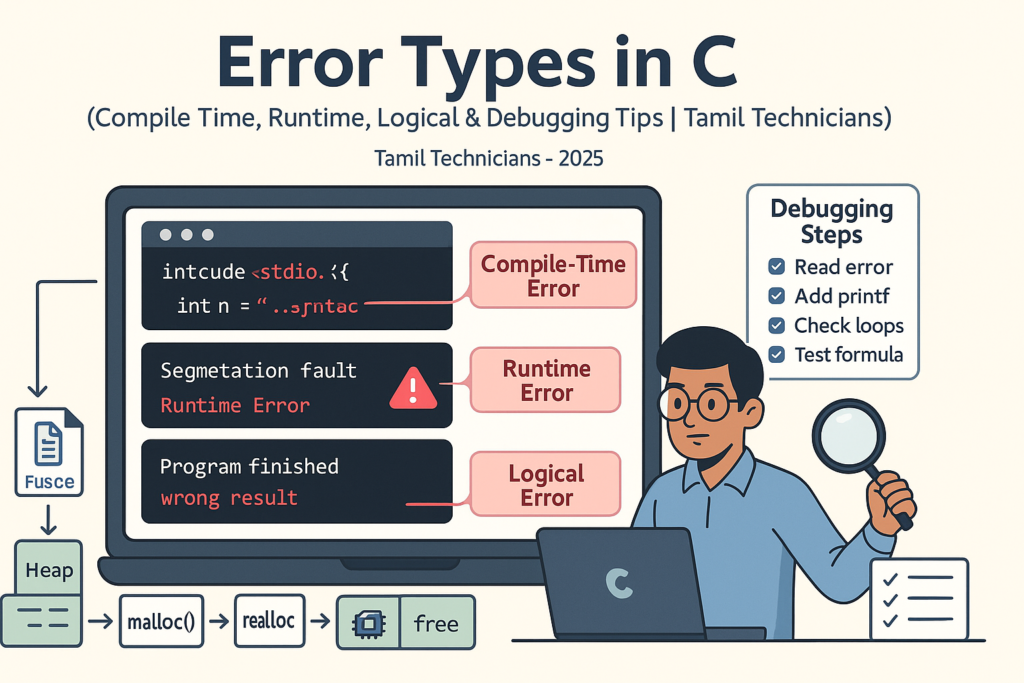
Error Types in C – Compile Time, Runtime, Logical Errors & Debugging Tips 2025
Error Types in C – Compile Time, Runtime, Logical Errors & Debugging Tips | Tamil…
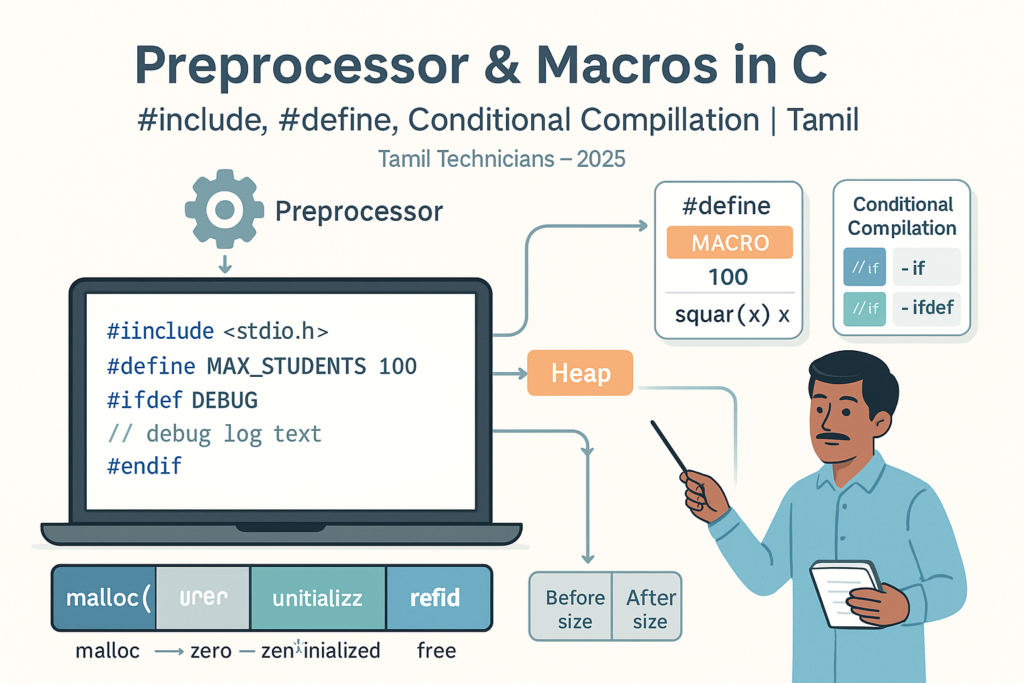
Preprocessor & Macros in C – #include, #define, Conditional Compilation
Preprocessor & Macros in C – #include, #define, Conditional Compilation | Tamil Technicians Tamil Technicians…

Dynamic Memory Allocation – malloc(), calloc(), realloc(), free() Basics
Dynamic Memory Allocation in C – malloc(), calloc(), realloc(), free() Basics | Tamil Technicians Tamil…
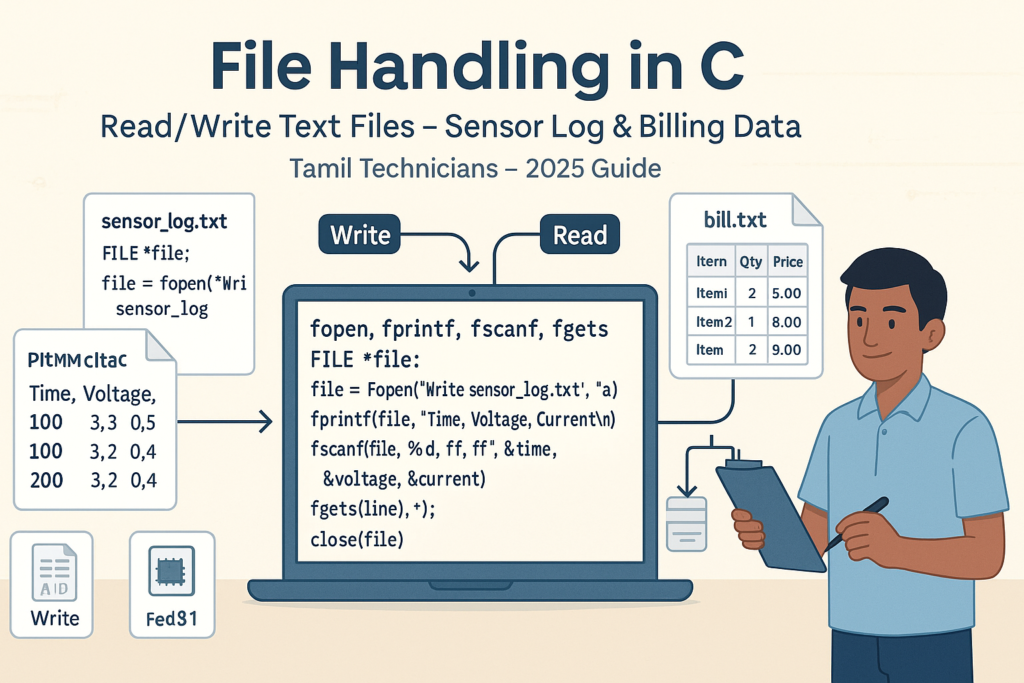
File Handling in C – Read/Write Text Files (Sensor Log, Billing Data Examples) 2025
File Handling in C – Read/Write Text Files (Sensor Log, Billing Data Examples) | Tamil…
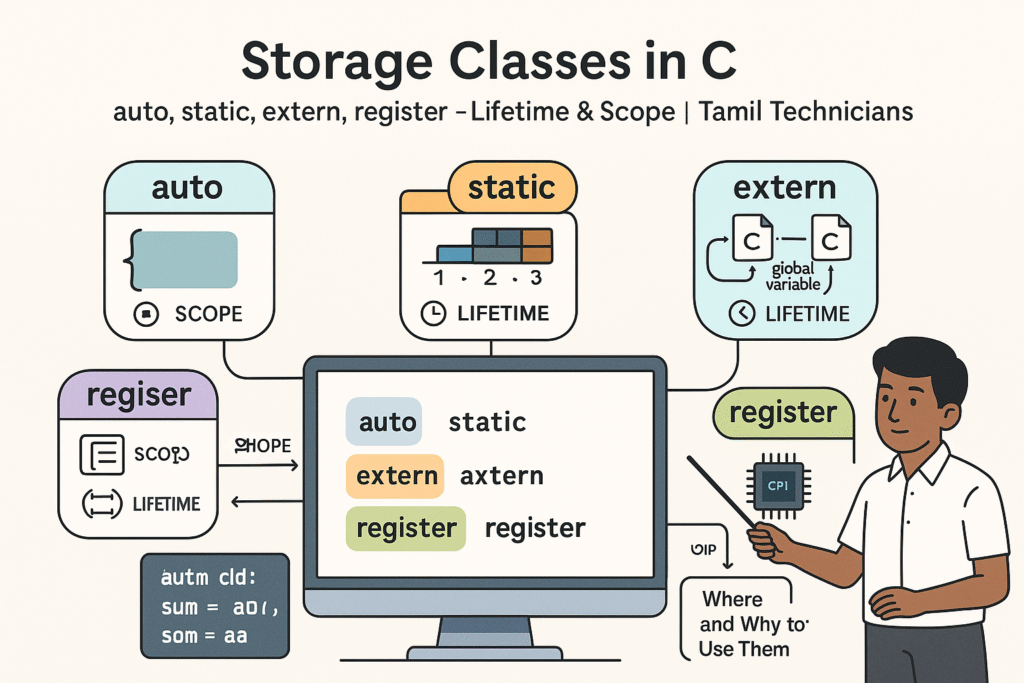
Storage Classes in C – auto, static, extern, register (Lifetime & Scope)
Storage Classes in C – auto, static, extern, register (Lifetime & Scope) | Tamil Technicians…

Structures in C – Struct with Examples (Student, Product, Device Data)
Structures in C – Struct with Examples (Student, Product, Device Data) | Tamil Technicians Tamil…
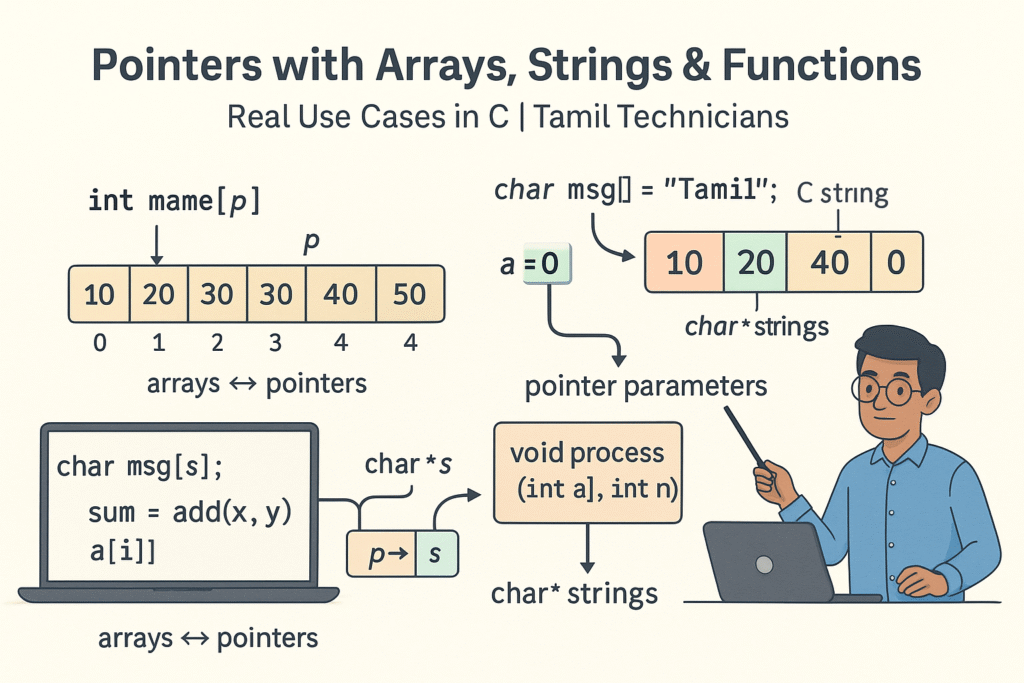
Pointers with Arrays, Strings & Functions – Real Use Cases
Pointers with Arrays, Strings & Functions – Real Use Cases | Tamil Technicians Tamil Technicians…
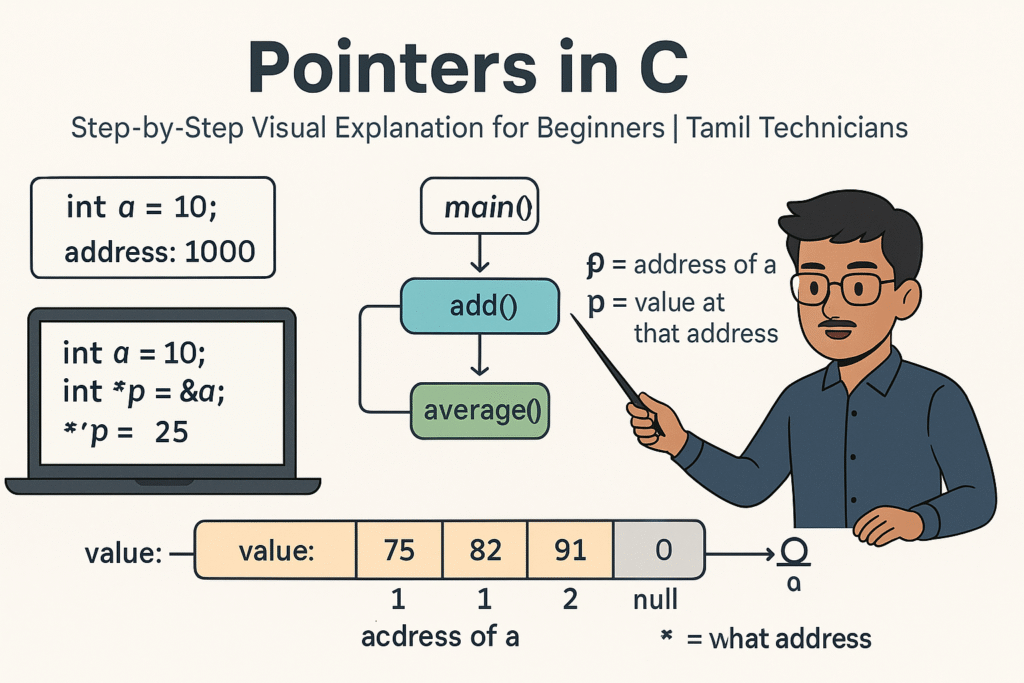
Pointers in C – Step-by-Step Visual Explanation for Beginners
Pointers in C – Step-by-Step Visual Explanation for Beginners | Tamil Technicians Tamil Technicians –…
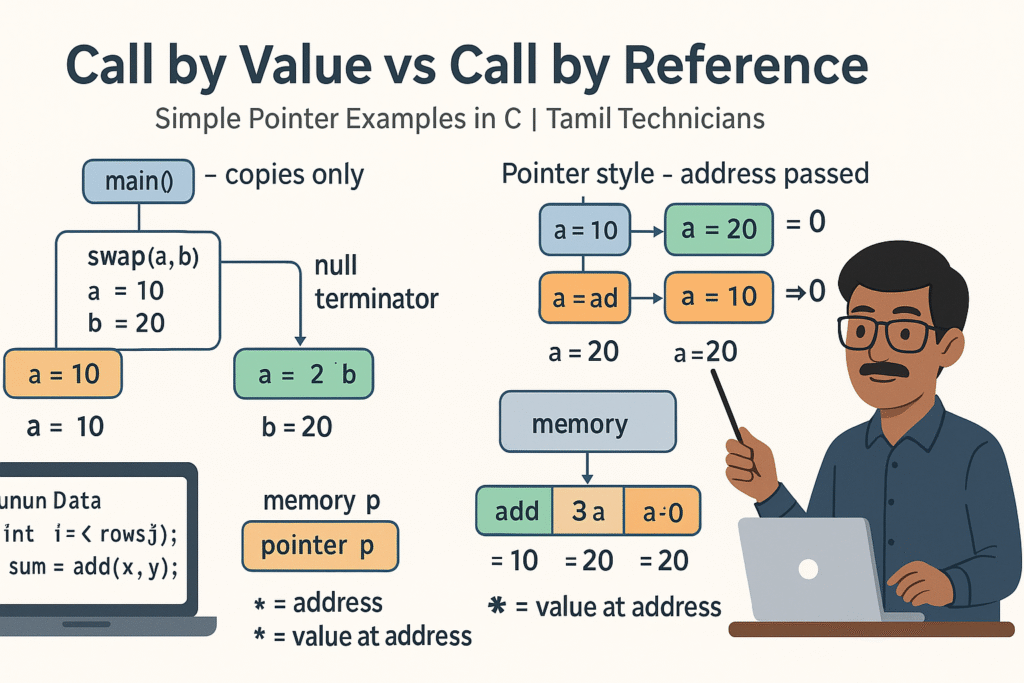
Call by Value vs Call by Reference – Simple Pointer Examples in Tamil
Call by Value vs Call by Reference – Simple Pointer Examples in Tamil | Tamil…
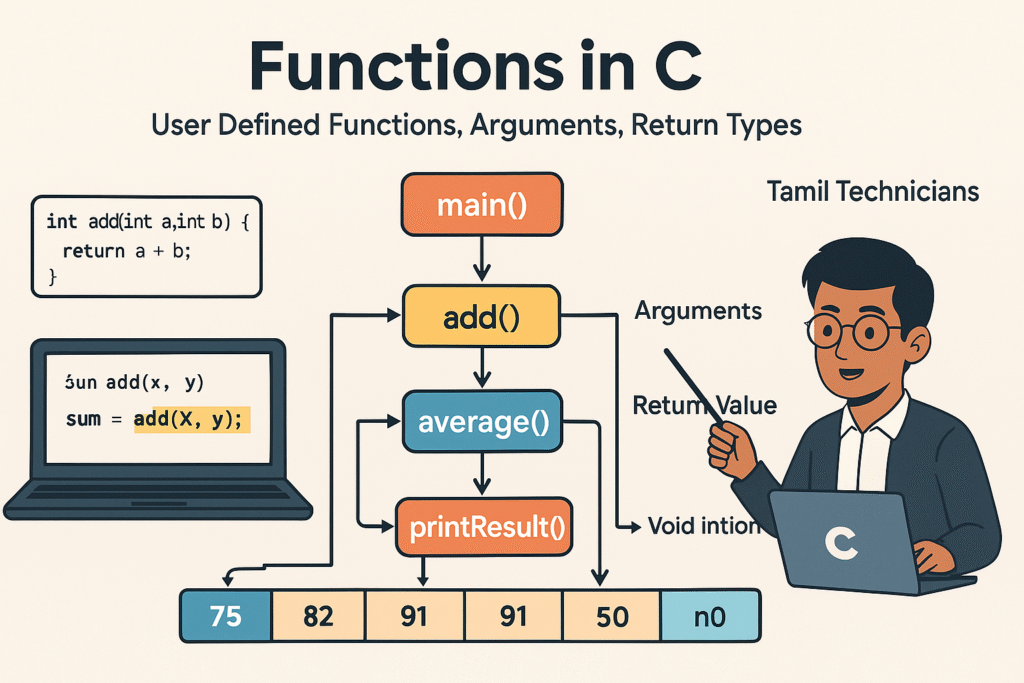
Functions in C – User Defined Functions, Arguments, Return Types
Functions in C – User Defined Functions, Arguments, Return Types | Tamil Technicians Tamil Technicians…
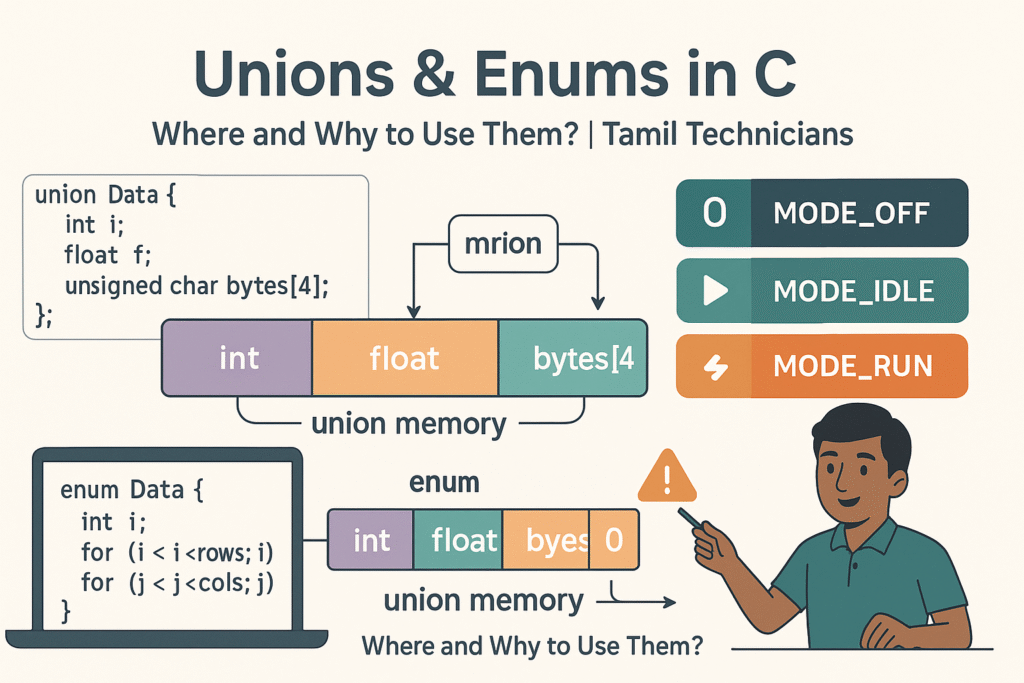
Unions & Enums in C – Where and Why to Use Them?
Unions & Enums in C – Where and Why to Use Them? | Tamil Technicians…
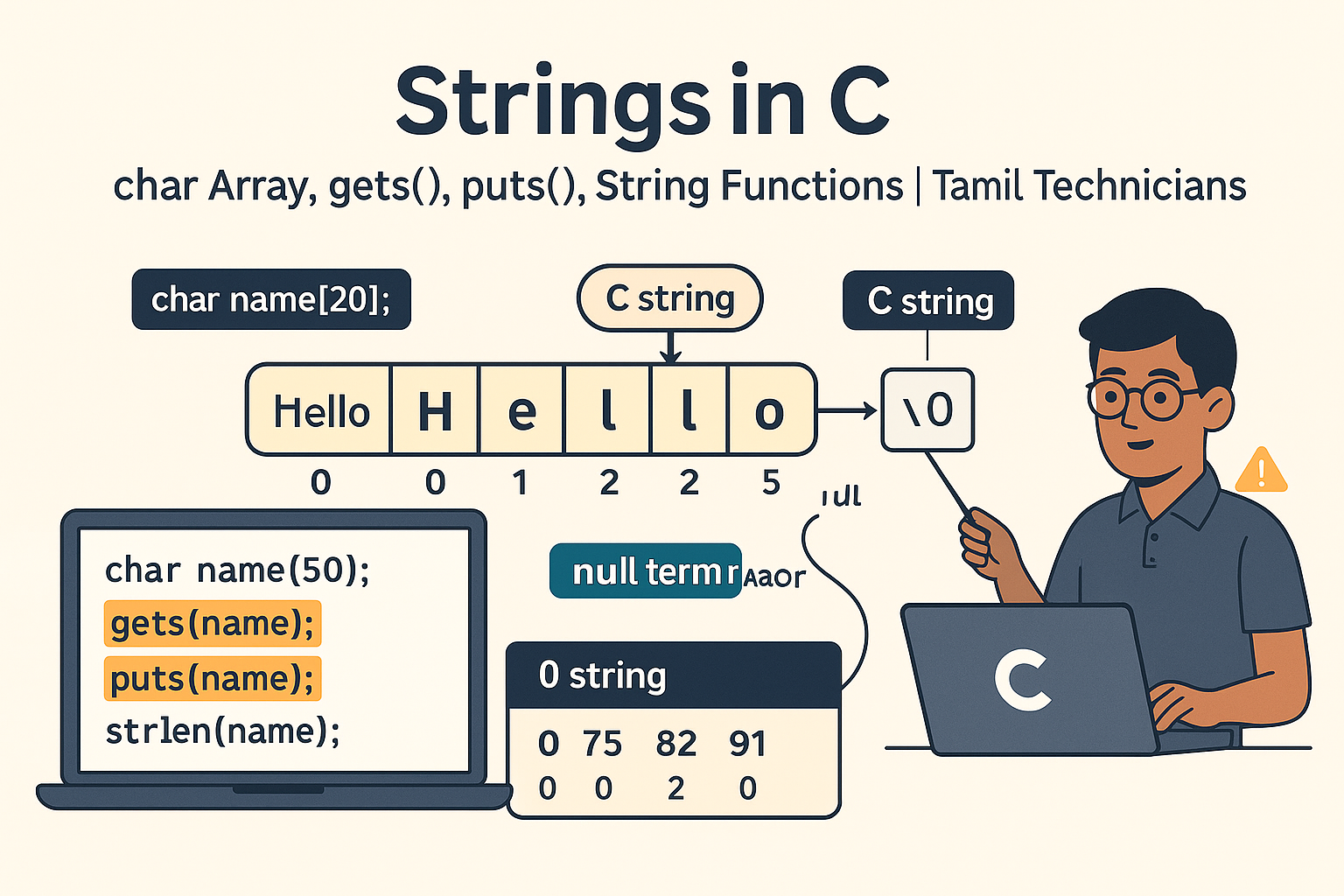
Strings in C – char Array, gets(), puts(), String Functions (strlen, strcpy, etc.)
Strings in C – char Array, gets(), puts(), String Functions (strlen, strcpy, etc.) | Tamil…
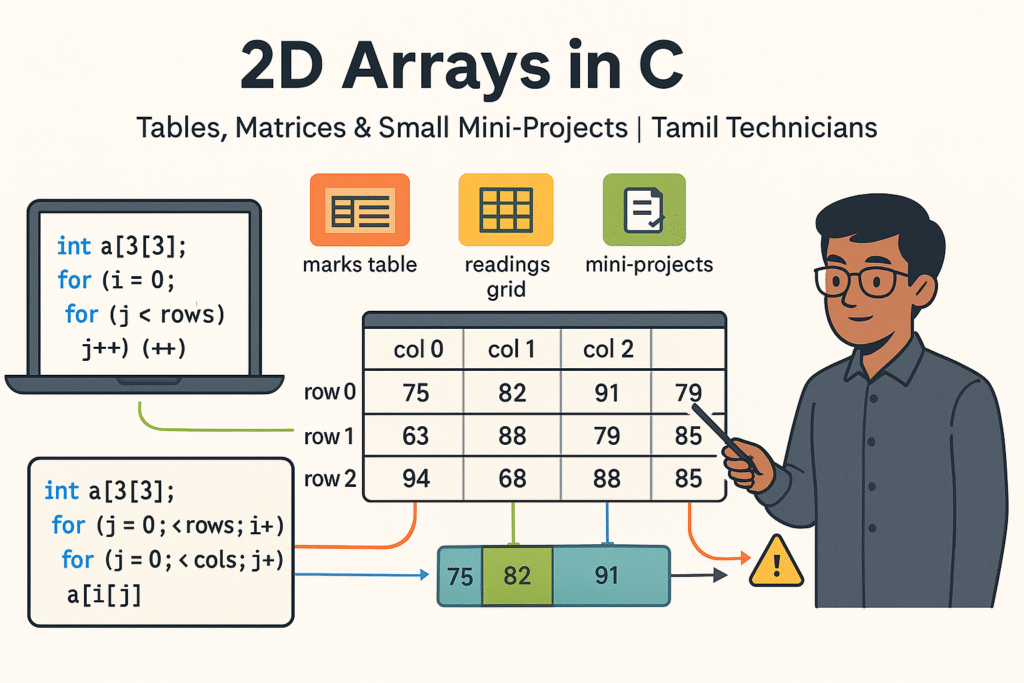
2D Arrays in C – Tables, Matrices & Small Mini-Projects
2D Arrays in C – Tables, Matrices & Small Mini-Projects | Tamil Technicians Tamil Technicians…
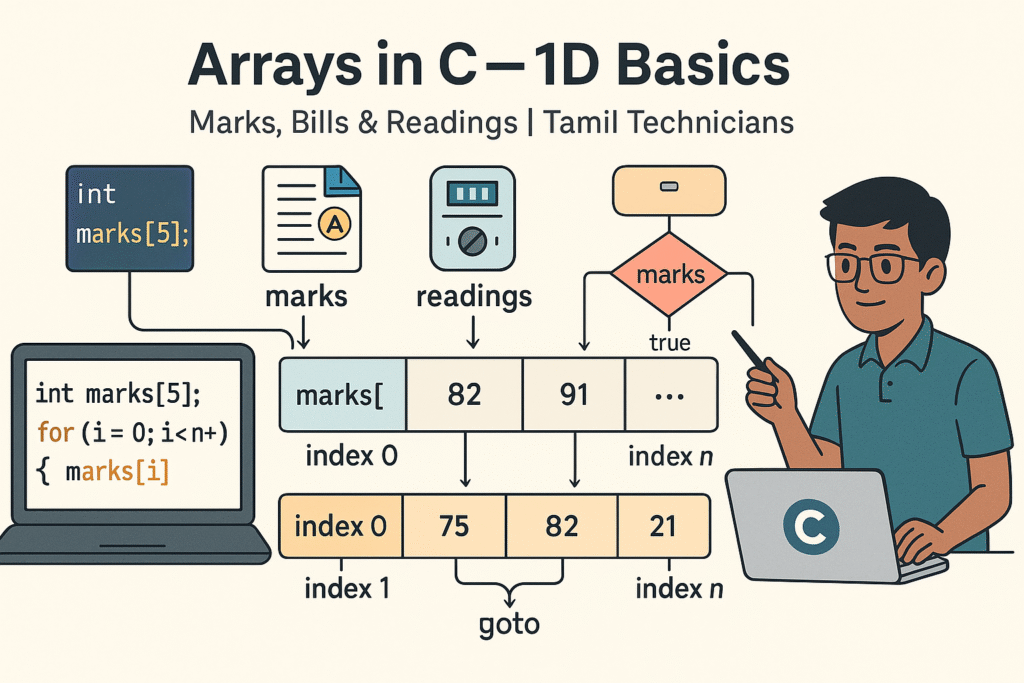
Arrays in C – 1D Array Basics with Practical Examples (Marks, Bills, Readings)
Arrays in C – 1D Array Basics with Practical Examples (Marks, Bills, Readings) | Tamil…
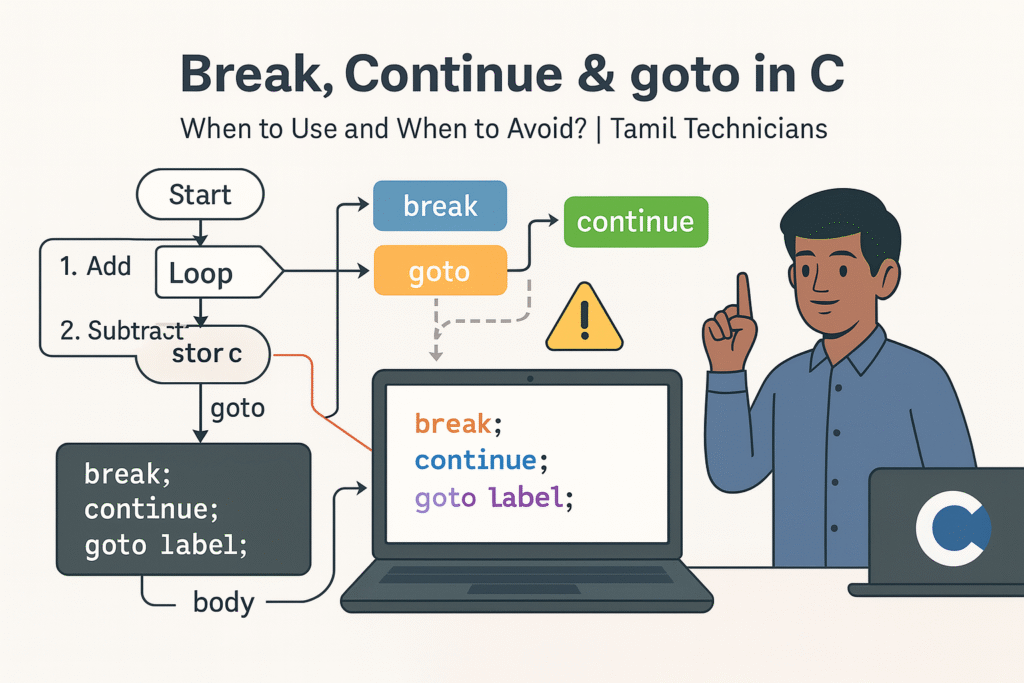
Break, Continue & goto in C – When to Use and When to Avoid?
Break, Continue & goto in C – When to Use and When to Avoid? |…

Loops in C – for, while, do-while Complete Guide (Patterns & Practice)
Loops in C – for, while, do-while Complete Guide (Patterns & Practice) | Tamil Technicians…
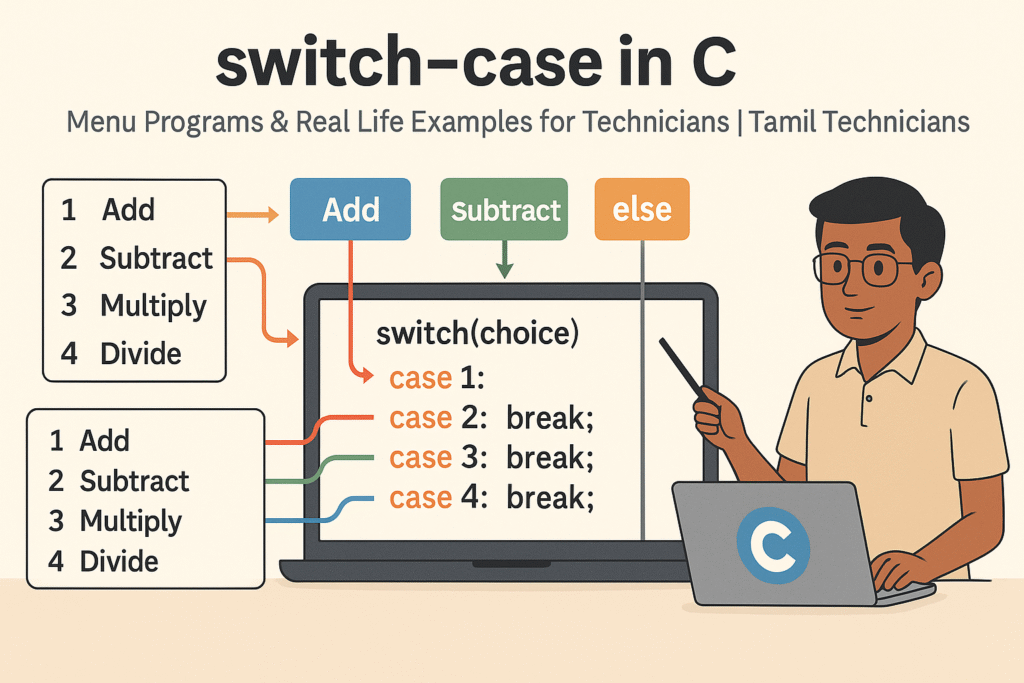
switch–case in C – Menu Programs & Real Life Examples for Technicians
switch–case in C – Menu Programs & Real Life Examples for Technicians | Tamil Technicians…
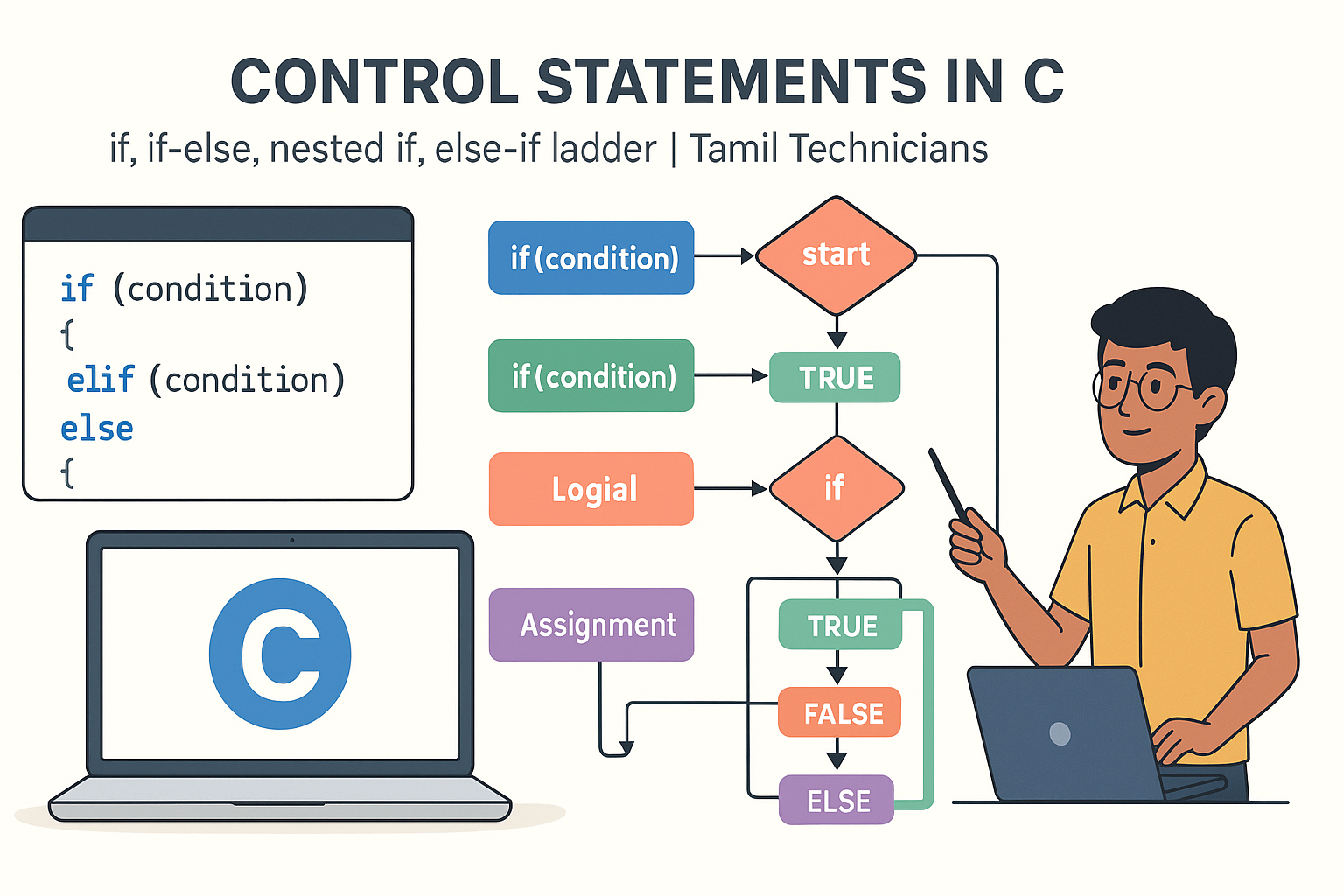
Control Statements in C – if, if-else, nested if, else-if ladder (Tamil Explanation)
Control Statements in C – if, if-else, nested if, else-if ladder (Tamil Explanation) | Tamil…
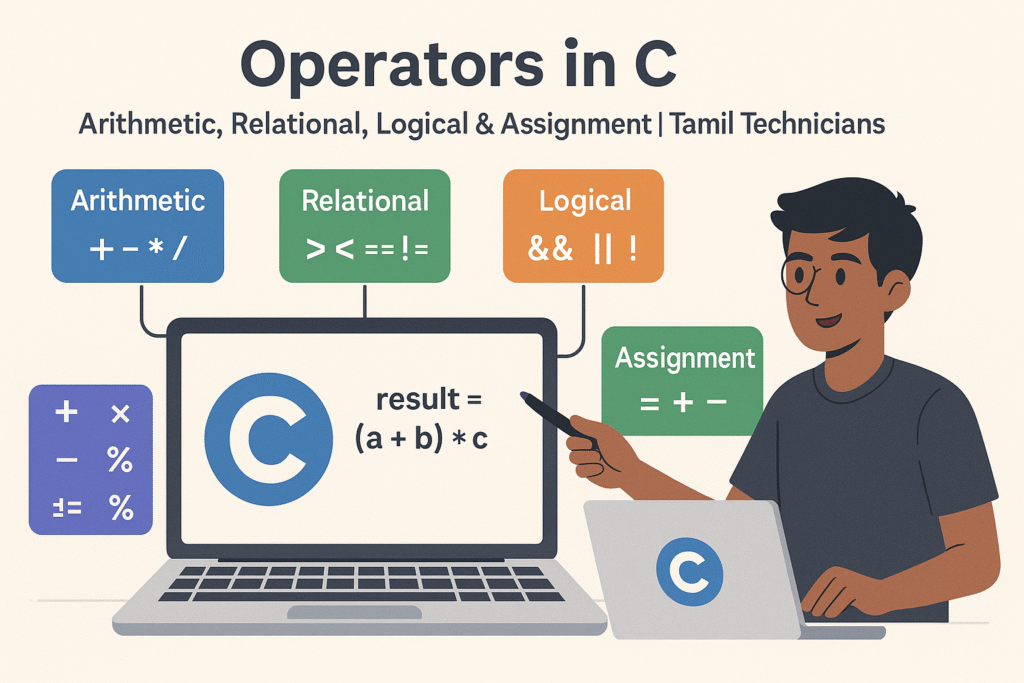
Operators in C – Arithmetic, Relational, Logical & Assignment (with Examples)
Operators in C – Arithmetic, Relational, Logical & Assignment (with Examples) | Tamil Technicians Tamil…
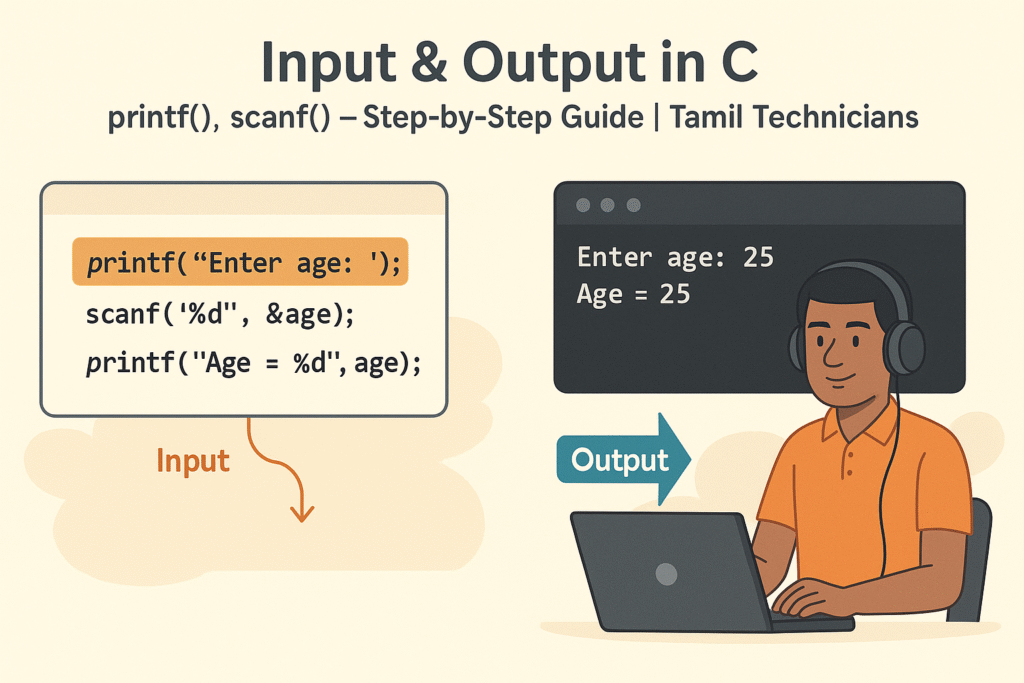
Input & Output in C – printf(), scanf() Step-by-Step Guide 2025
Input & Output in C – printf(), scanf() Step-by-Step Guide | Tamil Technicians Tamil Technicians…

C Variables, Data Types & Constants Explained in Simple Tamil
C Variables, Data Types & Constants Explained in Simple Tamil | Tamil Technicians Tamil Technicians…
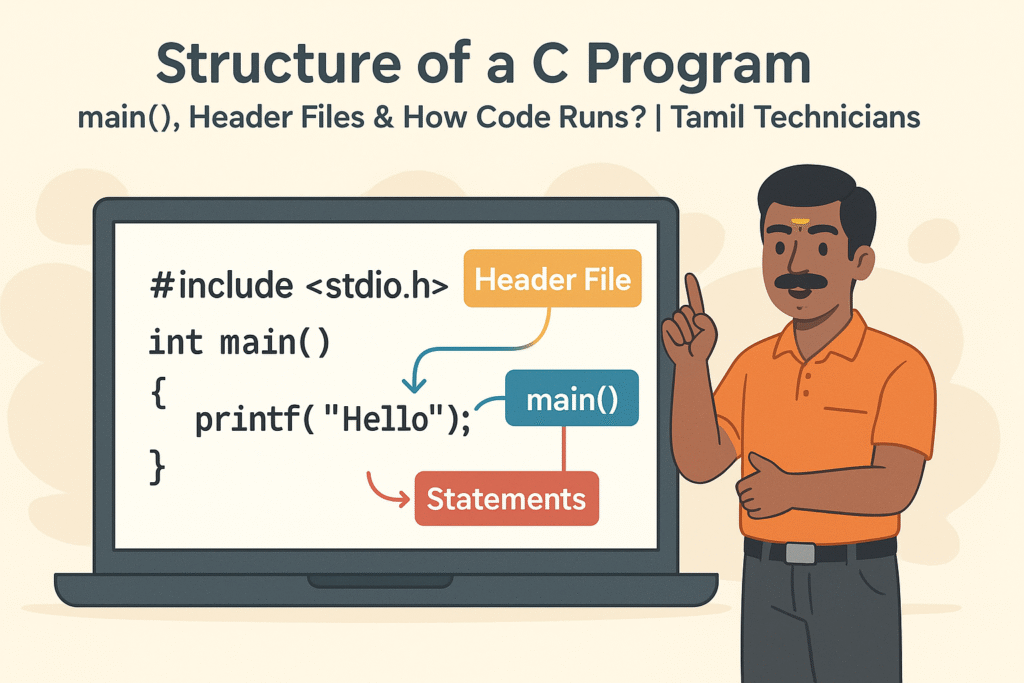
Structure of a C Program – main(), Header Files & How Code Runs?
Structure of a C Program – main(), Header Files & How Code Runs? | Tamil…

What is Programming & Why C is Important? (C Programming in Tamil for Beginners) | Tamil Technicians
What is Programming & Why C is Important? (C Programming in Tamil for Beginners) |…

C Language Introduction & Setup Guide for Beginners 2025
C Language Course Introduction & Setup Guide (Windows, Linux, macOS) | Tamil Technicians Tamil Technicians…