
Tamil Technicians – C Programming Course · Mini Projects & Practice
Mini C Projects – Simple Billing System & Calculator in C (Console Projects)
After learning C basics – variables, operators, control statements, arrays, strings, functions, file handling – the next big step is to build mini projects. Mini projects convert theory into practical skills.
In this detailed lesson, we will design and build two classic console projects in C:
- A Simple Billing System (for shop / service / electronics technician).
- A Console Calculator (menu-driven, with error handling).
Both projects are text-based (run in the terminal), but they use many core concepts of C:
arrays, struct, loops, conditionals, functions, and file handling.
These are perfect for diploma / ITI / B.E. students and technicians who want to practice real C programs.
1. Why Mini C Projects Are Important
Reading syntax and small examples is useful, but real learning happens when you build something slightly bigger – where you have to:
- Design data structures (e.g., arrays or
structs for items and bills). - Break the problem into functions.
- Handle user input carefully (validation, invalid choices, etc.).
- Format output in a user-friendly way (bills, menus).
- Think about maintainability and future features (saving to files, adding tax, etc.).
After this lesson, you should be able to:
- Write a simple billing system for your own shop or service center (as a basic console app).
- Create a calculator program that can be easily extended with more functions.
- Use these mini projects as a base for bigger C / embedded / desktop projects.
2. Project 1 – Simple Billing System (Console)
Let’s start with a Simple Billing System that runs in the terminal. Think of a small electronics service center or parts shop. For each customer, you want to:
- Enter multiple items (name, quantity, price).
- Calculate total for each item (
qty * price). - Compute subtotal, optional discount, tax, and final net total.
- Display a clean bill on the screen.
Customer & Items
Customer name, number of items, each item’s name, quantity and price.
Totals
Calculate line item totals, subtotal, discount, tax and net total.
Bill
Nicely formatted bill printed in the console, optionally saved to a text file.
C Concepts
Arrays, structs, loops, functions, basic file handling and formatting.
3. Design the Billing System – Data Structures & Flow
Before jumping into code, let’s design the data we need.
3.1 Item structure
Each item in the bill has:
- Name (string).
- Quantity (integer).
- Unit price (float).
- Total amount for that item (float).
typedef struct {
    char  name[40];
    int   qty;
    float price;
    float total;
} Item;
3.2 Bill-level data
At the bill level, we need:
- Customer name.
- Array of items (maximum number, e.g., 50).
- Number of items actually used.
- Subtotal, discount, tax, net total.
#define MAX_ITEMS 50

typedef struct {
    char  customerName[50];
    Item  items[MAX_ITEMS];
    int   itemCount;
    float subTotal;
    float discount;
    float tax;
    float netTotal;
} Bill;
We could also add a bill number, date, etc., but for a first mini project this is enough.
3.3 Flow of the program
- Display a simple welcome heading.
- Ask for customer name.
- Ask how many items to enter (N).
- For each item i (from 1 to N), read name, quantity, price, compute total.
- Compute subtotal (sum of item totals).
- Optionally ask for discount percentage; compute discount amount.
- Compute tax and net total.
- Print formatted bill.
4. Full Code – Basic Billing System (Console Only)
Below is a complete C program for a single-bill simple billing system. It reads data from the user and prints the bill on the console.
#include <stdio.h>
#include <string.h>

#define MAX_ITEMS 50

typedef struct {
    char  name[40];
    int   qty;
    float price;
    float total;
} Item;

typedef struct {
    char  customerName[50];
    Item  items[MAX_ITEMS];
    int   itemCount;
    float subTotal;
    float discount;  // amount
    float tax;       // amount
    float netTotal;
} Bill;

int main() {
    Bill bill;
    int i;
    float discountPercent = 0.0f;
    float taxPercent = 0.0f;

    printf("===== SIMPLE BILLING SYSTEM (C CONSOLE) =====\\n\\n");

    // Read customer name
    printf("Enter customer name: ");
    // Use space before % to skip previous newline
    scanf(" %49[^\n]", bill.customerName);

    // Read number of items
    printf("Enter number of items (max %d): ", MAX_ITEMS);
    scanf("%d", &bill.itemCount);

    if (bill.itemCount <= 0 || bill.itemCount > MAX_ITEMS) {
        printf("Invalid number of items. Exiting.\\n");
        return 1;
    }

    // Read each item
    bill.subTotal = 0.0f;

    for (i = 0; i < bill.itemCount; i++) {
        printf("\\nItem %d name: ", i + 1);
        scanf(" %39[^\n]", bill.items[i].name);

        printf("Quantity: ");
        scanf("%d", &bill.items[i].qty);

        printf("Unit price: ");
        scanf("%f", &bill.items[i].price);

        bill.items[i].total = bill.items[i].qty * bill.items[i].price;
        bill.subTotal += bill.items[i].total;
    }

    // Ask for discount and tax
    printf("\\nEnter discount (in %%): ");
    scanf("%f", &discountPercent);

    printf("Enter tax (in %%): ");
    scanf("%f", &taxPercent);

    bill.discount = bill.subTotal * (discountPercent / 100.0f);
    bill.tax = (bill.subTotal - bill.discount) * (taxPercent / 100.0f);
    bill.netTotal = bill.subTotal - bill.discount + bill.tax;

    // Print the bill
    printf("\\n==============================================\\n");
    printf("                 VERBISOFT SHOP                \\n");
    printf("==============================================\\n");
    printf("Customer: %s\\n", bill.customerName);
    printf("----------------------------------------------\\n");
    printf("%-3s %-20s %5s %10s %10s\\n",
           "No", "Item", "Qty", "Price", "Total");
    printf("----------------------------------------------\\n");

    for (i = 0; i < bill.itemCount; i++) {
        printf("%-3d %-20s %5d %10.2f %10.2f\\n",
               i + 1,
               bill.items[i].name,
               bill.items[i].qty,
               bill.items[i].price,
               bill.items[i].total);
    }

    printf("----------------------------------------------\\n");
    printf("%-30s %10s %10.2f\\n", "", "Subtotal:", bill.subTotal);
    printf("%-30s %10s %10.2f\\n", "", "Discount:", bill.discount);
    printf("%-30s %10s %10.2f\\n", "", "Tax:", bill.tax);
    printf("%-30s %10s %10.2f\\n", "", "NET TOTAL:", bill.netTotal);
    printf("==============================================\\n");
    printf("          THANK YOU! VISIT AGAIN              \\n");
    printf("==============================================\\n");

    return 0;
}5. Saving the Bill to a Text File (Extension)
For a slightly more advanced mini project, we can save each bill into a text file (like bill.txt),
using the file handling functions you learned earlier (fopen, fprintf, fclose).
5.1 Simple function to save bill
We can add a function that receives a Bill and writes it to a file:
void saveBillToFile(const Bill *bill, const char *filename) {
    int i;
    FILE *fp = fopen(filename, "a");   // append mode

    if (fp == NULL) {
        printf("Error opening %s for writing.\\n", filename);
        return;
    }

    fprintf(fp, "==============================================\\n");
    fprintf(fp, "Customer: %s\\n", bill->customerName);
    fprintf(fp, "%-3s %-20s %5s %10s %10s\\n",
            "No", "Item", "Qty", "Price", "Total");

    for (i = 0; i < bill->itemCount; i++) {
        fprintf(fp, "%-3d %-20s %5d %10.2f %10.2f\\n",
                i + 1,
                bill->items[i].name,
                bill->items[i].qty,
                bill->items[i].price,
                bill->items[i].total);
    }

    fprintf(fp, "Subtotal: %.2f, Discount: %.2f, Tax: %.2f, Net: %.2f\\n",
            bill->subTotal, bill->discount, bill->tax, bill->netTotal);
    fprintf(fp, "==============================================\\n\\n");

    fclose(fp);
}
In main(), after printing the bill to the screen, call:
saveBillToFile(&bill, "bills.txt");bills.txt.
Later, you can import that file into a spreadsheet or write another C program to analyze monthly totals.
7. Project 2 – Console Calculator in C
The second mini project is a Console Calculator. On the surface this seems simple, but you can gradually extend it to practice many C features:
- Basic operations: addition, subtraction, multiplication, division.
- Modulus (remainder), power, square root (using
math.h). - Menu-driven interface, loops and switch–case.
- Error checking (division by zero, invalid menu choice).
Menu Driven
User chooses which operation to perform, then enters numbers.
Switch & Loops
Core practice for switch, while and do-while constructs.
Safe Division
Check denominator before division to avoid runtime errors.
Scientific
Add advanced operations later as you learn more C and math functions.
8. Full Code – Menu Driven Calculator
Let’s implement a calculator that runs in a loop until the user chooses to exit. It supports +, -, *, /, and % (modulus for integers).
#include <stdio.h>

int main() {
    int choice;
    double a, b, result;
    int x, y, r;

    do {
        printf("\\n===== SIMPLE CALCULATOR (C CONSOLE) =====\\n");
        printf("1. Addition (a + b)\\n");
        printf("2. Subtraction (a - b)\\n");
        printf("3. Multiplication (a * b)\\n");
        printf("4. Division (a / b)\\n");
        printf("5. Modulus (x %% y)\\n");
        printf("0. Exit\\n");
        printf("Enter your choice: ");
        scanf("%d", &choice);

        switch (choice) {
            case 1:
                printf("Enter two numbers: ");
                scanf("%lf %lf", &a, &b);
                result = a + b;
                printf("Result = %.2lf\\n", result);
                break;

            case 2:
                printf("Enter two numbers: ");
                scanf("%lf %lf", &a, &b);
                result = a - b;
                printf("Result = %.2lf\\n", result);
                break;

            case 3:
                printf("Enter two numbers: ");
                scanf("%lf %lf", &a, &b);
                result = a * b;
                printf("Result = %.2lf\\n", result);
                break;

            case 4:
                printf("Enter two numbers: ");
                scanf("%lf %lf", &a, &b);
                if (b == 0) {
                    printf("Error: division by zero is not allowed.\\n");
                } else {
                    result = a / b;
                    printf("Result = %.2lf\\n", result);
                }
                break;

            case 5:
                printf("Enter two integers: ");
                scanf("%d %d", &x, &y);
                if (y == 0) {
                    printf("Error: modulus by zero is not allowed.\\n");
                } else {
                    r = x % y;
                    printf("Result = %d\\n", r);
                }
                break;

            case 0:
                printf("Exiting calculator...\\n");
                break;

            default:
                printf("Invalid choice. Please try again.\\n");
        }
    } while (choice != 0);

    return 0;
}add(), subtract()).
9. Extending the Calculator – Functions & New Operations
Once the basic menu-driven calculator is working, you can refactor it to use functions for each operation.
This keeps main() clean and matches good programming style.
9.1 Using functions for operations
double add(double a, double b) {
    return a + b;
}

double subtract(double a, double b) {
    return a - b;
}

double multiply(double a, double b) {
    return a * b;
}

double divide(double a, double b) {
    return a / b;
}
Then in main():
case 1:
    printf("Enter two numbers: ");
    scanf("%lf %lf", &a, &b);
    printf("Result = %.2lf\\n", add(a, b));
    break;
Similarly for other operations. This approach makes it easy to test each function separately and reuse them in other projects.
9.2 Adding more features
- Power: use
pow(a, b)from<math.h>. - Square root: use
sqrt(a)from<math.h>. - Trigonometric functions:
sin,cos,tan, etc. - History log: save calculations to a file (similar to bills).
- Input repeat: ask user if they want to calculate again with same numbers.
10. Connecting Both Projects – Common Concepts
Even though the billing system and calculator are different use cases, they share many concepts:
| Concept | Billing System | Calculator |
|---|---|---|
| Menu | New bill / exit options. | Operation selection (add, sub, etc.). |
| Loops | Repeated bills in one session. | Repeated calculations until user exits. |
| Input validation | Item count, prices >= 0. | Non-zero denominator, valid choice. |
| Formatting | Bill layout with columns. | Neat display of results. |
| File handling (extension) | Saving bills to text files. | Saving calculation history (optional). |
Practicing both mini projects will make your understanding of loops, conditionals, functions and input/output much stronger.
11. Testing & Debugging Your Mini Projects
Mini projects are also a great way to practice testing and debugging. Here are some tips:
11.1 Test with different inputs
- Billing system:
- 0 items (should be rejected as invalid).
- 1 item vs many items.
- Very high quantities / prices (check for overflow or formatting issues).
- Discount = 0, tax = 0; discount 50%, tax 18%, etc.
- Calculator:
- Positive and negative numbers.
- Division by zero (should show an error, not crash).
- Modulus with negative numbers (behaviour depends on implementation).
- Invalid menu choices (e.g., 9, -1, 100).
11.2 Use printf for debugging
If calculations seem wrong, add temporary printf statements to inspect intermediate values:
printf("DEBUG: subTotal = %.2f, discount = %.2f, tax = %.2f\\n",
       bill.subTotal, bill.discount, bill.tax);
Once you confirm the logic is correct, you can remove or comment out those debug lines.
11.3 Keep code clean and readable
- Use meaningful variable names (
subTotal,netTotal,choice). - Break long functions into smaller helper functions.
- Add comments for non-obvious parts.
- Use consistent indentation and spacing.
12. Practice Ideas – Make the Projects Your Own
Once you understand the base versions, try modifying and extending them:
12.1 Billing system extensions
- Add a bill number and date.
- Provide a menu option to view previous bills from file.
- Support multiple payment methods (cash, UPI, card) with a note at the bottom.
- Implement category-wise items (electronics, spare parts, labour charges).
- Store bills in a CSV format that can be opened in Excel.
12.2 Calculator extensions
- Add memory functions (M+, M-, MR, MC).
- Implement a scientific mode with sin, cos, tan, log.
- Support unit conversions (e.g., Celsius–Fahrenheit, kW–HP).
- Allow chained calculations (use the previous result as the next input).
- Log calculations to a file, with timestamps.
13. Learning Checklist – Mini C Projects
- I can design data structures (
structs and arrays) for a practical problem. - I understand how to implement a menu-driven program with loops and
switch. - I can build a basic billing system that calculates totals and prints a formatted bill.
- I know how to extend the billing system to save bills to a text file.
- I can implement a console calculator that handles multiple operations safely.
- I can refactor code into functions to make it cleaner and easier to maintain.
- I understand how to test my mini projects with different inputs and edge cases.
- I have ideas for extending these mini projects into more advanced applications.
FAQ: Mini C Projects – Billing System & Calculator
1. Are these mini projects suitable for first-year students?
Yes. As long as you know basic C syntax (variables, operators, loops, if, switch),
you can build these projects. They are perfect as first or second semester mini projects.
2. Do I need advanced topics like pointers to complete these projects?
For the basic versions, you don’t need deep pointer knowledge. Simple arrays and structures are enough. Pointers become more important when you start writing reusable libraries or dynamic memory versions.
3. Can I use these projects as a base for a GUI application later?
Absolutely. The core logic (calculations, bill totals, menu handling) can later be reused in a GUI application (e.g., using C with a graphics library or switching to another language with the same logic).
4. How can I show these mini projects in my resume or portfolio?
Keep your code in a version control system like Git, document features in a README file, include sample screenshots (console output), and mention the technologies used (C, file handling, structs). This gives recruiters a clear picture of your practical C skills.
Buy link ;
Contact link ;
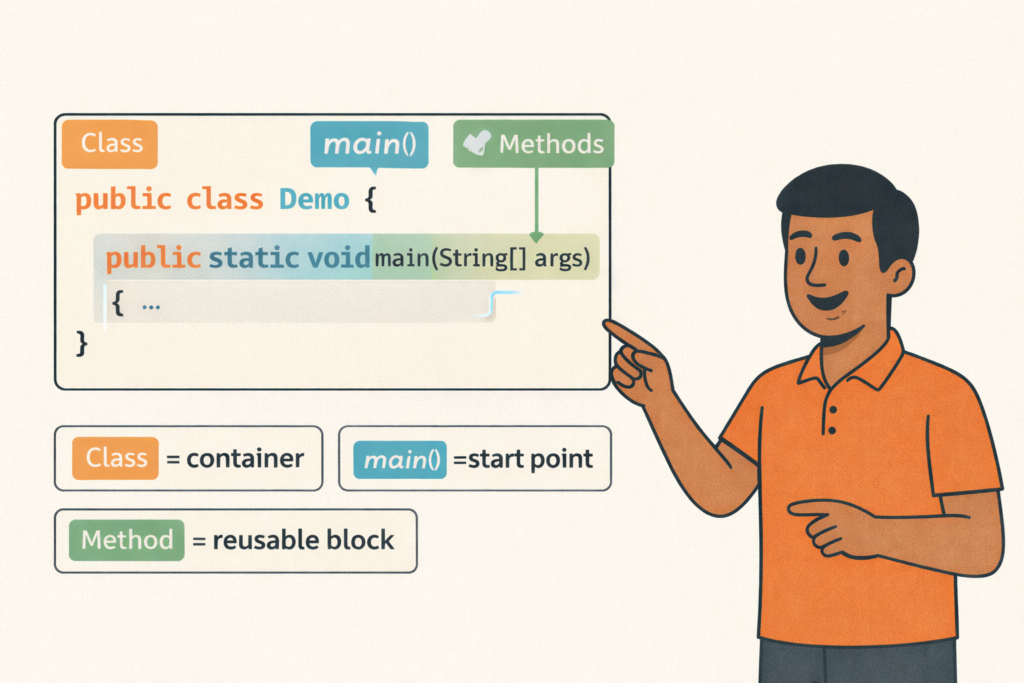
Java Program Structure (Class, main, Methods)– Full Beginner Explanation
Java Program Structure (Class, main, Methods) – Beginner Guide | Tamil Technicians TT Tamil Technicians…

Install JDK + VS Code/IntelliJ Setup+ Your First Java Program (Windows)
Install JDK + VS Code/IntelliJ Setup + First Java Program (Windows) | Tamil Technicians TT…
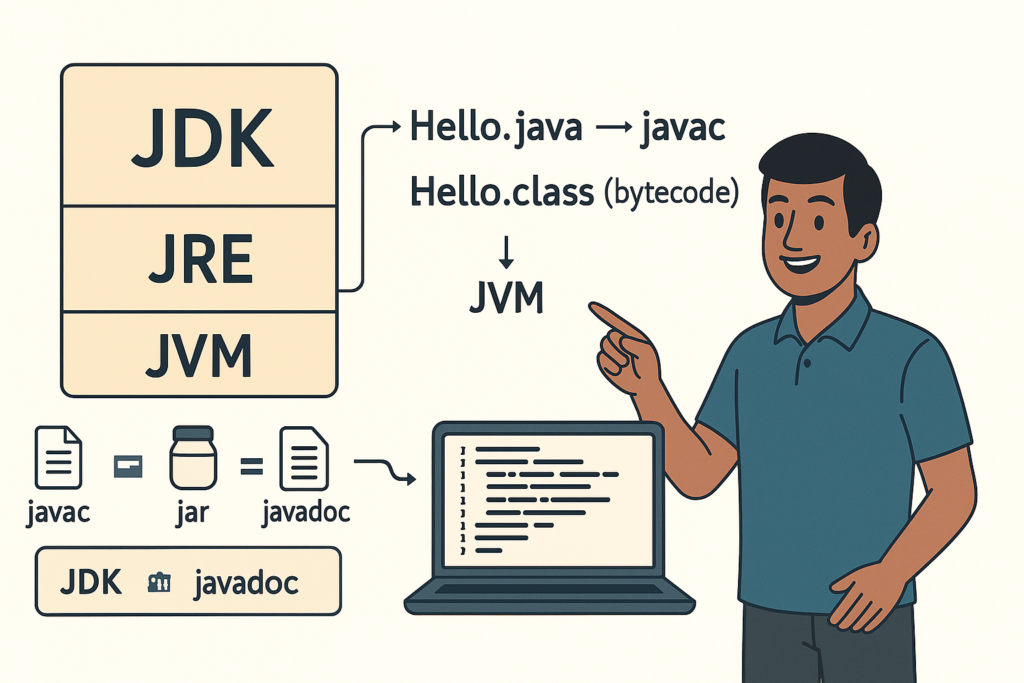
JDK vs JRE vs JVM – Easy Explanation(Compile & Run Flow for Beginners)
JDK vs JRE vs JVM – Easy Explanation (Beginner Guide) | Tamil Technicians TT Tamil…
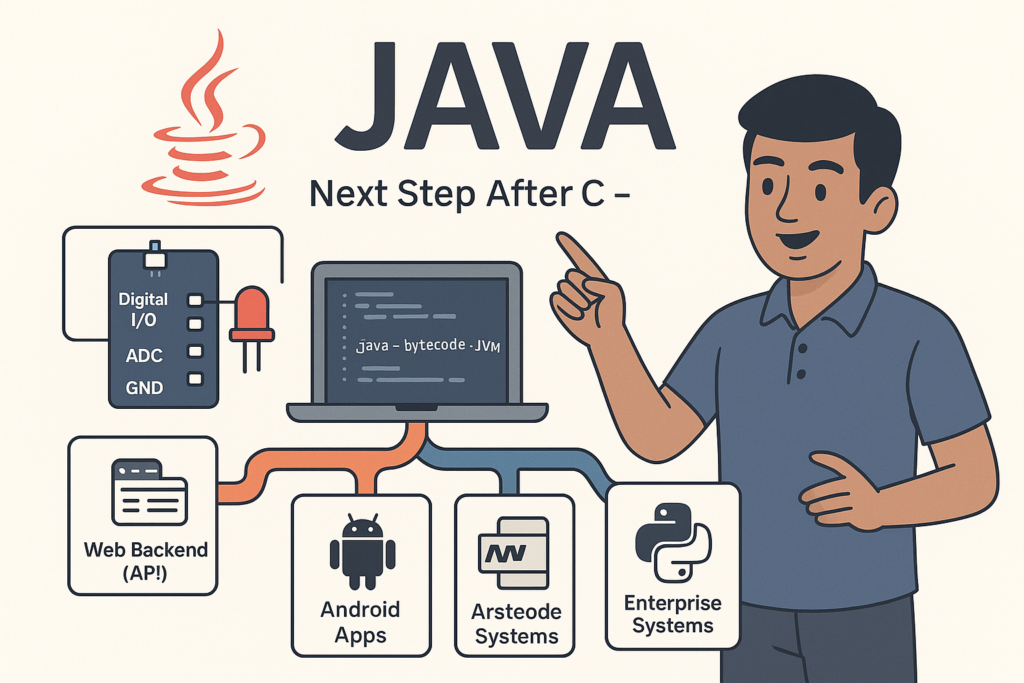
Java Introduction & Where Java is Used(Apps, Web, Banking, Android)
Java Introduction & Where Java is Used (Apps, Web, Banking, Android) | Tamil Technicians TT…
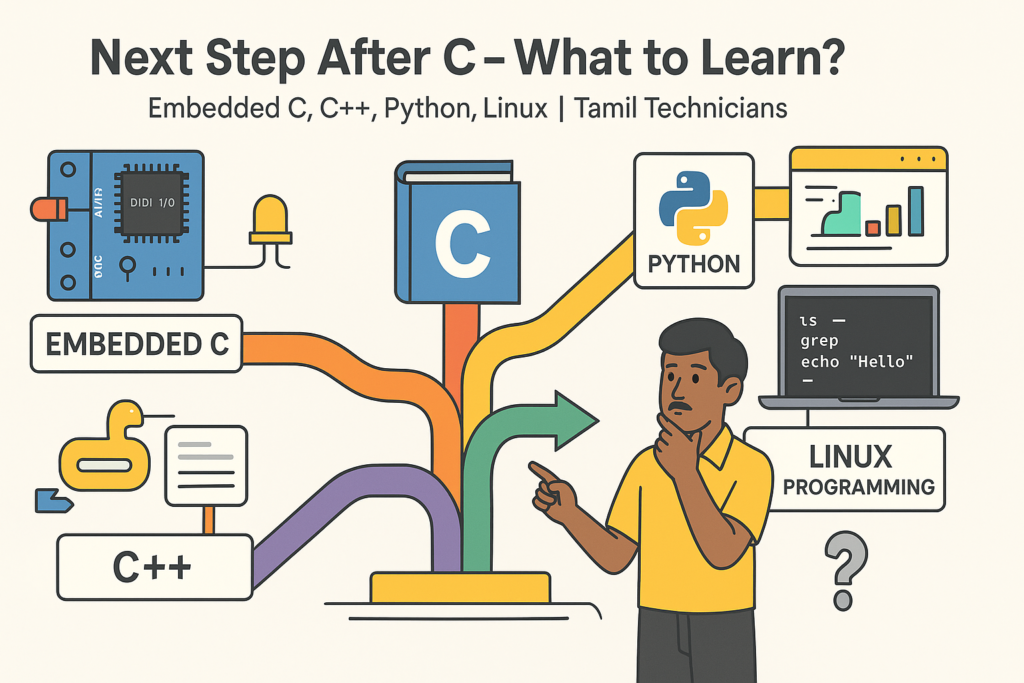
Next Step After C – What to Learn? (Embedded C, C++, Python, Linux Programming)
Next Step After C – What to Learn? (Embedded C, C++, Python, Linux Programming) |…
C for Electronics & Technicians – Basic Concepts for Embedded C
C for Electronics & Technicians – Basic Concepts for Embedded C | Tamil Technicians Tamil…
Mini C Project – Student Mark List & Result Generator in C (Console Project)
Mini C Project – Student Mark List & Result Generator in C (Console Project) |…
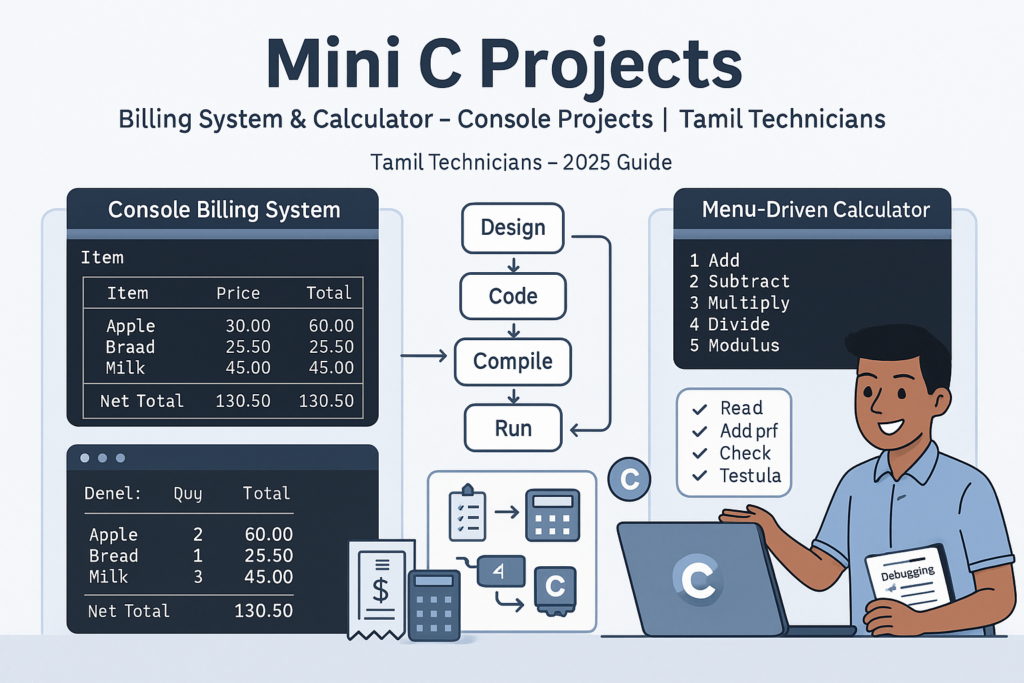
Mini C Projects – Simple Billing System & Calculator in C (Console Projects)
Mini C Projects – Simple Billing System & Calculator in C (Console Projects) | Tamil…
Error Types in C – Compile Time, Runtime, Logical Errors & Debugging Tips 2025
Error Types in C – Compile Time, Runtime, Logical Errors & Debugging Tips | Tamil…
Preprocessor & Macros in C – #include, #define, Conditional Compilation
Preprocessor & Macros in C – #include, #define, Conditional Compilation | Tamil Technicians Tamil Technicians…

Dynamic Memory Allocation – malloc(), calloc(), realloc(), free() Basics
Dynamic Memory Allocation in C – malloc(), calloc(), realloc(), free() Basics | Tamil Technicians Tamil…
File Handling in C – Read/Write Text Files (Sensor Log, Billing Data Examples) 2025
File Handling in C – Read/Write Text Files (Sensor Log, Billing Data Examples) | Tamil…
Storage Classes in C – auto, static, extern, register (Lifetime & Scope)
Storage Classes in C – auto, static, extern, register (Lifetime & Scope) | Tamil Technicians…

Structures in C – Struct with Examples (Student, Product, Device Data)
Structures in C – Struct with Examples (Student, Product, Device Data) | Tamil Technicians Tamil…
Pointers with Arrays, Strings & Functions – Real Use Cases
Pointers with Arrays, Strings & Functions – Real Use Cases | Tamil Technicians Tamil Technicians…
Pointers in C – Step-by-Step Visual Explanation for Beginners
Pointers in C – Step-by-Step Visual Explanation for Beginners | Tamil Technicians Tamil Technicians –…
Call by Value vs Call by Reference – Simple Pointer Examples in Tamil
Call by Value vs Call by Reference – Simple Pointer Examples in Tamil | Tamil…
Functions in C – User Defined Functions, Arguments, Return Types
Functions in C – User Defined Functions, Arguments, Return Types | Tamil Technicians Tamil Technicians…
Unions & Enums in C – Where and Why to Use Them?
Unions & Enums in C – Where and Why to Use Them? | Tamil Technicians…
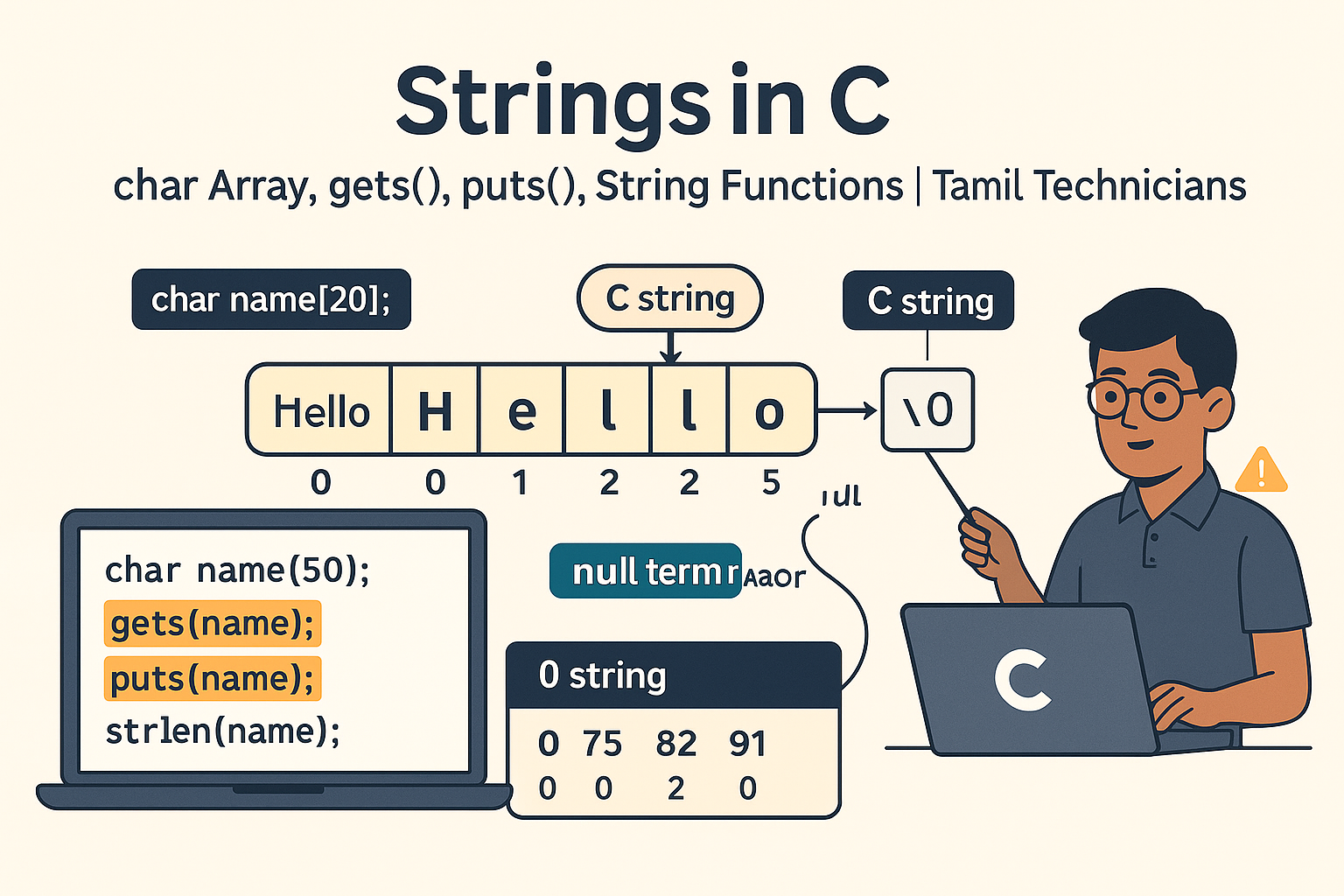
Strings in C – char Array, gets(), puts(), String Functions (strlen, strcpy, etc.)
Strings in C – char Array, gets(), puts(), String Functions (strlen, strcpy, etc.) | Tamil…
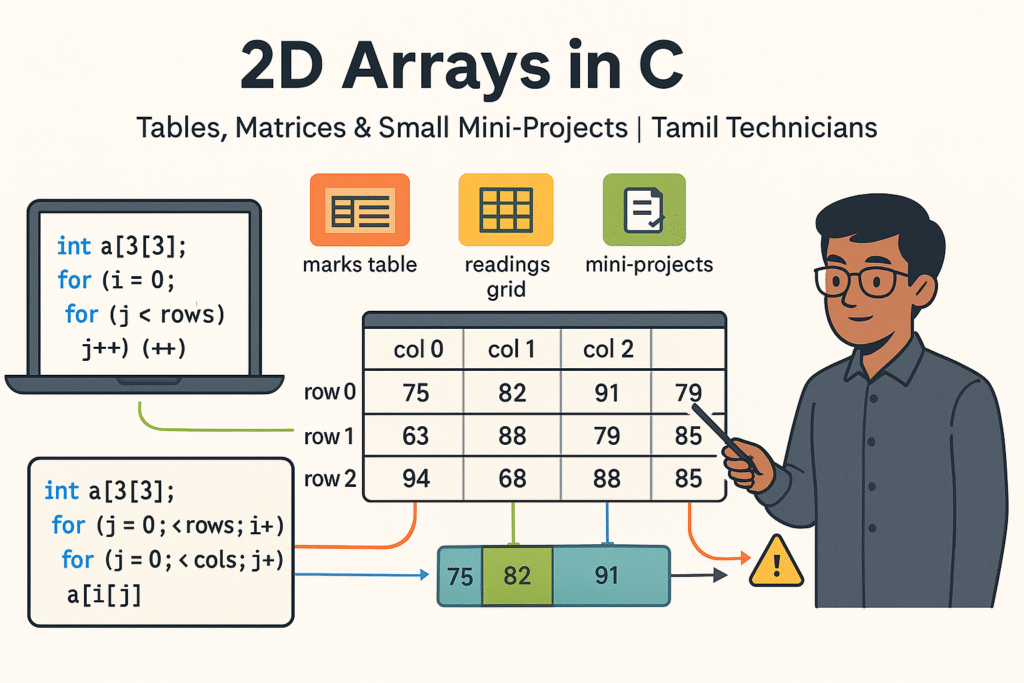
2D Arrays in C – Tables, Matrices & Small Mini-Projects
2D Arrays in C – Tables, Matrices & Small Mini-Projects | Tamil Technicians Tamil Technicians…
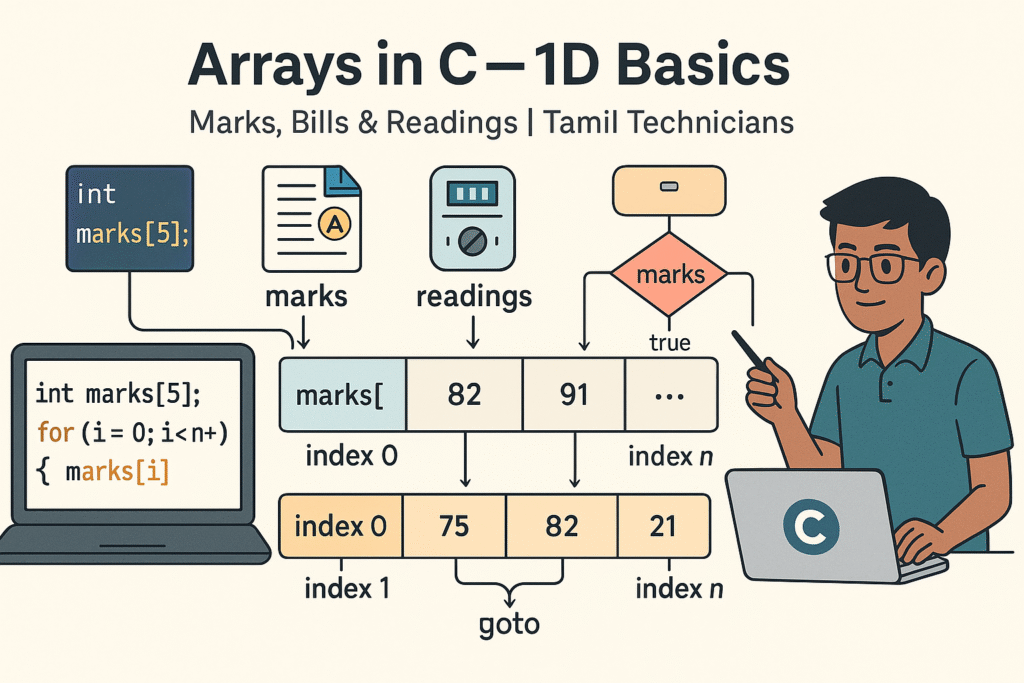
Arrays in C – 1D Array Basics with Practical Examples (Marks, Bills, Readings)
Arrays in C – 1D Array Basics with Practical Examples (Marks, Bills, Readings) | Tamil…
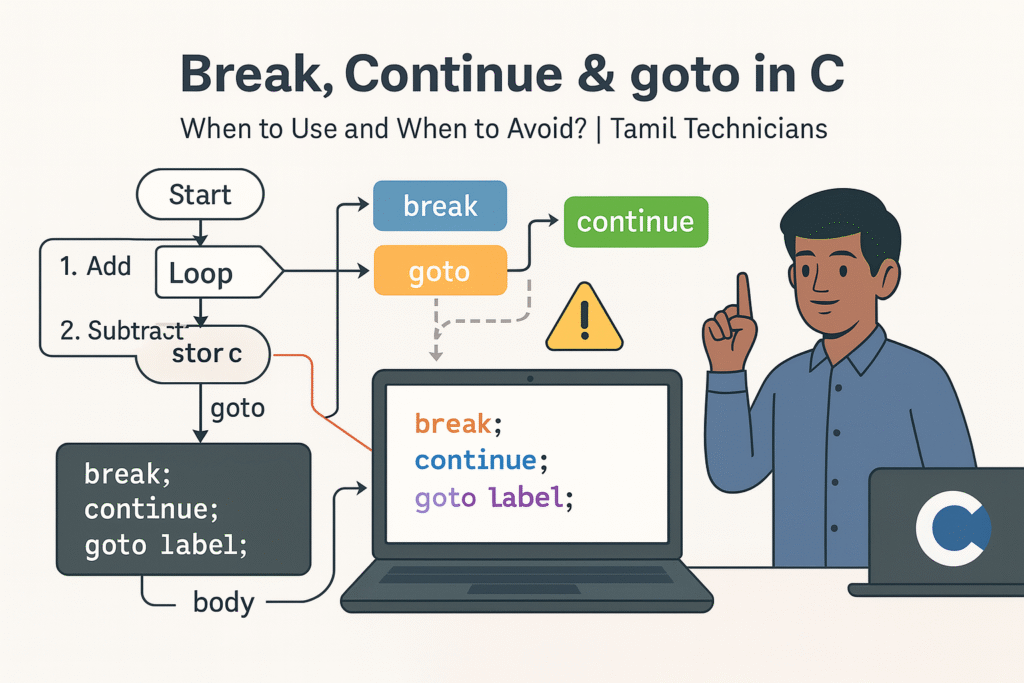
Break, Continue & goto in C – When to Use and When to Avoid?
Break, Continue & goto in C – When to Use and When to Avoid? |…

Loops in C – for, while, do-while Complete Guide (Patterns & Practice)
Loops in C – for, while, do-while Complete Guide (Patterns & Practice) | Tamil Technicians…
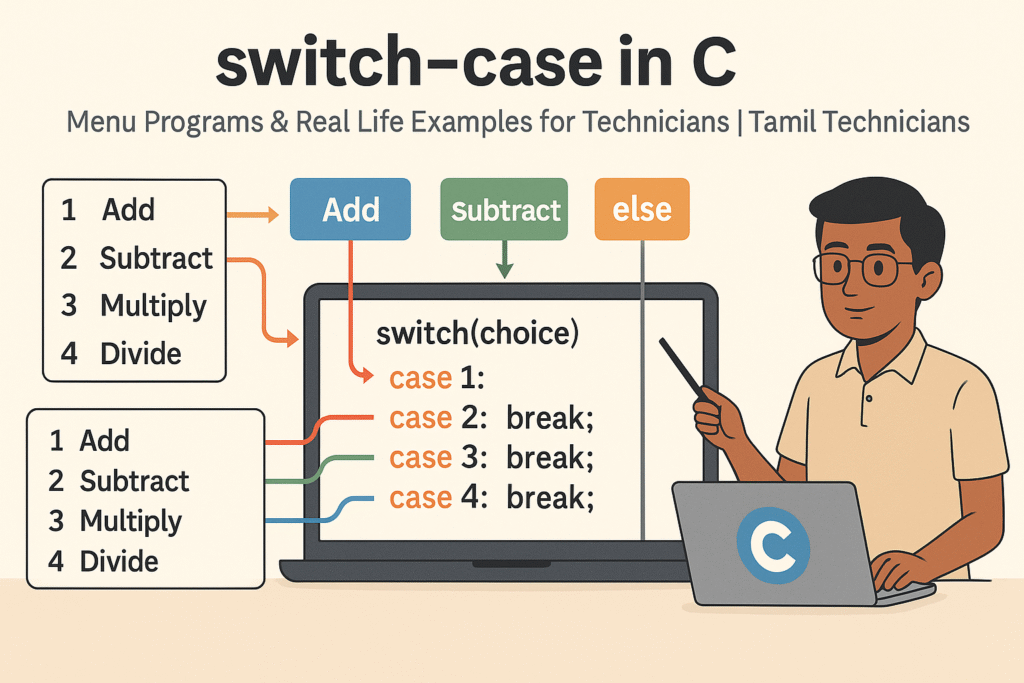
switch–case in C – Menu Programs & Real Life Examples for Technicians
switch–case in C – Menu Programs & Real Life Examples for Technicians | Tamil Technicians…
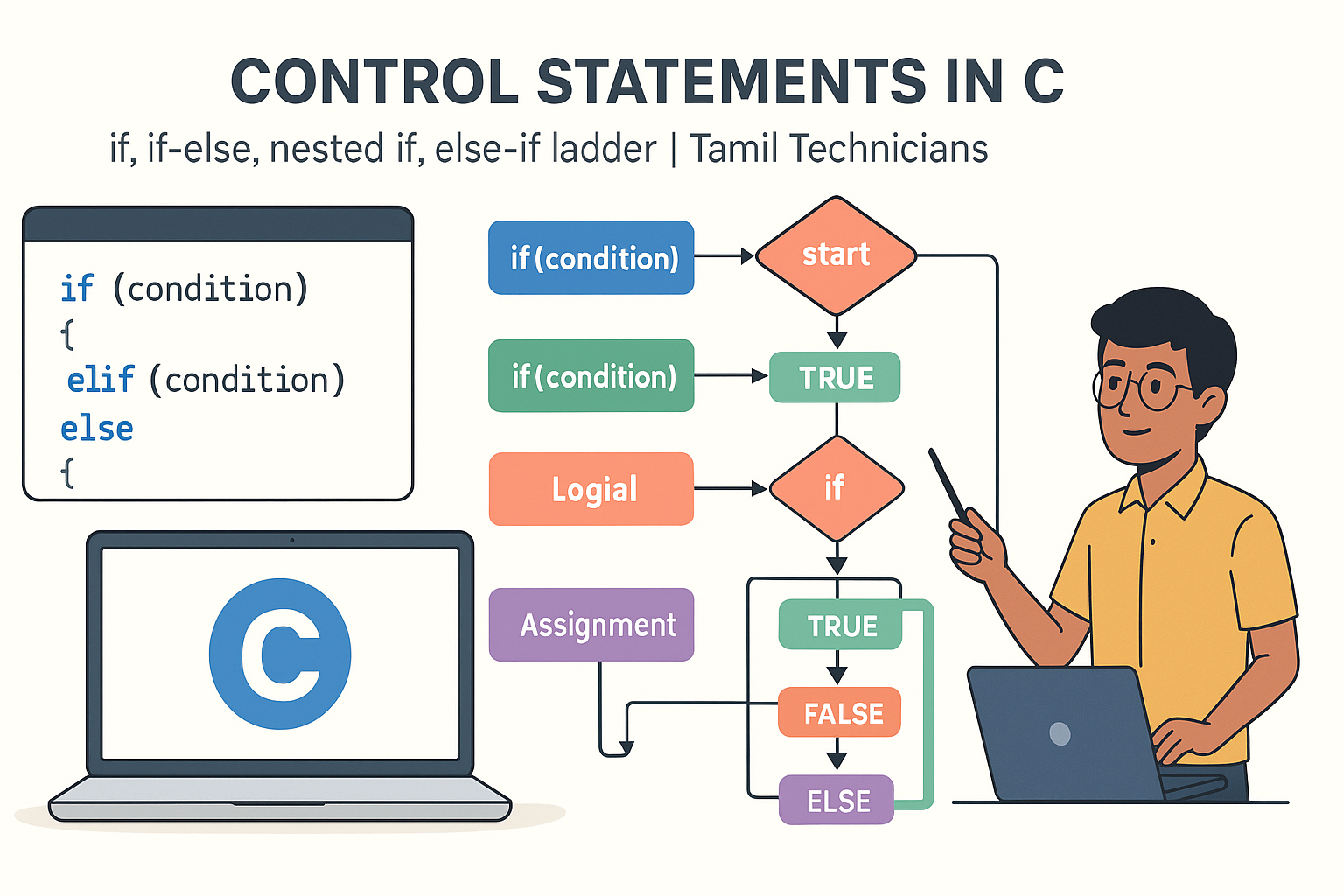
Control Statements in C – if, if-else, nested if, else-if ladder (Tamil Explanation)
Control Statements in C – if, if-else, nested if, else-if ladder (Tamil Explanation) | Tamil…
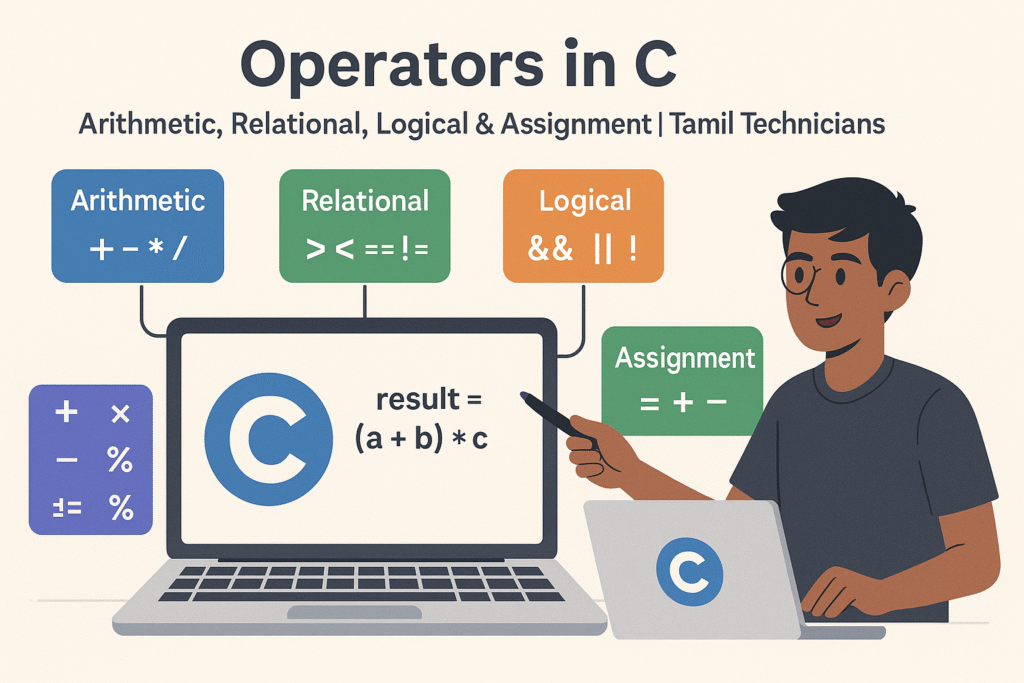
Operators in C – Arithmetic, Relational, Logical & Assignment (with Examples)
Operators in C – Arithmetic, Relational, Logical & Assignment (with Examples) | Tamil Technicians Tamil…
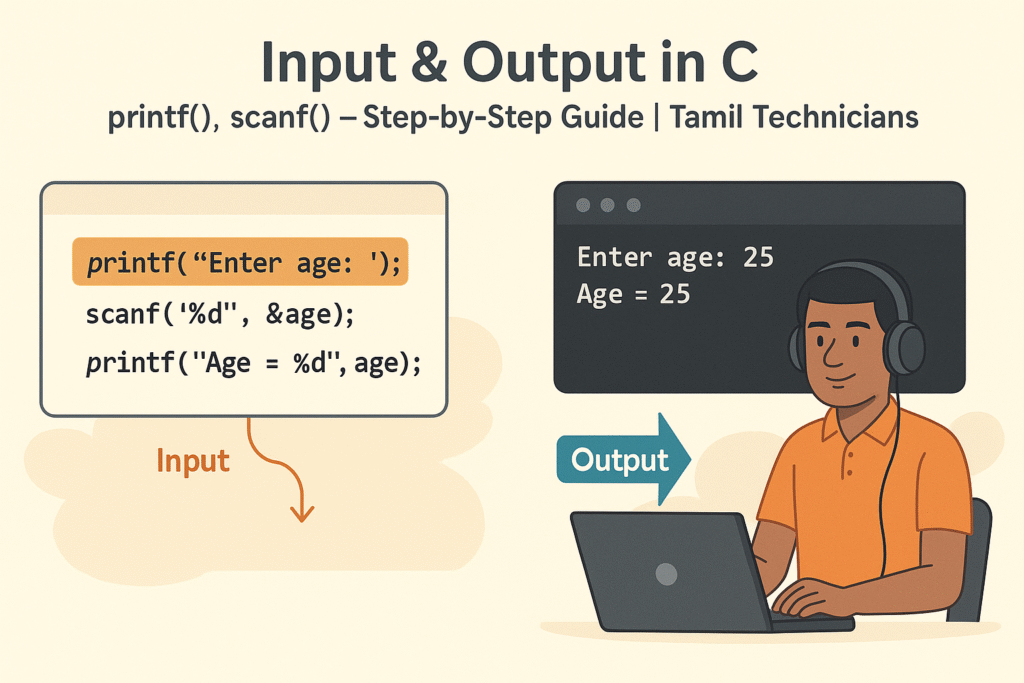
Input & Output in C – printf(), scanf() Step-by-Step Guide 2025
Input & Output in C – printf(), scanf() Step-by-Step Guide | Tamil Technicians Tamil Technicians…

C Variables, Data Types & Constants Explained in Simple Tamil
C Variables, Data Types & Constants Explained in Simple Tamil | Tamil Technicians Tamil Technicians…
Structure of a C Program – main(), Header Files & How Code Runs?
Structure of a C Program – main(), Header Files & How Code Runs? | Tamil…

What is Programming & Why C is Important? (C Programming in Tamil for Beginners) | Tamil Technicians
What is Programming & Why C is Important? (C Programming in Tamil for Beginners) |…

C Language Introduction & Setup Guide for Beginners 2025
C Language Course Introduction & Setup Guide (Windows, Linux, macOS) | Tamil Technicians Tamil Technicians…