
Tamil Technicians – C Programming Course · Lesson 7
switch–case in C – Menu Programs & Real Life Examples for Technicians
In the previous lesson, we learned how to use if, if-else and the
else-if ladder for decision making. They are powerful, but if you are
building a menu-based program or selecting one option from many choices,
using if-else repeatedly can become long and messy.
This is where the switch–case statement in C becomes very useful.
It lets you cleanly handle multiple options such as menu choices, modes, fault codes and key presses.
In this lesson, we will see:
- How
switch–caseworks and its basic syntax. - Difference between
switchand a longelse-ifchain. - Menu-style programs using
switch. - Real life examples for technicians – device modes, fault codes, settings.
- Common mistakes, best practices, and FAQs.
What Is switch–case in C?
The switch statement is a multi-way branch. Based on the value of an expression,
it jumps directly to the matching case block.
You can think of it like a rotary selector switch on a panel:
position 1 activates one circuit, position 2 activates another, and so on.
In C, the switch statement selects one block of code depending on the value.
Basic Syntax
switch (expression) {
    case constant1:
        // statements for option 1
        break;

    case constant2:
        // statements for option 2
        break;

    case constant3:
        // statements for option 3
        break;

    default:
        // statements if no case matches
}expressionis evaluated once.- Its value is compared with
constant1,constant2, etc. - If a match is found, that case block executes.
breakstops the execution and exits theswitch.defaultis optional, and runs when no case matches.
switch is usually an integer or character type:
int, char, short, etc.
Floating-point types float and double are not allowed.
Simple switch–case Example
Let’s start with a small example that prints the day name based on a number.
#include <stdio.h>

int main() {
    int day;

    printf("Enter day number (1-3): ");
    scanf("%d", &day);

    switch (day) {
        case 1:
            printf("Monday\\n");
            break;

        case 2:
            printf("Tuesday\\n");
            break;

        case 3:
            printf("Wednesday\\n");
            break;

        default:
            printf("Invalid day\\n");
    }

    return 0;
}
If the user enters 2, the program prints Tuesday.
If the user enters 10, none of the cases match, so default is executed.
switch–case vs else-if Ladder
You can write the previous program using an else-if ladder:
if (day == 1) {
    printf("Monday\\n");
} else if (day == 2) {
    printf("Tuesday\\n");
} else if (day == 3) {
    printf("Wednesday\\n");
} else {
    printf("Invalid day\\n");
}
Both versions work, but:
switchis cleaner when you are checking the same variable against different constant values.- Many menu programs naturally map to a
switchstructure. - For ranges and complex conditions (e.g.,
x > 10 && x < 50) you should still useif/else-if.
Use switch–case when: “I have one variable and many fixed options.” Use if / else-if when: “I have complex conditions or ranges.”
Real Life switch–case Examples for Technicians
As a technician, you often deal with modes, fault codes and settings.
These map extremely well to switch–case in C.
1. Device Mode Selection
Imagine a power supply with three modes: OFF, STANDBY, RUN controlled by an integer mode variable.
switch (mode) {
    case 0:
        printf("System OFF\\n");
        // turn off all outputs
        break;

    case 1:
        printf("System in STANDBY\\n");
        // minimal power, ready to start
        break;

    case 2:
        printf("System RUNNING\\n");
        // enable full operation
        break;

    default:
        printf("Unknown mode!\\n");
}
2. Fault Code Handling
Many devices show fault codes like F1, F2, E3 etc.
In C, you can map an integer code or character code to messages.
switch (faultCode) {
    case 1:
        printf("Fault 1: Over voltage\\n");
        break;

    case 2:
        printf("Fault 2: Over current\\n");
        break;

    case 3:
        printf("Fault 3: Over temperature\\n");
        break;

    default:
        printf("Unknown fault code\\n");
}
3. Multimeter Function Selector
A digital multimeter might have modes like Voltage, Current, Resistance, Continuity. For a simple simulator program:
char mode;

printf("Select mode (V/I/R/C): ");
scanf(" %c", &mode);

switch (mode) {
    case 'V':
    case 'v':
        printf("Voltage measurement mode\\n");
        break;

    case 'I':
    case 'i':
        printf("Current measurement mode\\n");
        break;

    case 'R':
    case 'r':
        printf("Resistance measurement mode\\n");
        break;

    case 'C':
    case 'c':
        printf("Continuity test mode\\n");
        break;

    default:
        printf("Invalid mode\\n");
}
Here, we handle both uppercase and lowercase using fall-through:
case 'V': falls through to case 'v':.
break, default and Fall-Through
The break Statement
break is used inside a switch to indicate:
“Stop executing this switch and jump to the statement after it.”
If you forget break, the execution will continue into the next case – this is called
fall-through. Sometimes this is useful, but often it is a bug.
Intentional Fall-Through
switch (ch) {
    case 'A':
    case 'a':
        printf("You pressed A or a\\n");
        break;

    case 'B':
    case 'b':
        printf("You pressed B or b\\n");
        break;

    default:
        printf("Other key\\n");
}
Here, 'A' falls through to 'a' so both share the same block of code.
The default Case
The default block runs if none of the case labels match.
It is similar to the else part of an if-else chain.
default:
    printf("Invalid selection\\n");
    break;    // break is optional in default if it's the last case
Limitations of switch–case
- The expression must be an integer or character type (no
float/double). - Case labels must be constant expressions (like
1,'A',10 + 2). - You cannot check ranges directly (e.g.,
case x > 10:is not allowed). - You cannot use strings (
char *) directly as case labels in C (unlike some other languages).
if / else-if instead of switch.
Common Mistakes with switch–case
- Forgetting
breakand accidentally falling into the next case. - Using non-constant expressions as case labels.
- Trying to use
floatordoubleinswitch. - Not handling the
defaultcase, causing silent failures for unexpected values. - Using the same value twice as a case label (this is not allowed; the compiler will complain).
If your switch does not behave as expected, temporarily add
printf statements inside each case to see which one is actually running.
Quick Checklist for switch–case Programs
- Is the
switchexpression an integer or character type? - Are all
caselabels unique constant values? - Did you add
breakat the end of each case (unless you really want fall-through)? - Did you handle unexpected values using a
defaultcase? - For menu programs: did you show the menu clearly before reading the choice?
Practice Ideas for Technicians
-
Service Menu Simulator:
Build a menu with options like “1. Read voltage”, “2. Read current”, “3. Read temperature”, “4. Exit”.
Use
switchto print different dummy readings for each option. -
Mode Setting Program:
Use a character input (
'A','B','C') to select different operation modes and print the mode description. - Alarm Priority: Map integer alarm codes (1, 2, 3, 4…) to text like “Low priority”, “Medium priority”, “High priority”.
-
Language Menu:
Use
switchto print “You selected English”, “You selected Hindi”, etc., based on a numeric or character choice.
Suggested Featured Image Prompt
You can use this prompt in your image generation tool for the thumbnail:
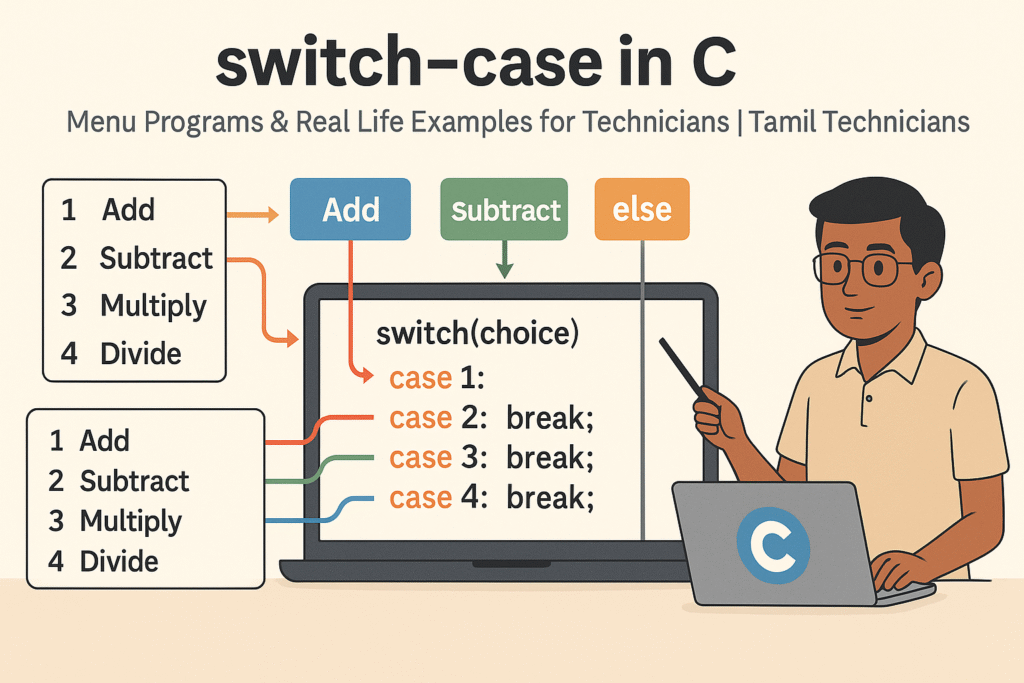
“Flat 16:9 illustration on a clean light background. In the center, a laptop screen shows a C code snippet with a `switch(choice)` structure and `case 1:`, `case 2:`, `case 3:` and `default:` highlighted. On the left side of the image, a vertical menu panel lists options like `1. Add`, `2. Subtract`, `3. Multiply`, `4. Divide`. Colored arrows connect the menu options to the matching `case` blocks in the code. On the right side, a South Indian / Tamil technician character wearing a simple shirt is pointing at the switch–case diagram with a pen. At the top, bold title text: ‘switch–case in C’ and smaller subtitle: ‘Menu Programs & Real Life Examples for Technicians | Tamil Technicians’. Clean vector style, minimal colors, educational look, high quality.”
FAQ: switch–case in C
1. When should I use switch–case instead of if–else?
Use switch–case when you are comparing the same variable to many fixed constant values (like menu choices or modes). Use if–else when conditions involve ranges, multiple variables, or more complex expressions.
2. Why can’t I use float in a switch expression?
The C standard restricts the switch expression to integer-like types because of how case labels are handled and compared. Floating-point comparison is more complex and not supported directly in switch statements.
3. Is the default case mandatory?
No, it is optional, but it is a good practice to include it so that your program can handle unexpected values gracefully, especially in menu programs.
4. What happens if I forget break in a case?
The program will “fall through” and continue executing the next case’s code as well. Sometimes this is used intentionally (for example, to handle uppercase and lowercase together), but if you did not intend it, it becomes a bug.

